Free AI Video Generator|Turn what you have in mind into motion
Gazouya's free AI video generator turns the scene in your head into a short clip. Describe what you want to see, and add a photo, a short video or a sound as reference if it helps. Audio and aspect ratio are both chosen before you generate, and free credits arrive every day. Start with one short clip. If a single still is what you want to move, the image to video AI page goes into more detail.
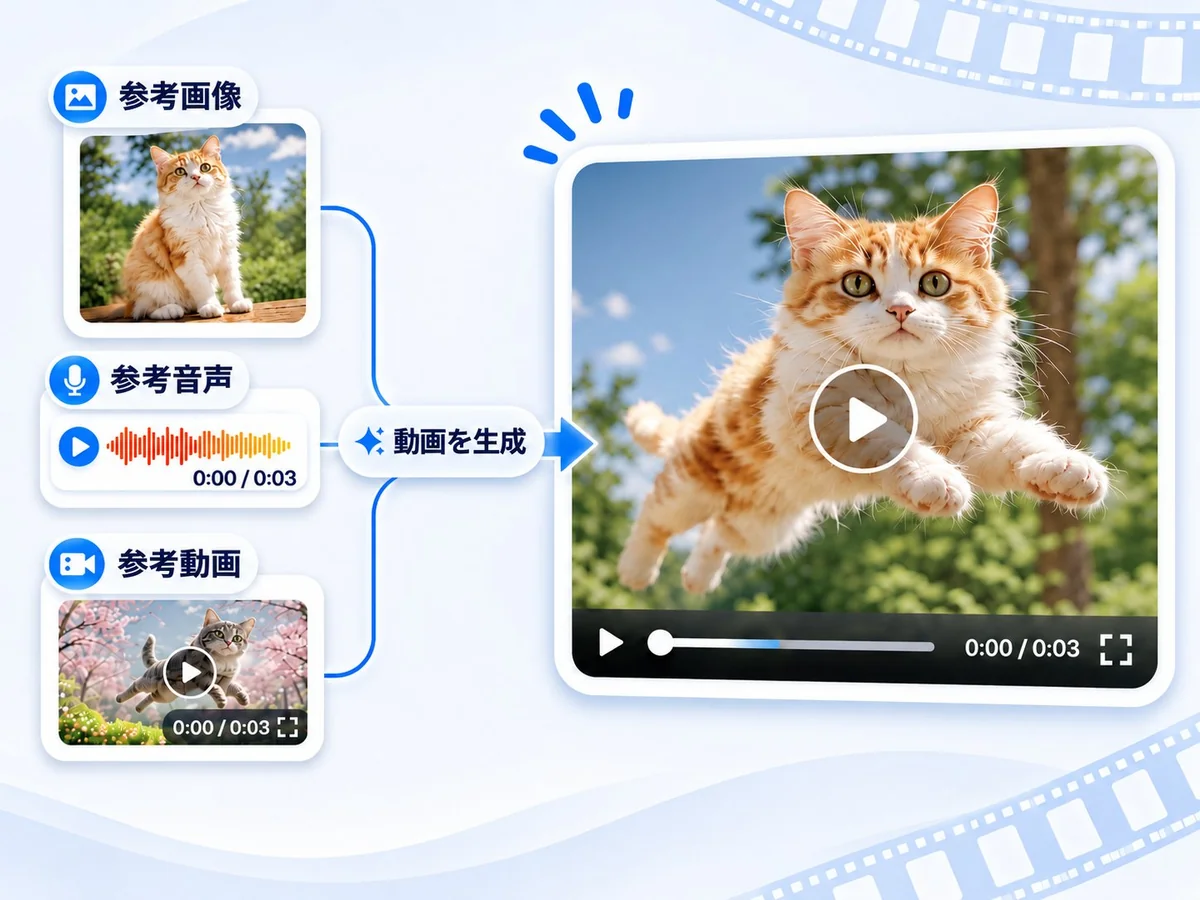
What a free AI video generator can do
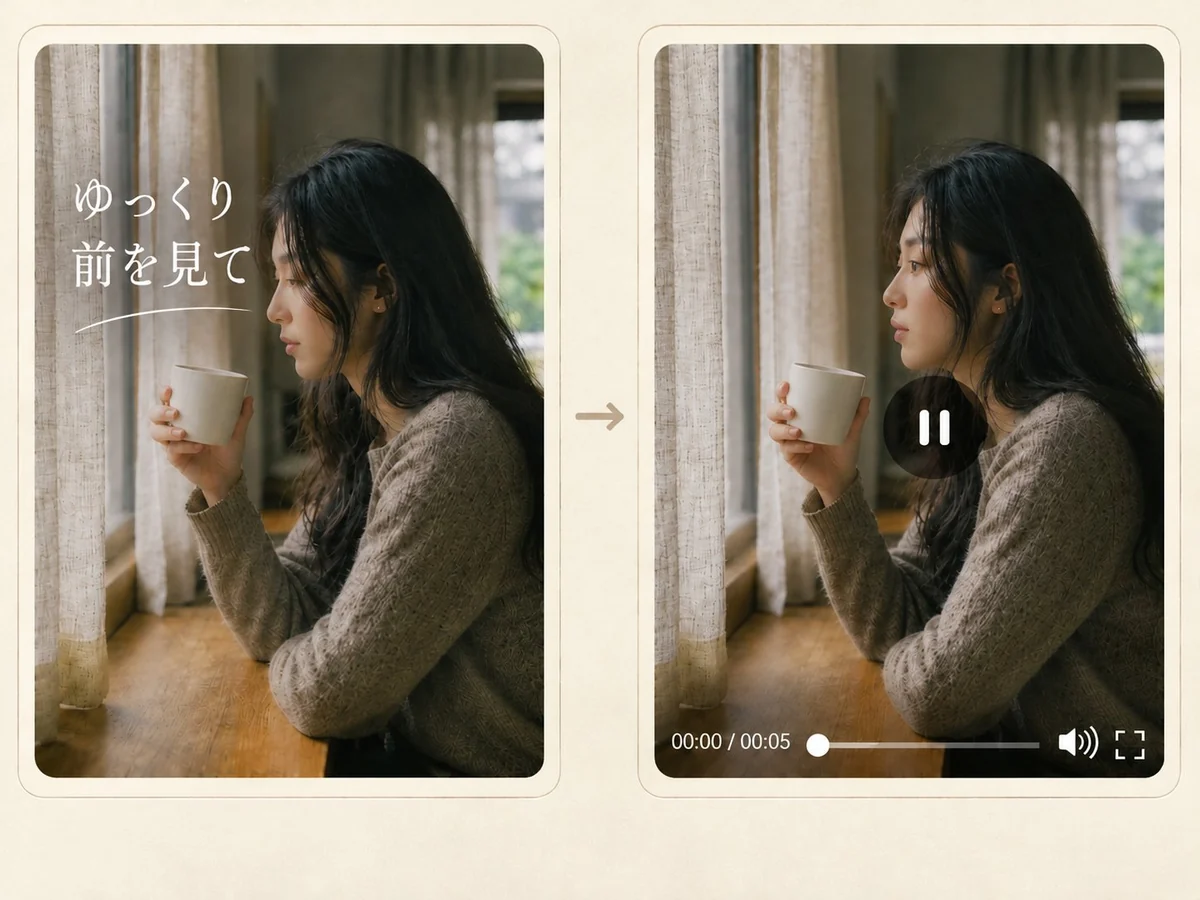
Build a scene from words
The subject, the action, how the camera moves, where the light falls. Write it down and there is no shoot, no location, no crew. The whole build happens inside one screen.
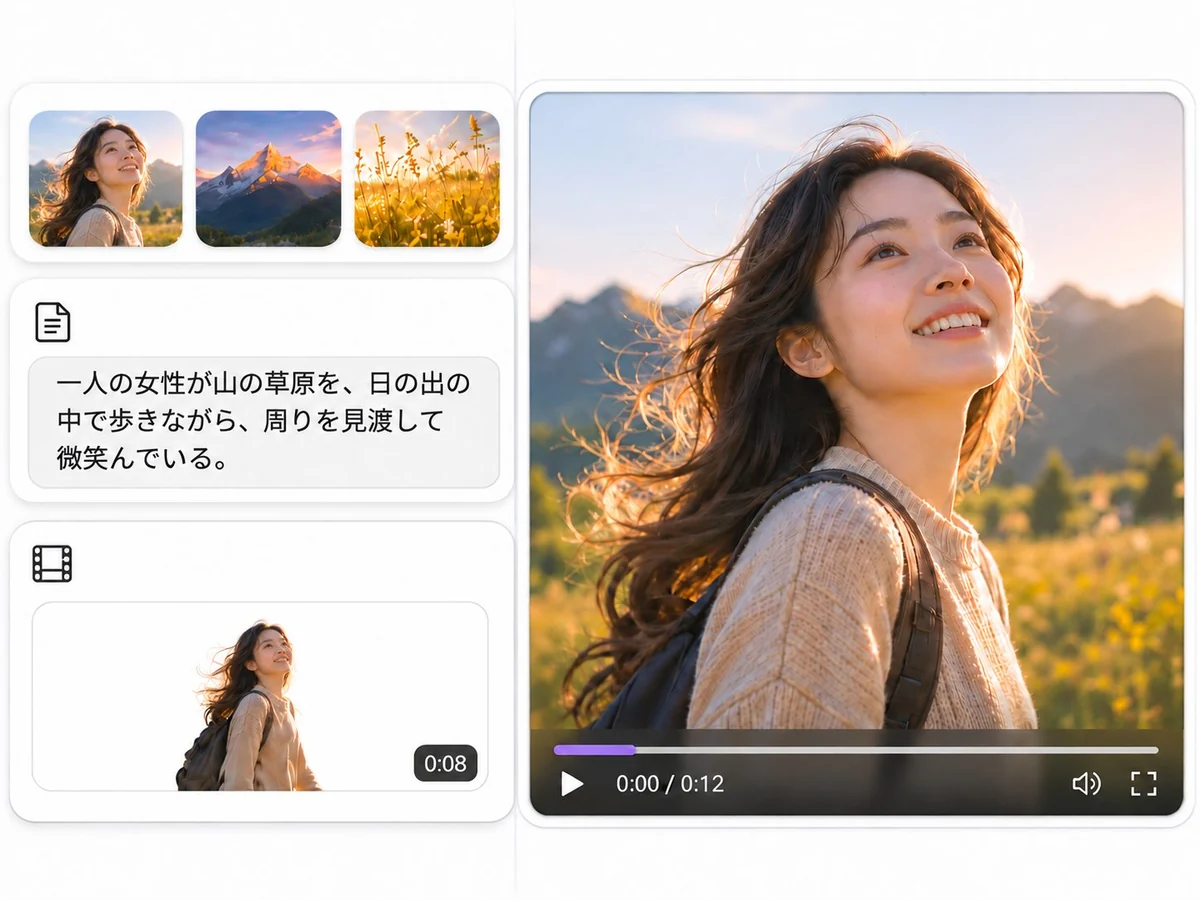
Text, image, video, audio: all of them are references
What words will not carry, the material you already have can. One photo, one short clip, one sound. Each of them is a reference that says "like this" — an image is not a required field.
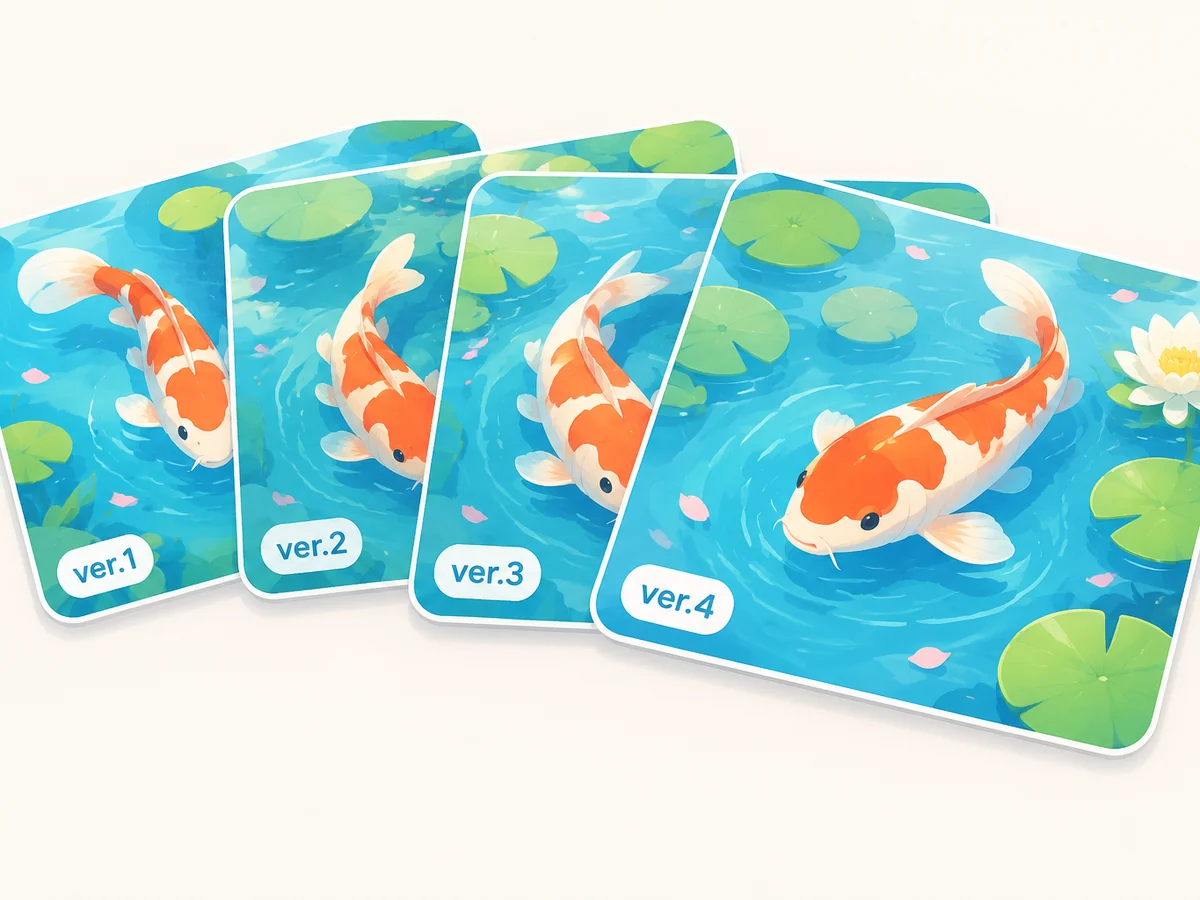
If it is not right, change one thing and run it again
Getting it right on the first run is not the norm. Motion too strong? Soften the wording. Wrong mood? Swap the reference. The material stays put and you change one condition at a time, as many times as you like.
Audio and aspect ratio, set before the export
Want sound in the clip? Switch audio on while you generate — no hunting for a sound effect afterwards and layering it on top. Shot vertical stays vertical, shot horizontal stays horizontal. The file comes back ready to post as it is.
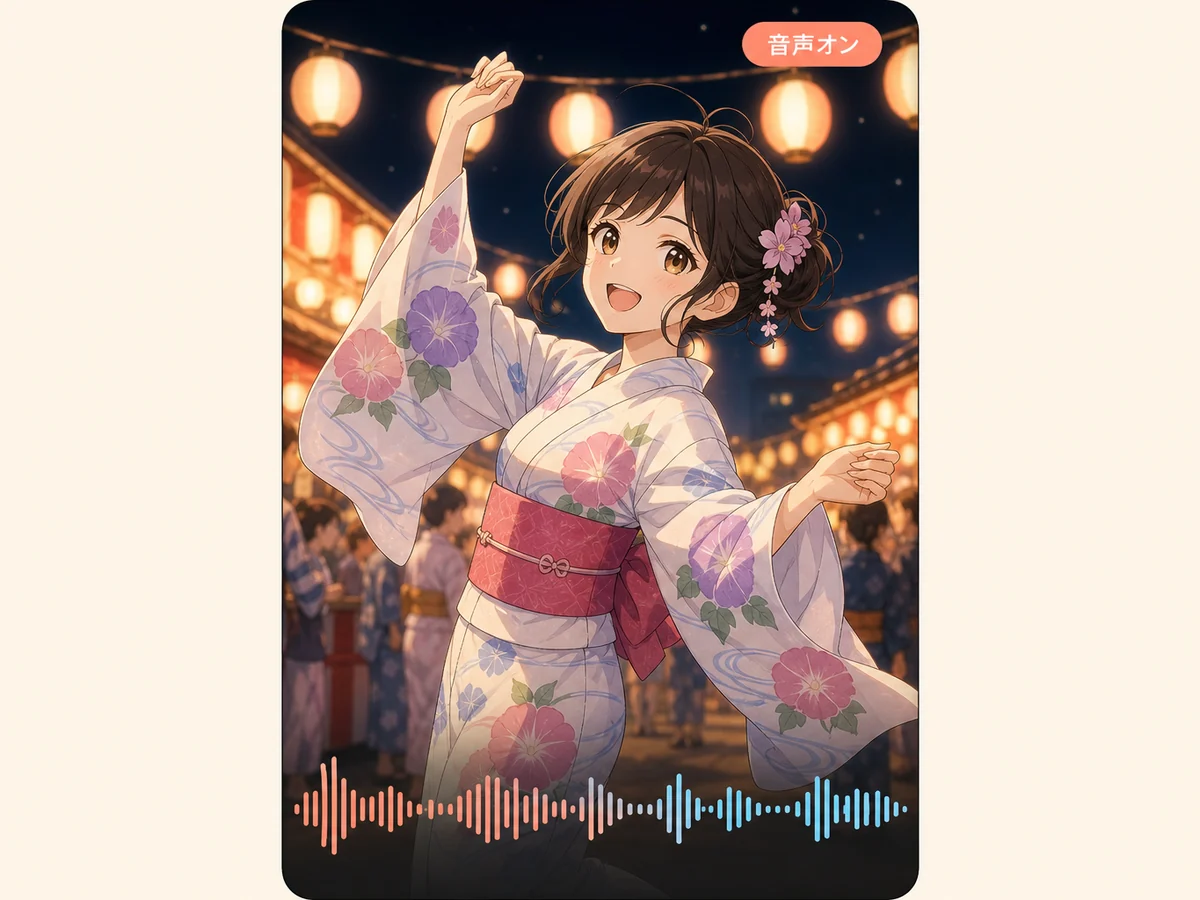
How an AI video generator works, in 3 steps
Pick a model
Choose the model that fits the video you are after. How smooth the motion is, and the look each model is best at, differ from one model to the next. Try one and switch if it does not land. If a photo is going in and it looks soft, run it through the AI image upscaler first so it holds up on a small screen.
Line up your references
Write the scene you want in the prompt box. When words are not enough, add one photo, one short clip, one sound. Whatever you have on hand can go in as reference. Nothing is mandatory — pick the combination that gets the idea across. If you want to build the clip from written text alone, the text to video page covers that.
Choose settings, generate and save
Set sound, length and aspect ratio, then generate. How long a clip can be depends on the model you pick. Look at the result, and if something feels off, change only the prompt or swap the inputs and run it once more. To take the finished clip further, the AI video editor page covers that.
Where an AI video generator earns its place
Open a Reels clip with an AI video maker
The first few seconds decide whether people keep watching. Choose vertical and it exports ready to post.
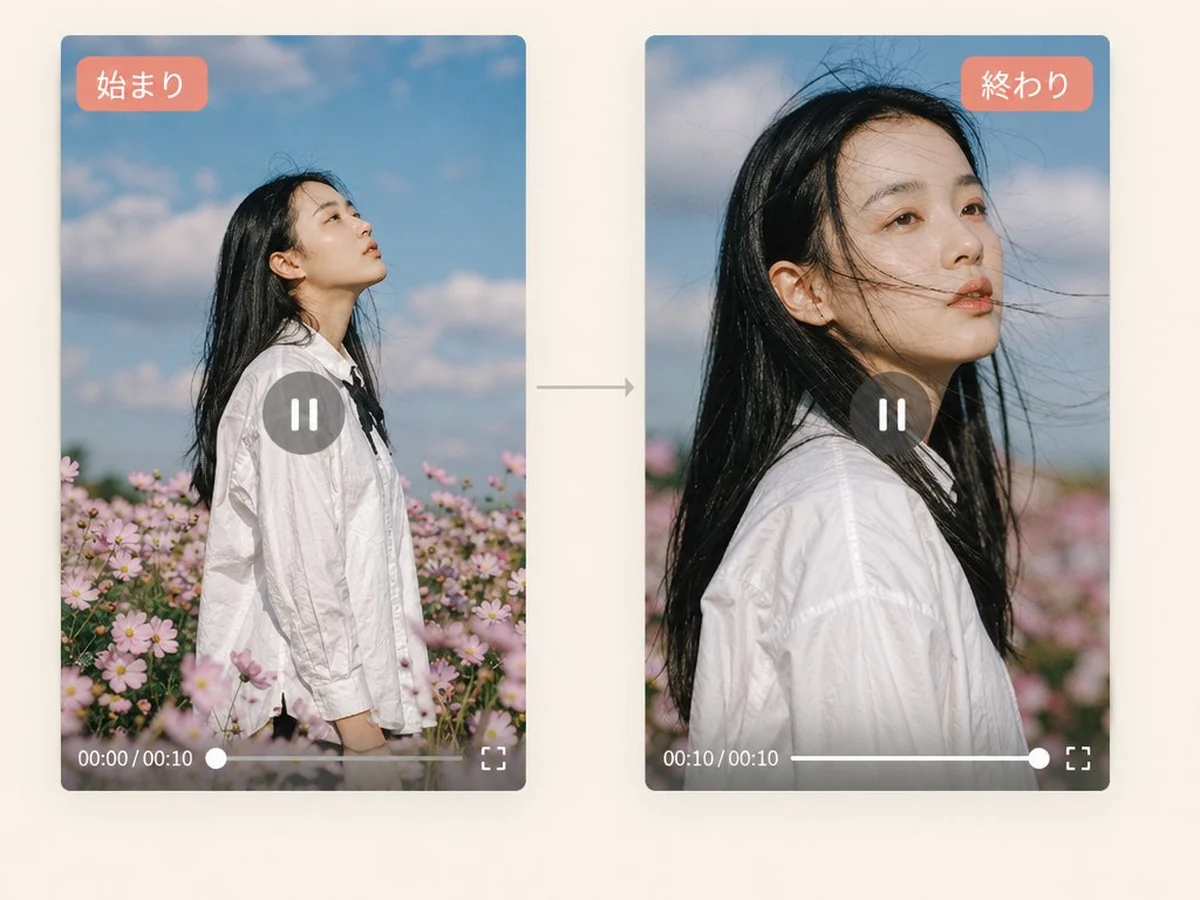
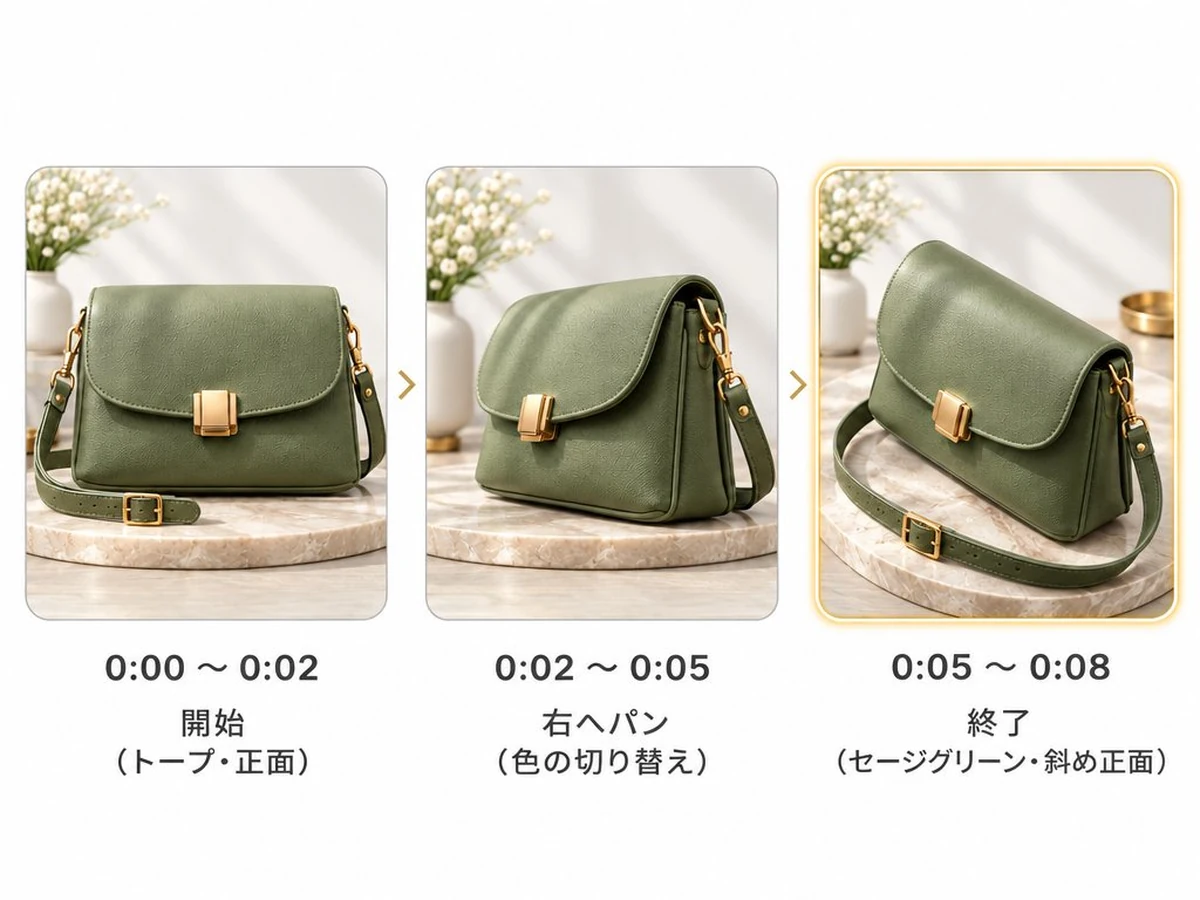
Show a product's texture with photo to video AI
Texture that a still cannot carry shows up once the shot moves. Ask for a slow turn in words, and the grain of the leather and the glint of the metal read differently the moment it moves.
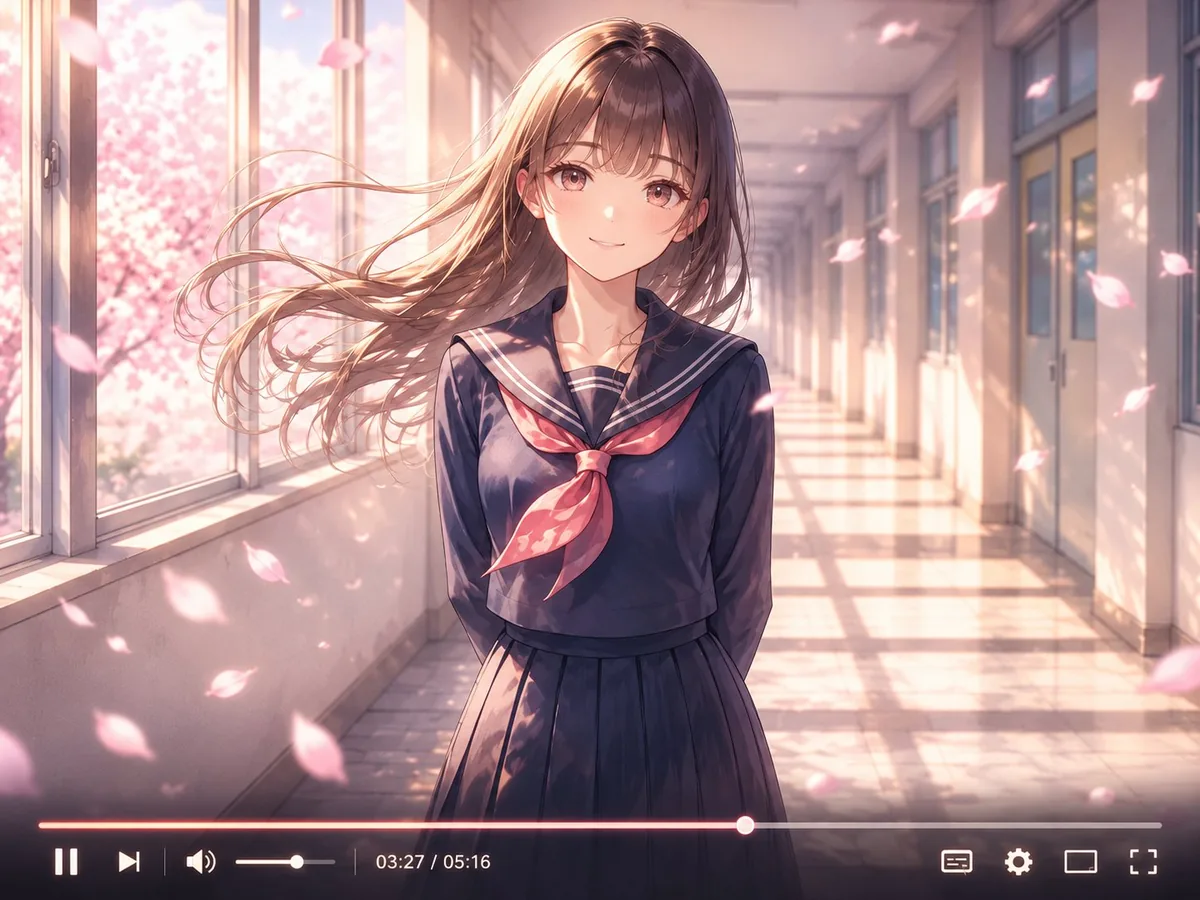
Bring an illustration to life, gently
A character turning toward the camera, hair caught in the wind, a glance that shifts. Put it in words and a single illustration starts to move like a scene from a story. Small motion keeps the original artwork's mood intact better than a big gesture does. If the still itself needs another pass, the AI illustration generator can rebuild it from the composition up before you animate it.
Why creators pick Gazouya's AI video generator
Vertical or horizontal, exported ready to post
Pick the aspect ratio before you generate, so nothing needs cropping afterwards. Reels, Shorts and standard playback all come out at the size you asked for.
Fewer runs to redo
Whether you want sound, how long it runs, whether the frame is tall or wide. Decide what you can decide first, and the number of times you hit generate again drops sharply.
An answer when you are unsure
How to word the prompt, how long to make the clip, there is no single right answer. Make it, watch it, change it. The more you run that loop, the sooner you land on your own "that's it."
Bring what you have, as it is
Words, photos, a short clip, a sound. Whatever you have on hand goes straight in. Any combination that gets the idea across works. The full feature list collects what else the tool can do.
AI video generation, from the daily free credits
Free credits arrive every day, so there is no pressure while you get a feel for the tool. Generating uses them up, so start with one short clip and see how the motion feels before you go further.
Plain words are enough
Say "slowly" or "just a little closer", the way you would explain it to a friend, and the clip knows what to do with it.
What people say after trying Gazouya's AI video generator
"I love drawing, but making the drawing move always felt out of reach. The first day I tried this, I finished a clip without anyone teaching me. That honestly surprised me."

"I never had time to reshoot product photos, so I lived with stills. Now I hand over a line of words and the photos I already have as references, and the page looks like a different site."

"I only make the opening of each Reel. Picking vertical meant no cropping after export."

"I showed the finished clip to my family and they asked if I really made it. Just having sound in it makes the whole thing feel like a finished piece."

"I tried it on my phone during a business trip and redid it on desktop later. Same page, so nothing was confusing."

"Short lengths let me compare several versions and see which motion actually lands."

FAQ about the AI video generator
Try the free AI video generator and make one short clip
The AI video generator gives you free credits every day. Put the scene into words, add a reference if it helps. Your first clip starts here.