Magic Eraser
Start creating stunning images for free
History
Magic Eraser — Remove Object From Photos Online for Free
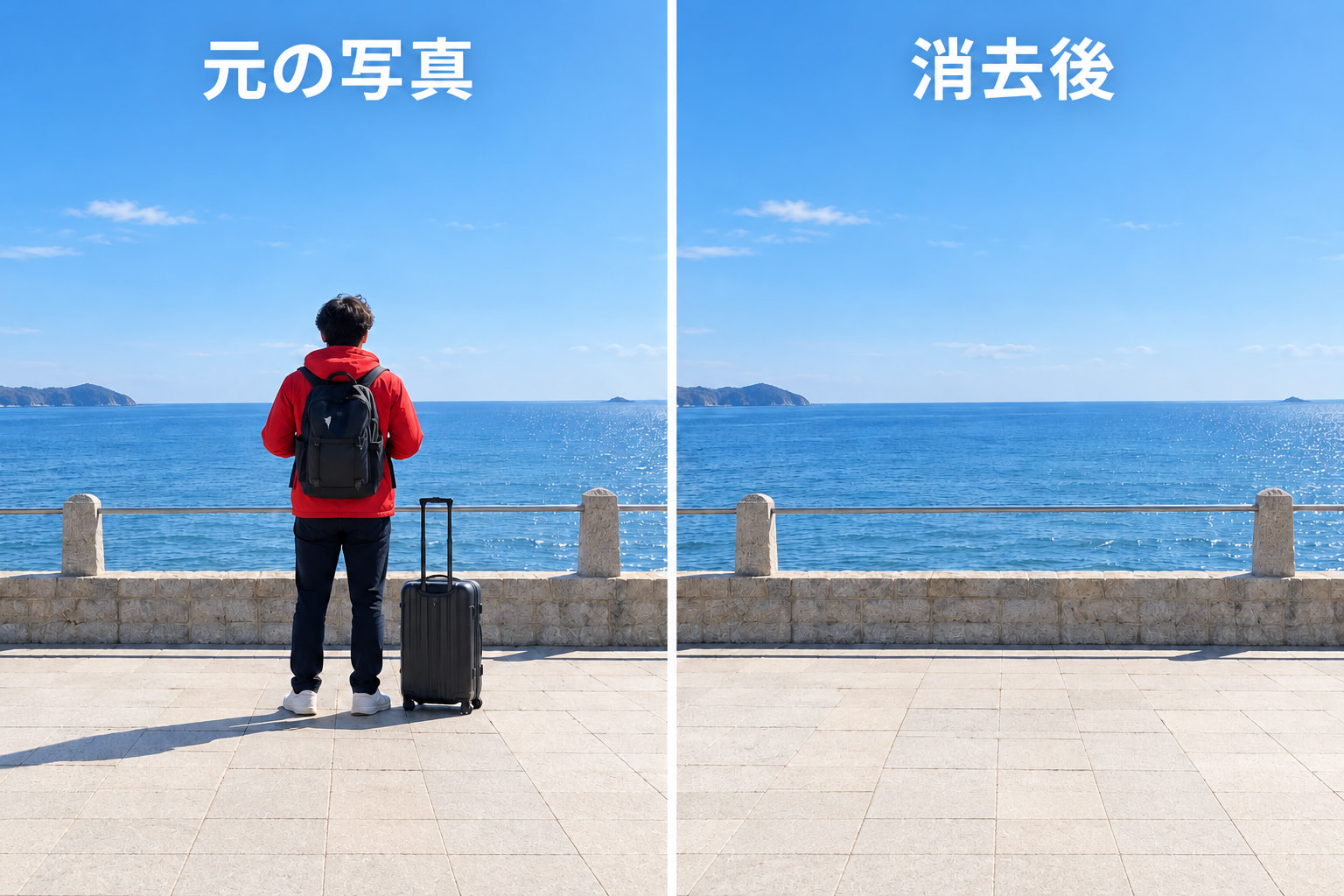
This magic eraser clears the things you don't want in a picture: a stranger in the background, a stray cable, a logo, or a date stamp. Drag a box around whatever should go and erase; the AI object remover reads the color and texture next to the gap and rebuilds the background so the edit disappears. There are no complex selections and no software to install. Want to remove anything from a photo free of charge? It opens straight in your browser, needs no account, and stays free to use. Once the shot is clean, you can drop in a new backdrop with the AI Background Changer.
What This Free Photo Eraser Can Do
Box-select an object, let the AI fill the gap, and download a clean photo. That's the whole idea behind Gazouya's AI photo eraser.
Select a Box, Erase the Object
Drag a box around whatever you want gone, then press erase. No masking, no layers, no brush size to fiddle with. Even your first edit with this magic eraser takes only seconds.
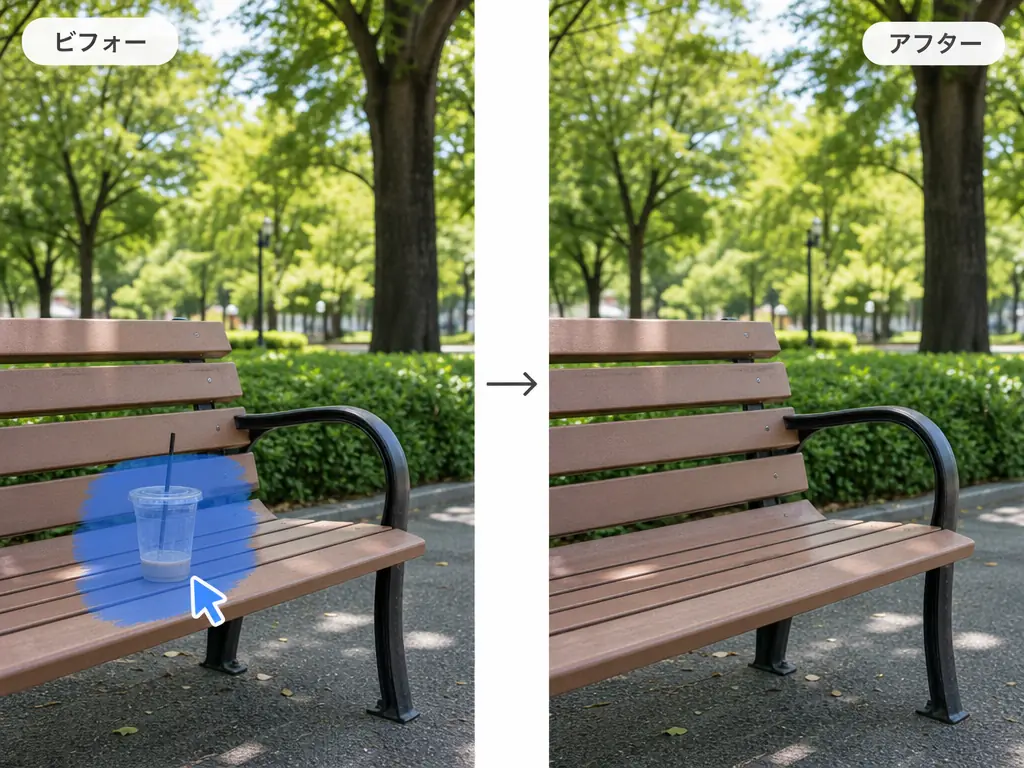
AI Rebuilds the Background Naturally
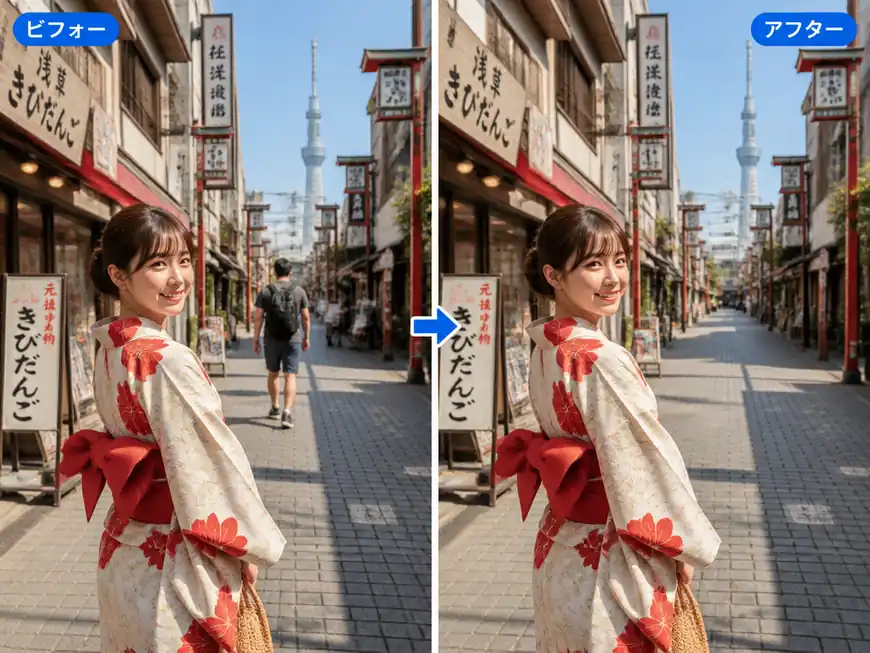
Once the object is erased, the AI object remover studies the colors and textures around the gap and fills it in so it blends in. No flat patches and no smudged edges. It's built to erase objects from photos so the result looks like the object was never in the frame.
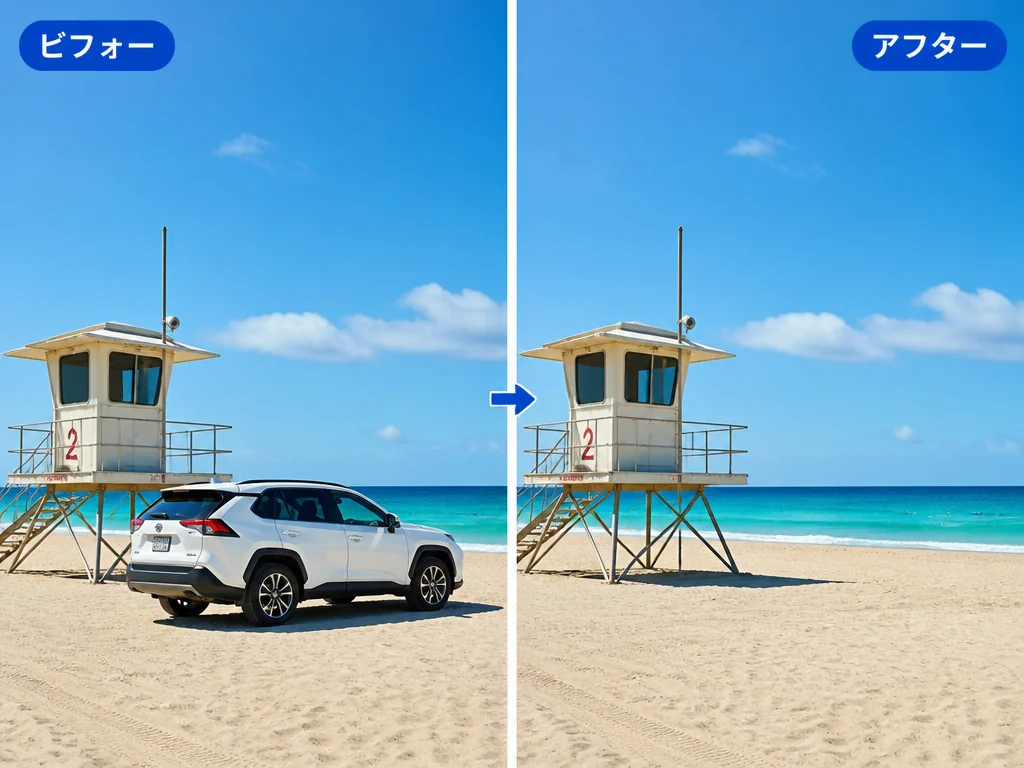
Delete People, Objects, and Text
A stranger in the background, tangled power lines, a billboard, a logo, a date stamp, or a watermark. The tools don't mind what you remove. Pick whatever is ruining the shot and take it out.

Use It Online, No App Needed
There's nothing to download. Run it as a web app on a desktop, tablet, or phone: open the page and start editing. Need to remove object from photo iphone without app? This one is built for exactly that. To fine-tune the colors afterward, pair it with the Color Changer.
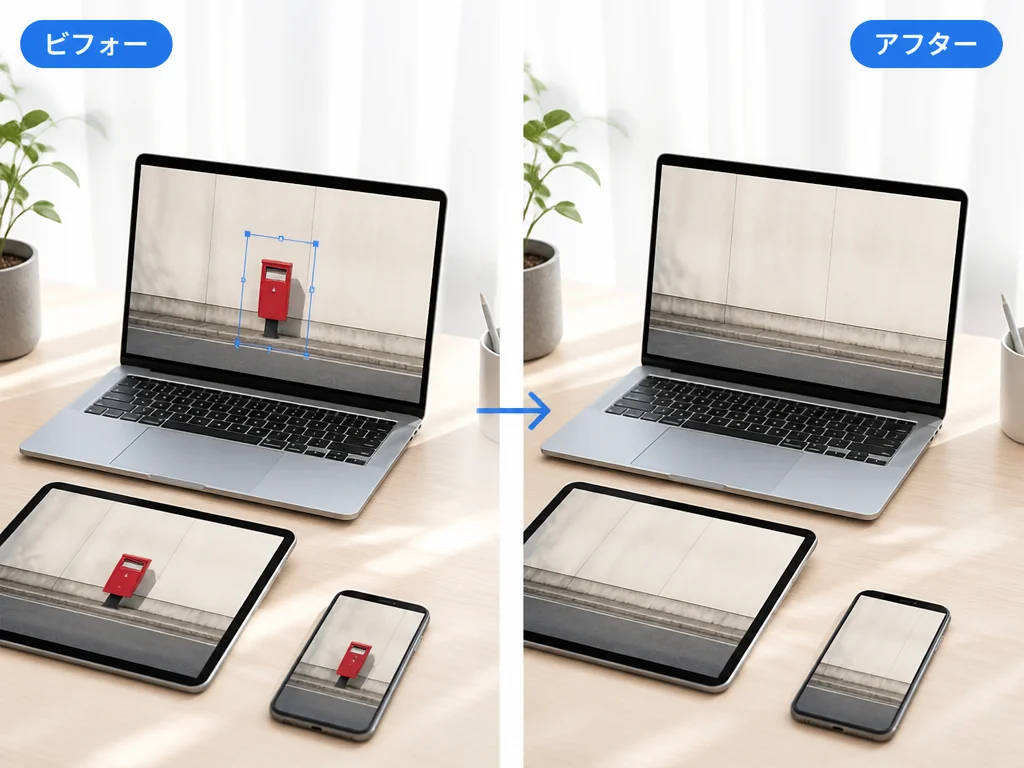
How to Use the Magic Eraser (3 Steps)
Want to remove object from photo online free? This magic eraser keeps it simple. You only need these three steps.
Upload Your Photo
Choose the photo that has the object you want gone and upload it in your browser. That's all it takes to get started.
Box-Select the Area to Remove
Drag a box around the object you want to delete. Only the area inside the box is affected, so there's no risk of erasing too much.
Erase and Save
Press erase and the AI fills in the gap naturally. Check the result, then download the image. Done.
When a Magic Eraser Saves the Day
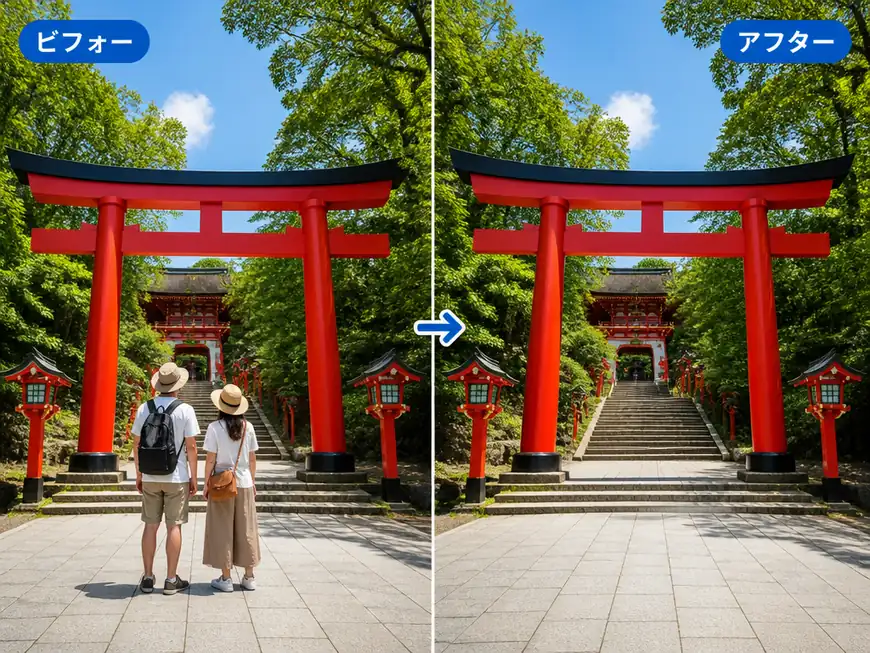
Take the Stranger Out of a Vacation Shot
Photos taken at busy landmarks often end up with someone you don't know in the background. This magic eraser lets you remove unwanted object from photo in seconds, so you keep the memory clean and the stranger gone.
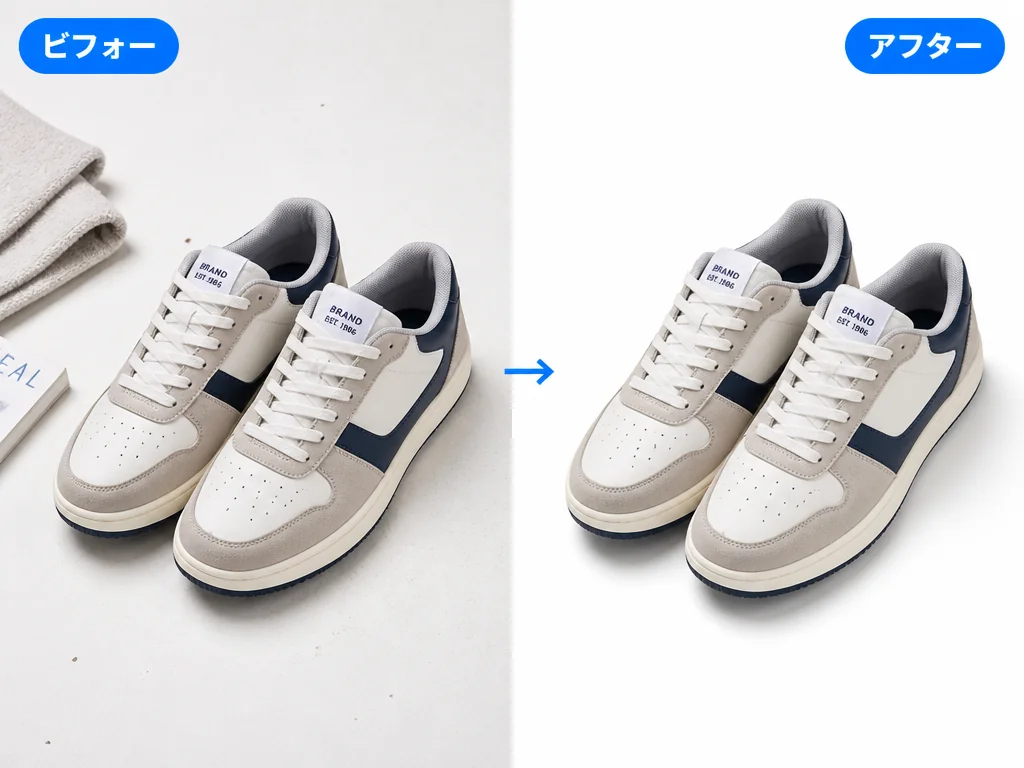
Clean Up Product Photos
On a marketplace or store listing, background clutter, stray props, and uneven shadows drag a product photo down. Run it through this free photo eraser and the product is all anyone sees.
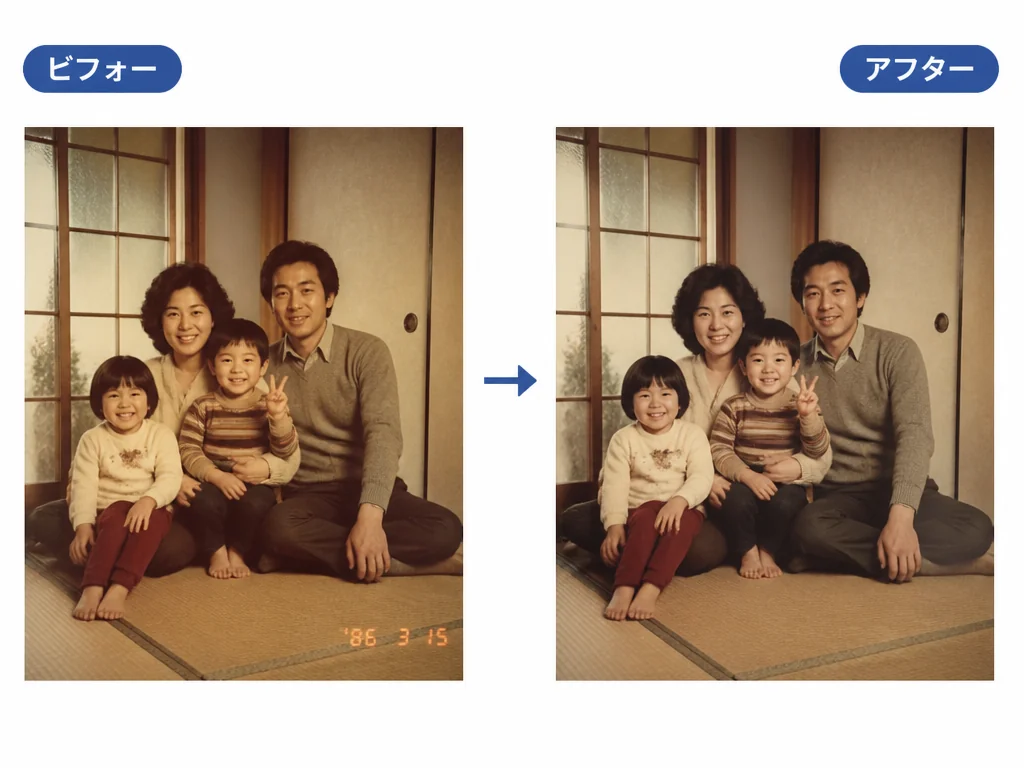
Erase Text, Logos, and Dates
A date stamp, a watermark, or an old logo printed on an image can be box-selected and removed too. Handy whenever you need a slide or social post to look tidy. And if you're working with a worn-out photo, the Photo Restore tool can bring the rest of it back.
Why People Choose Gazouya's Magic Eraser: 6 Reasons
Free to Use
You get a fresh free allowance every day, so you can try the magic eraser without watching a meter. Start by taking one annoying object out of one photo.
No Sign-Up, Start Right Away
No account, no login. Open the site, pick a photo, and you're editing. The whole process is that short.
Everything Happens in the Browser
No app to download. On a desktop or a phone, run this photo eraser straight from your browser and edit whenever you like.
The AI Object Remover Does the Clean-Up
The AI object remover studies the color and texture around whatever you erased and blends the fill in. No manual blurring needed for a natural-looking result.
Just Select and Erase
The only move to learn is drawing a box. Even if you've never edited a photo before, this magic eraser won't slow you down.
Sharpen the Result Afterward
If you want more detail once the object is gone, run the image through the AI Image Upscaler to make the whole shot look crisper.
What People Say About Gazouya's Magic Eraser
"I used this magic eraser to take a passerby out of a photo for Instagram. No sign-up, and it worked the second the page loaded. The erased spots looked natural, so I posted it as-is."

"I clear background clutter out of my shop's product photos with this photo eraser every time. Getting this natural a result for free is a relief, and it cut my editing time down."

"It's my go-to for removing logos and dates from images I use for article headers. No special software, just a browser, so I can do it even when I'm away from my desk."

"I used this AI object remover to erase billboards and power lines that crept into my travel shots. The whole thing is just box-select and erase, yet it came out looking professional. My family agreed."

"I tidy up listing photos by clearing personal clutter out of a room before a move. I didn't expect a free photo eraser to be capable of this much."

"I use it to remove spots and scratches from old family photos so I can keep them in good shape. The natural fill keeps the original mood of the picture intact."

Frequently Asked Questions About Gazouya's Magic Eraser
Remove Object From Photos With Gazouya's Magic Eraser
One step from the photo you pictured. With Gazouya's magic eraser, you can remove an object from a photo online, for free, right now. No account needed.