Photo To Illustration
Start creating stunning images for free
History
Photo to Illustration — Turn a Photo Into Art
Upload a photo and choose a style — that's it. Our AI reads the composition and expressions in your shot, then handles the photo to illustration conversion in watercolor, oil paint, anime, sketch, or many other styles. No complicated software required, no sign-up or login. Just your browser, a few seconds, and a finished illustration.
Three Reasons to Use This Photo to Illustration Tool
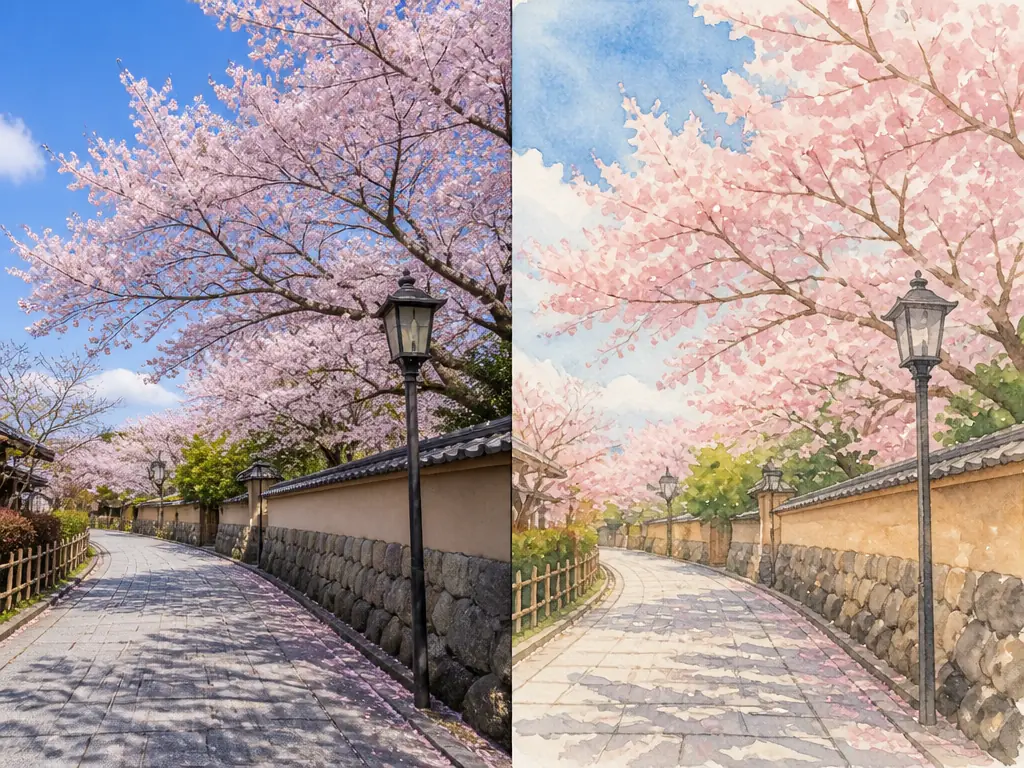
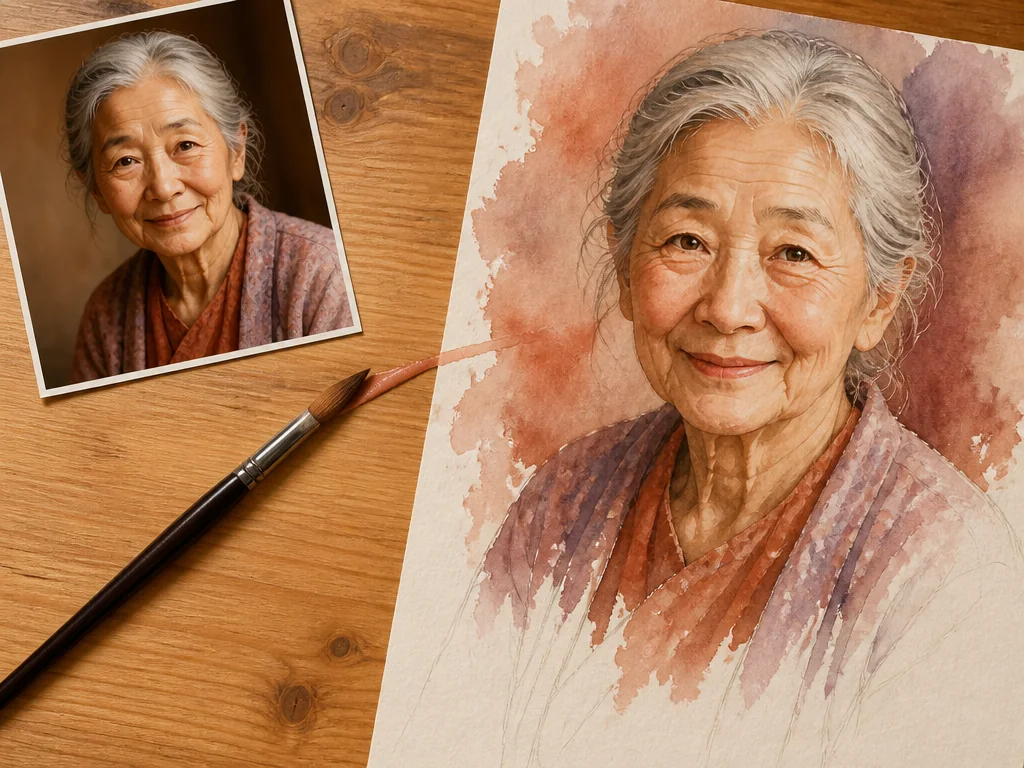
Keeps the Composition and Expressions Intact
The AI reads the framing, the subject's expression, and the direction of the light before converting your photo into an illustration. Whether you want to preserve the mood of the original or take it in a completely different direction, it adapts to you. Because it captures the defining features of your subject, the finished piece still feels like them.
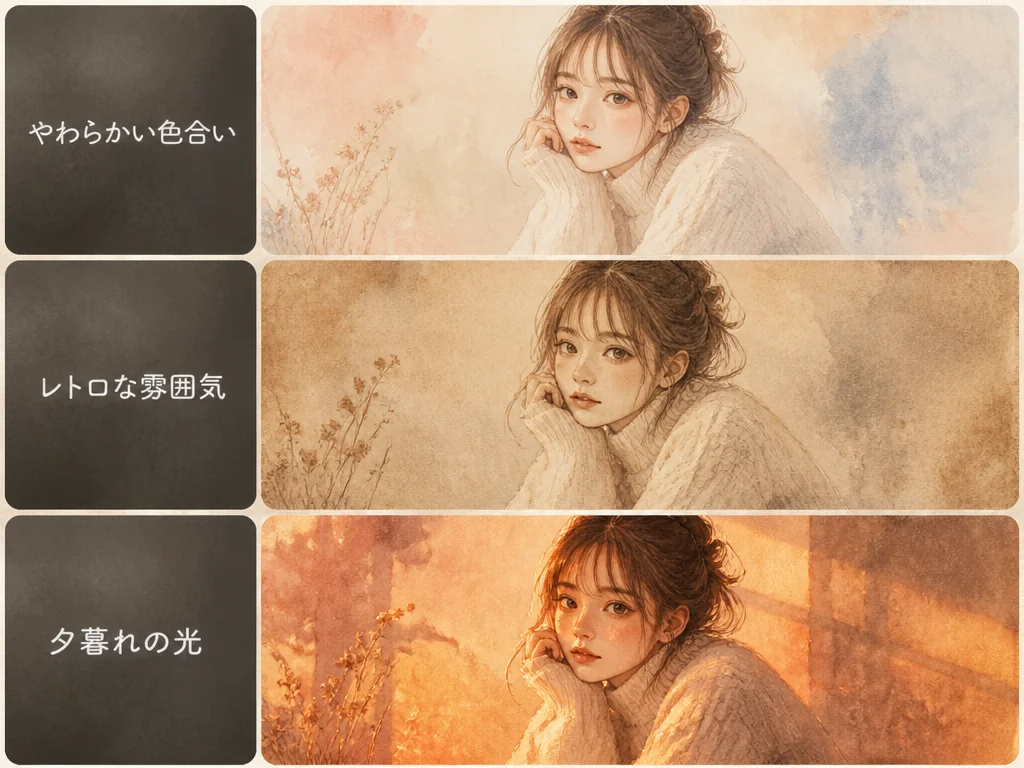
Understands Nuanced Instructions in Plain Language
Describe the result the way you'd say it out loud — "soft colors," "a vintage feel," "warm sunset light." The tool takes the intent behind your words, not just the literal phrasing, so you can type exactly what you pictured without rewriting or translating it into technical terms. The better your description comes across, the closer the finished illustration will be to what you had in mind.
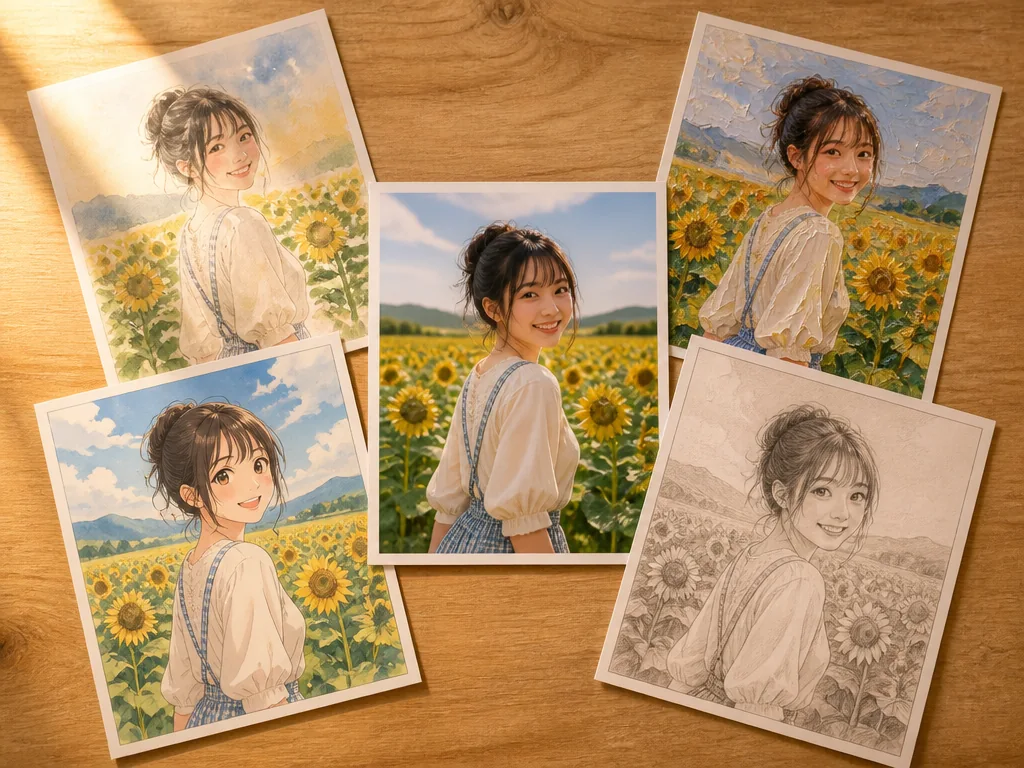
Choose From Watercolor, Oil Paint, Anime, and More
Pick from watercolor, oil painting, anime, sketch, 3D render, and a wide range of other styles. You can run the same photo through several of them, which makes it easy to compare and land on the right look for your purpose. From a social media profile picture to an article's artwork, it covers the full range of ways to turn a photo into an illustration.
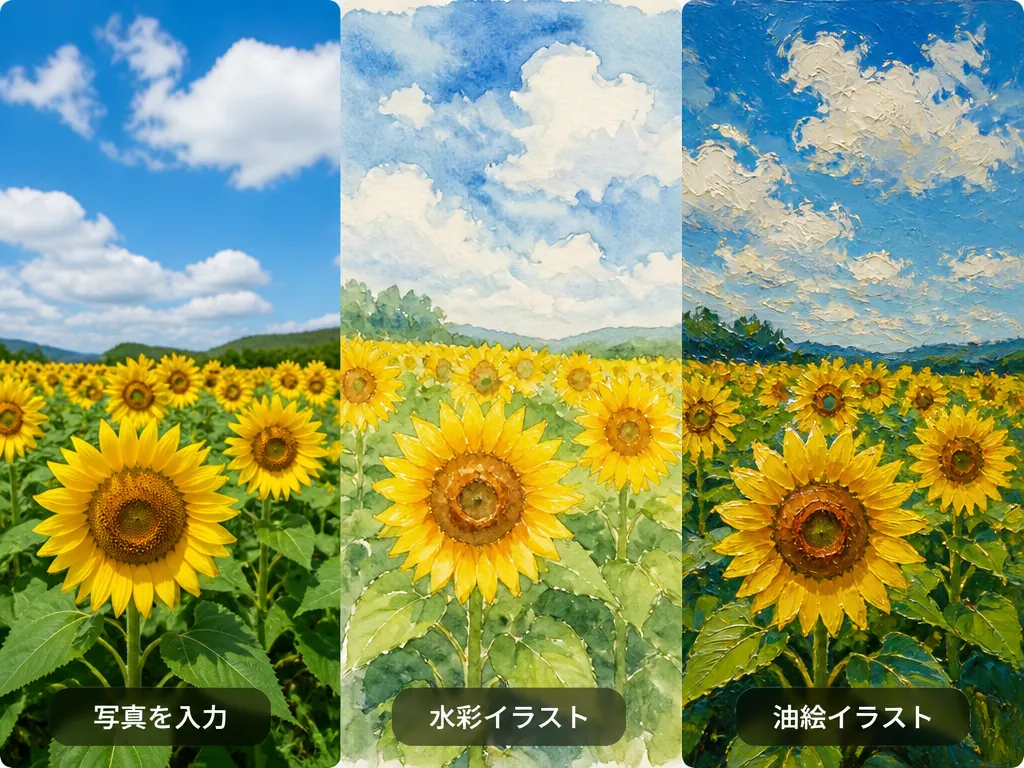
How to Turn a Photo Into an Illustration in 3 Easy Steps
Gazouya is an online site that turns photos into illustrations. There's no image editing software to install and no account to create.
Upload Your Photo
Choose the photo you want to convert and upload it. A selfie, a landscape, or a picture of your pet — all of them work.
Pick a Style and Mood
Select a style such as watercolor or anime, then describe the look you're after in your own words.
Generate and Save
The conversion takes just seconds. Check the result and download it right away.
What You Can Do With a Photo to Illustration Converter
Refresh Your Social Media Profile Picture
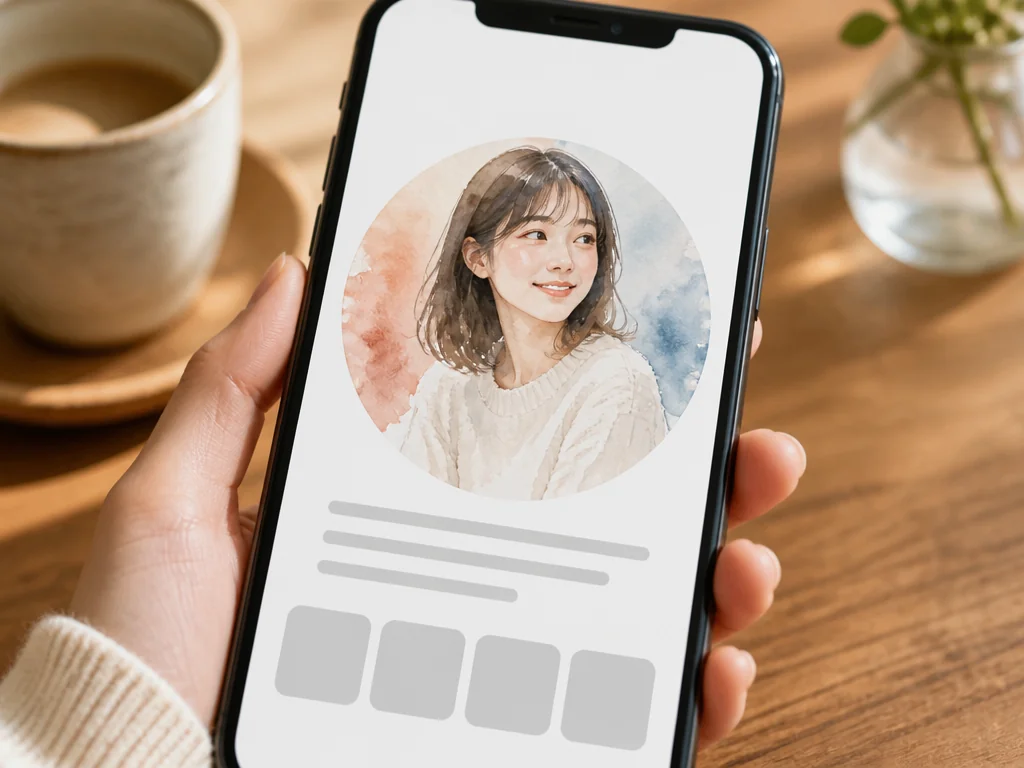
Turn one of your own photos into an illustration and use it as your profile picture. If you'd rather not post a straight photo of yourself but still want it to look like you, this is an easy fix. Because the composition stays the same, people who know you can still recognize you right away. If you're after a cute icon, our AI icon generator is a good complement.
Create Artwork for Blog Posts and Articles
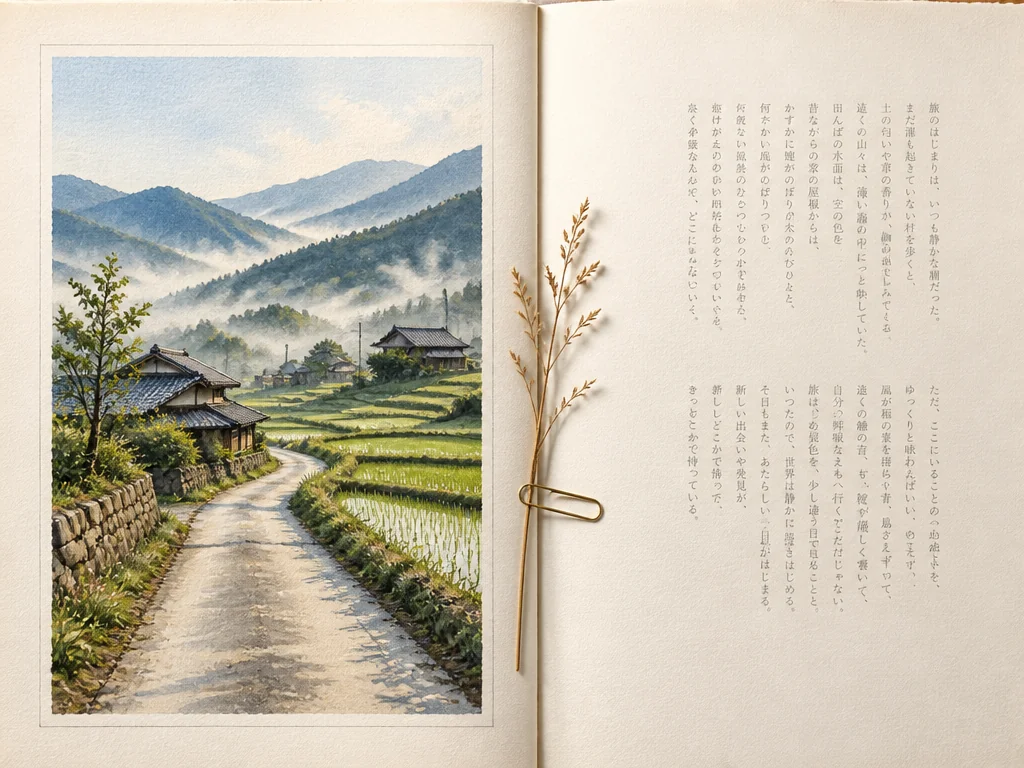
Turn photos you already own into featured images and in-article artwork. It cuts down the time spent hunting through stock libraries and gives you a set of visuals that match your article's mood and stay consistent across the page. It works especially well for travel journals, food posts, and other content where photos lead the story. If you'd rather generate illustrations from scratch, try our AI illustration generator.
Keep Family and Pet Photos as Keepsakes
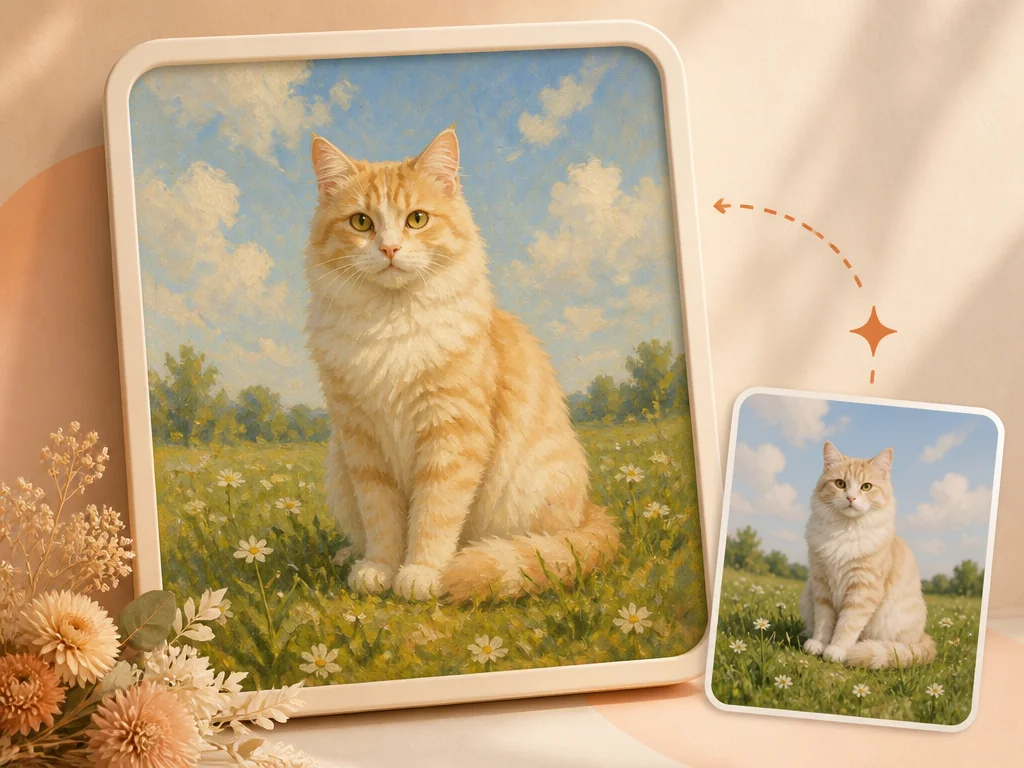
Illustrate a family photo from a special occasion, or a favorite shot of your dog or cat, and you preserve the memory in a form that's different from a photograph. Greeting cards, photo books, or a print to hang on the wall — the fact that you can print the result and use it as is makes photo to illustration a genuinely practical option.
Why People Choose Gazouya for Photo to Illustration
No Sign-Up, No Login
There's no account to create and nothing to log into. Open the page, upload your photo, and start converting it right away. First-time visitors can find their way around without any guesswork.
Works Entirely in Your Browser
Nothing to install. On a desktop or a phone, if you have a browser you can turn photos into illustrations the same way. There's no app to go searching for.
A Free Tier That Resets Daily
The free tier resets every day, so you can experiment as often as you like. Check the results first, then start using it in earnest once you know it fits your needs.
As Simple as Choosing a Style
There are no complicated parameters to tune. Pick a photo, select a style, and the AI handles the rest. You don't need any background in image editing to get a good result.
A Conversion That Makes the Most of Your Photo
Because the composition and the mood of the light are preserved, the qualities that made your photo worth keeping stay intact. It's a good fit if you want to get more out of a photo rather than let it go to waste. For an even sharper result, try our image upscaler.
Takes Your Description at Face Value
Type what you want in plain language and it's used as written — no rewording required. Because even subtle nuances carry through to the output, you get closer to the illustration you had in mind.
What Users Say About Gazouya's Photo to Illustration Tool
"I illustrate photos from my travels to use as featured images on my blog. The composition carries over, so the result always fits the article. Being able to use it without signing up means I can get it done the moment an idea hits."
"I wanted a new profile picture for social media and gave it a try. I only typed 'soft colors' in plain language, and it nailed the mood — that surprised me. I wasn't comfortable posting a real photo of myself, so this turned out to be exactly the solution I needed."
"I use it when pitching clients, to put together visual concepts based on their photos. Moods that are hard to convey with words alone can be shared in an instant once they're illustrations."
"I had a photo of my dog turned into a watercolor. The texture of the fur came through beautifully — it really looks like a painting. I printed it and hung it on the wall. I also like that it works entirely in the browser with no app to install."
"I convert reference photos into different styles during the rough-sketch stage of illustration work to explore directions. Being able to compare several styles in a short time lets me make decisions faster than testing by hand."
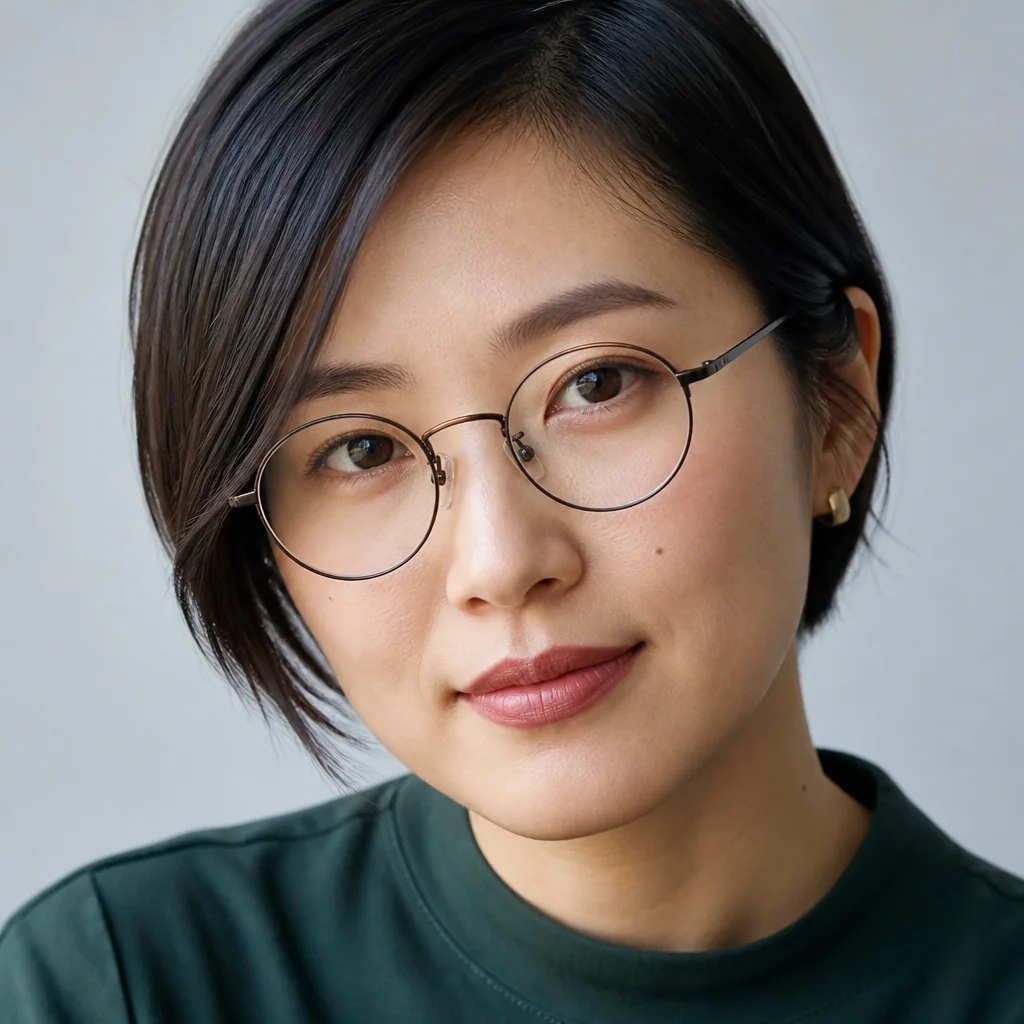
"I make the artwork for my teaching materials from photos I take myself. Compared with using the photos directly, illustrations seem to stick in students' minds more easily. The free daily allowance means I can keep refining until I'm happy with it."
Frequently Asked Questions About Photo to Illustration
Start With a Single Photo
Upload a photo and choose a style — that's all it takes. No sign-up, no login, and a finished illustration in seconds, right in your browser. Use the free allowance to see for yourself how your photo looks as an illustration.