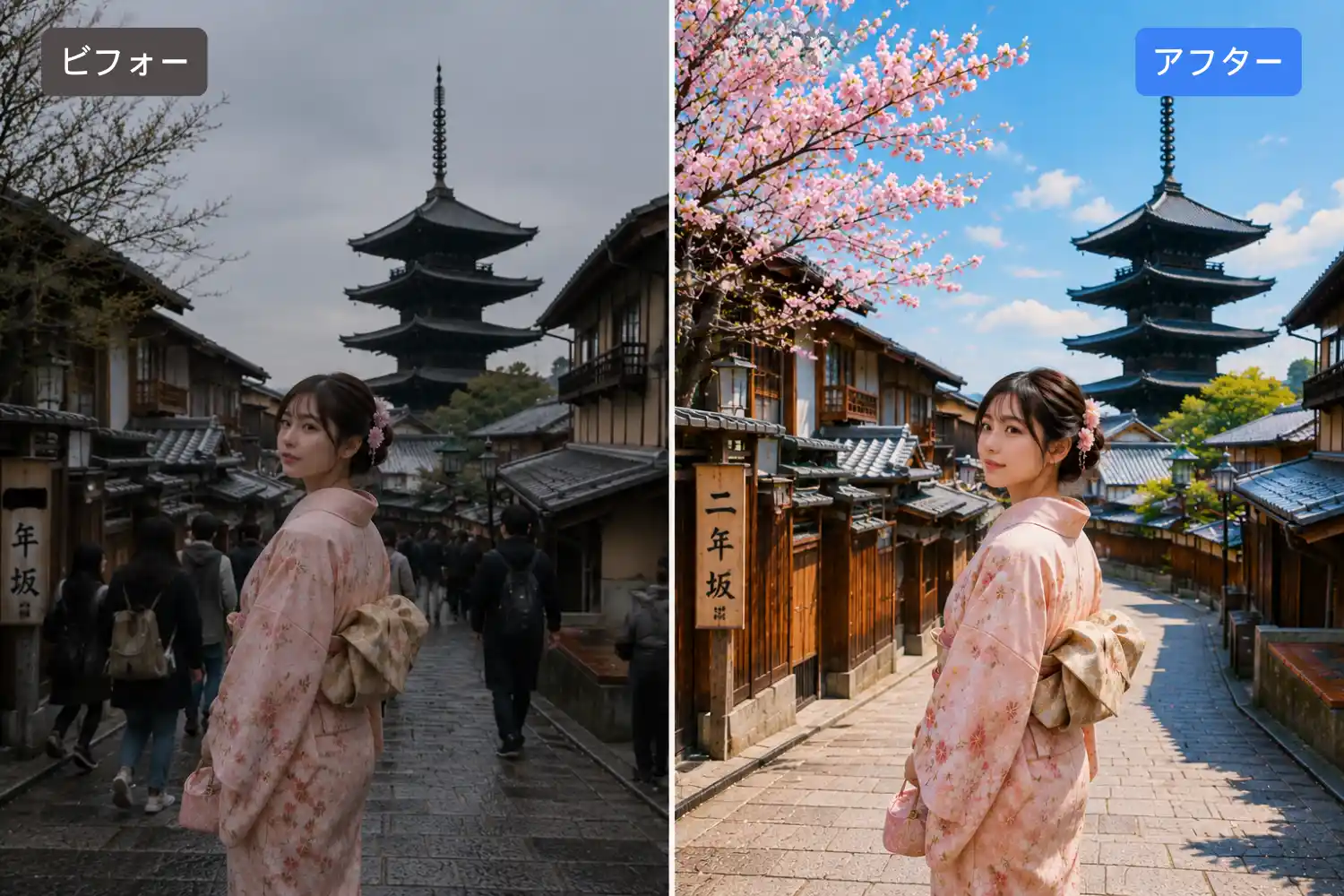
AI Photo Editor
Start creating stunning images for free
History
Gazouya: Free AI Image Editing, Zero Effort
Your photos, your vision — made simple. Gazouya is an AI-powered image editor that turns your words into professional edits. No complex tools. No learning curve. Just describe what you want — "make the sky warmer," "remove the background object," "turn this into a watercolor" — and watch it happen in seconds. No sign-up required. Completely free.
Three Reasons Creators Love Gazouya
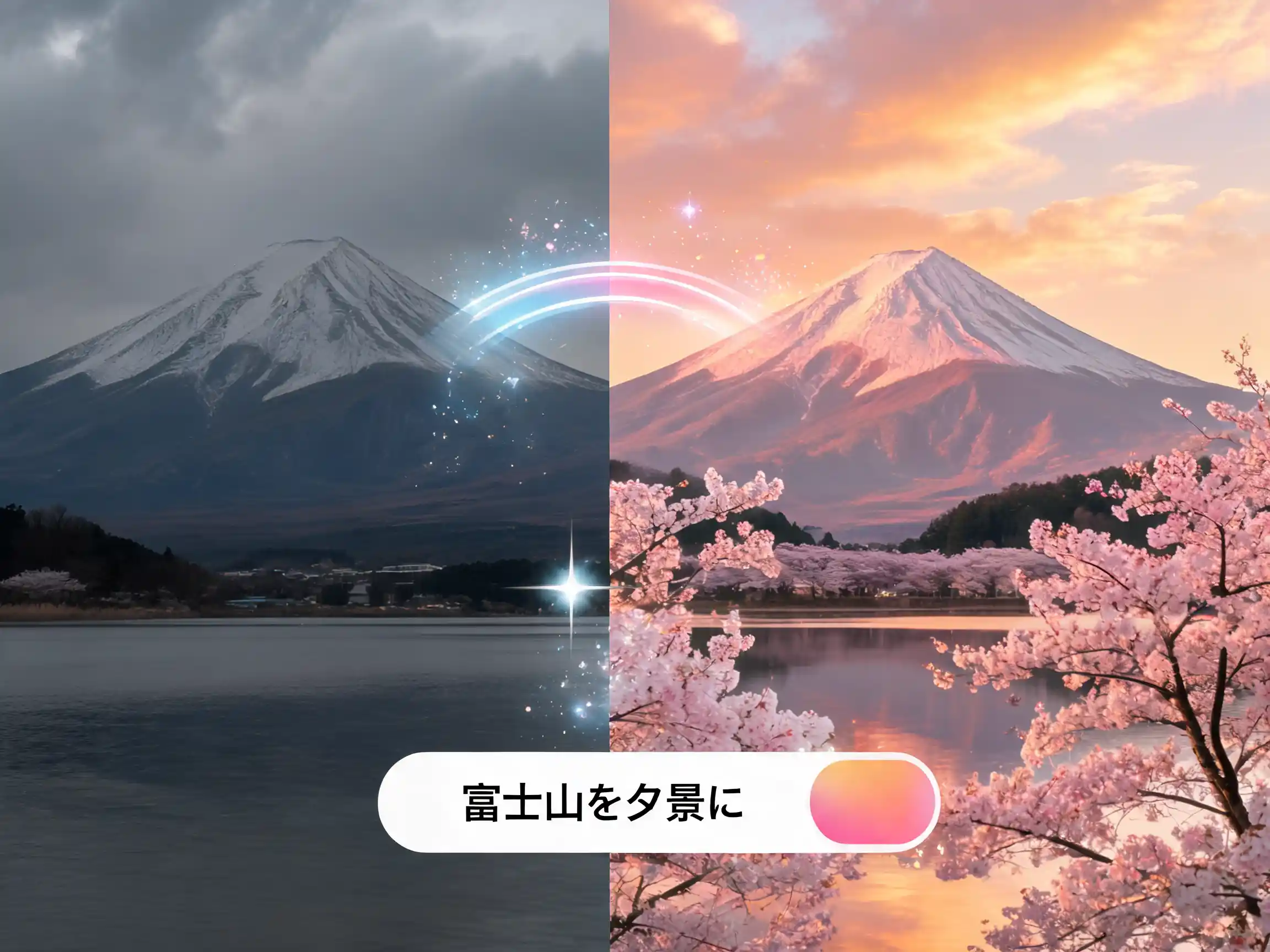
Edit with Simple Words, Not Complex Tools
"Make it brighter." "Turn the sky into sunset." "Remove this person." Just type what you want in plain English. Gazouya understands natural language and applies edits that match your vision. No more wrestling with layers, masks, or sliders. Whether you are a beginner or a seasoned pro, you will get polished results from your very first edit.
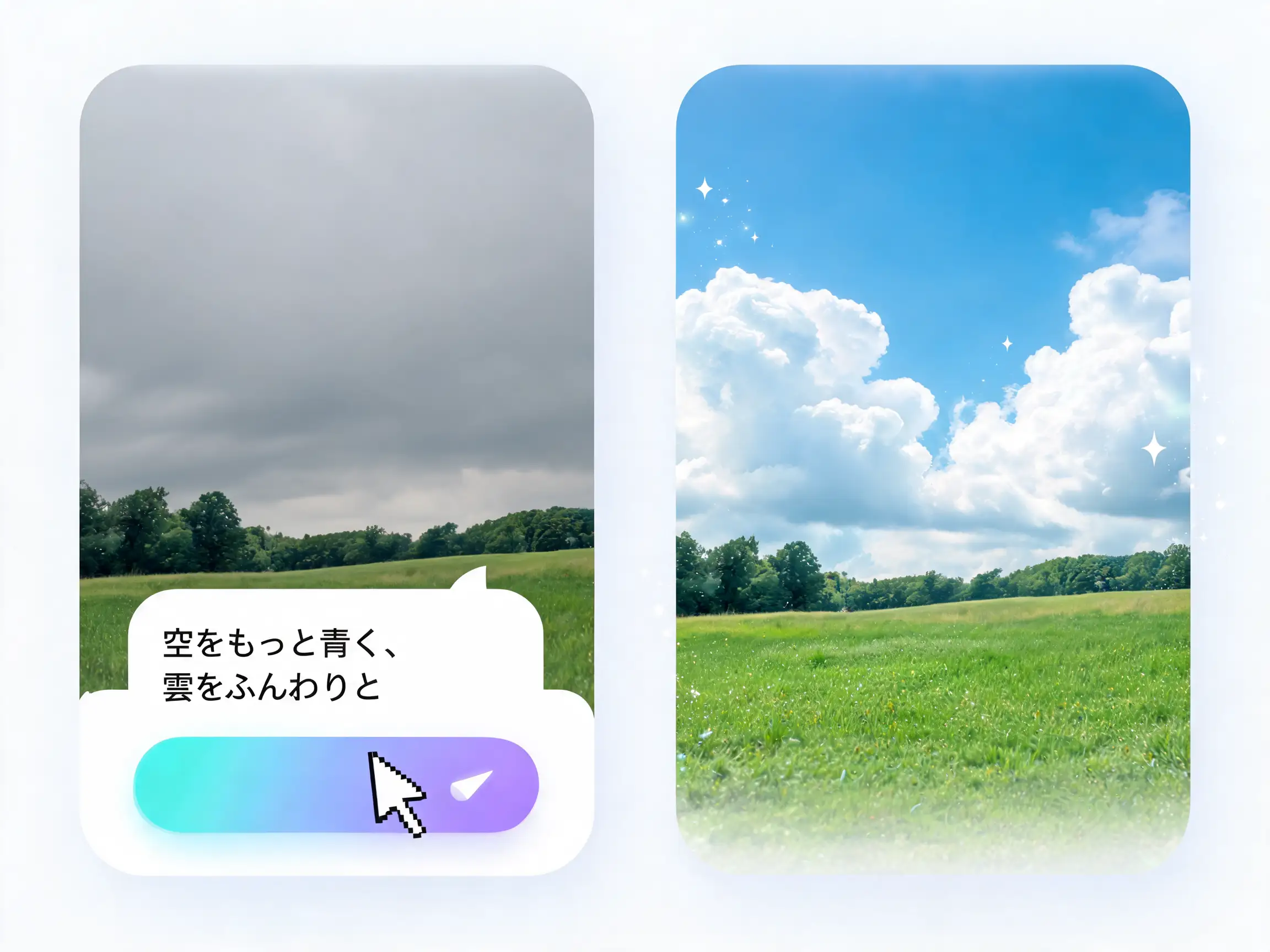
Photos, Illustrations & Anime — All in One Editor
Landscape photos, portrait retouching, anime-style illustrations, digital paintings — Gazouya handles them all. Adjust color tones, fix lighting, remove unwanted objects, or completely reimagine your artwork. One tool, every image type. Your creativity, unlimited. If you need to create images from scratch first, our AI image generator lets you go from a prompt to a high-quality image instantly.
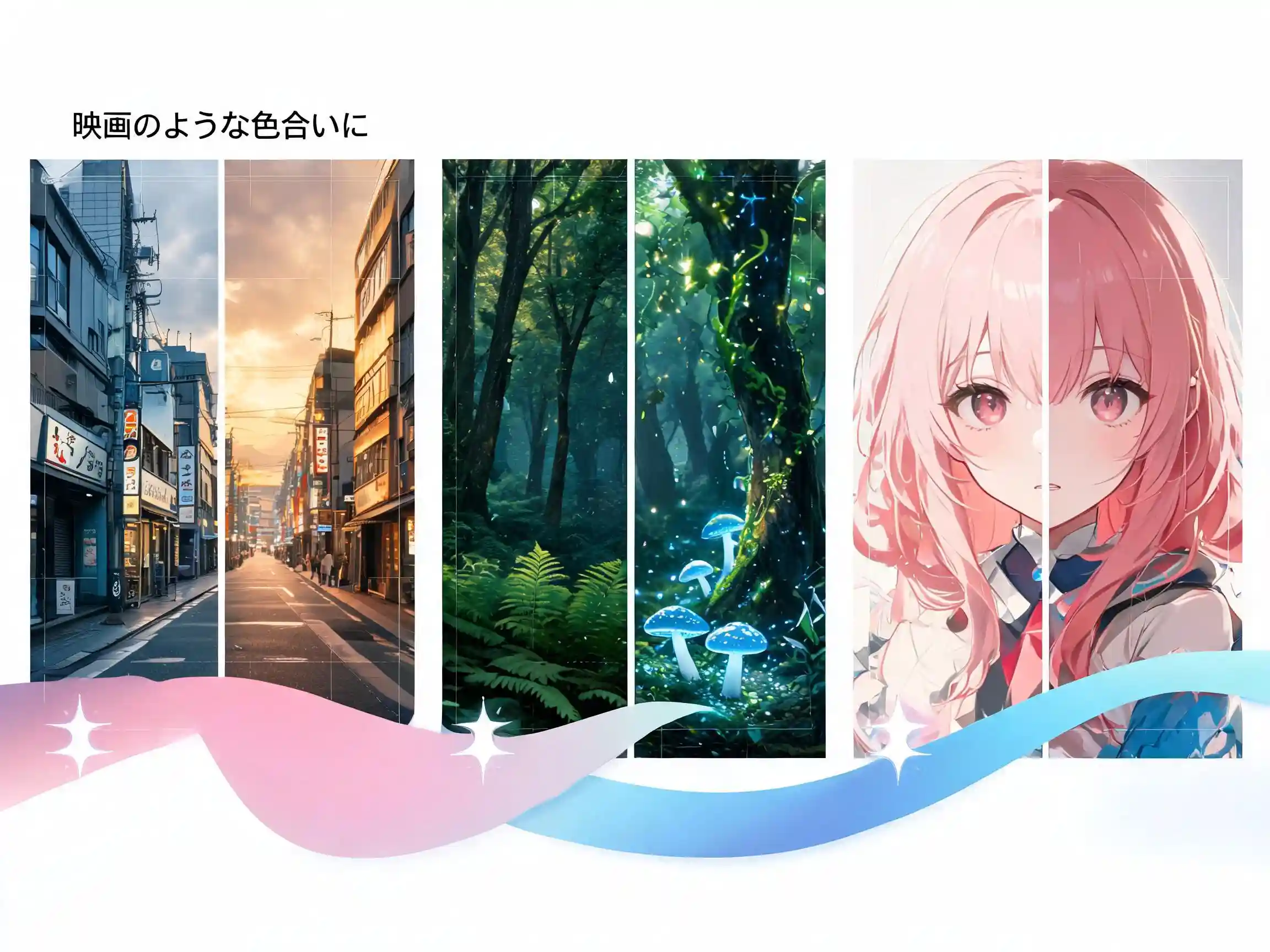
100+ Editing Styles at Your Fingertips
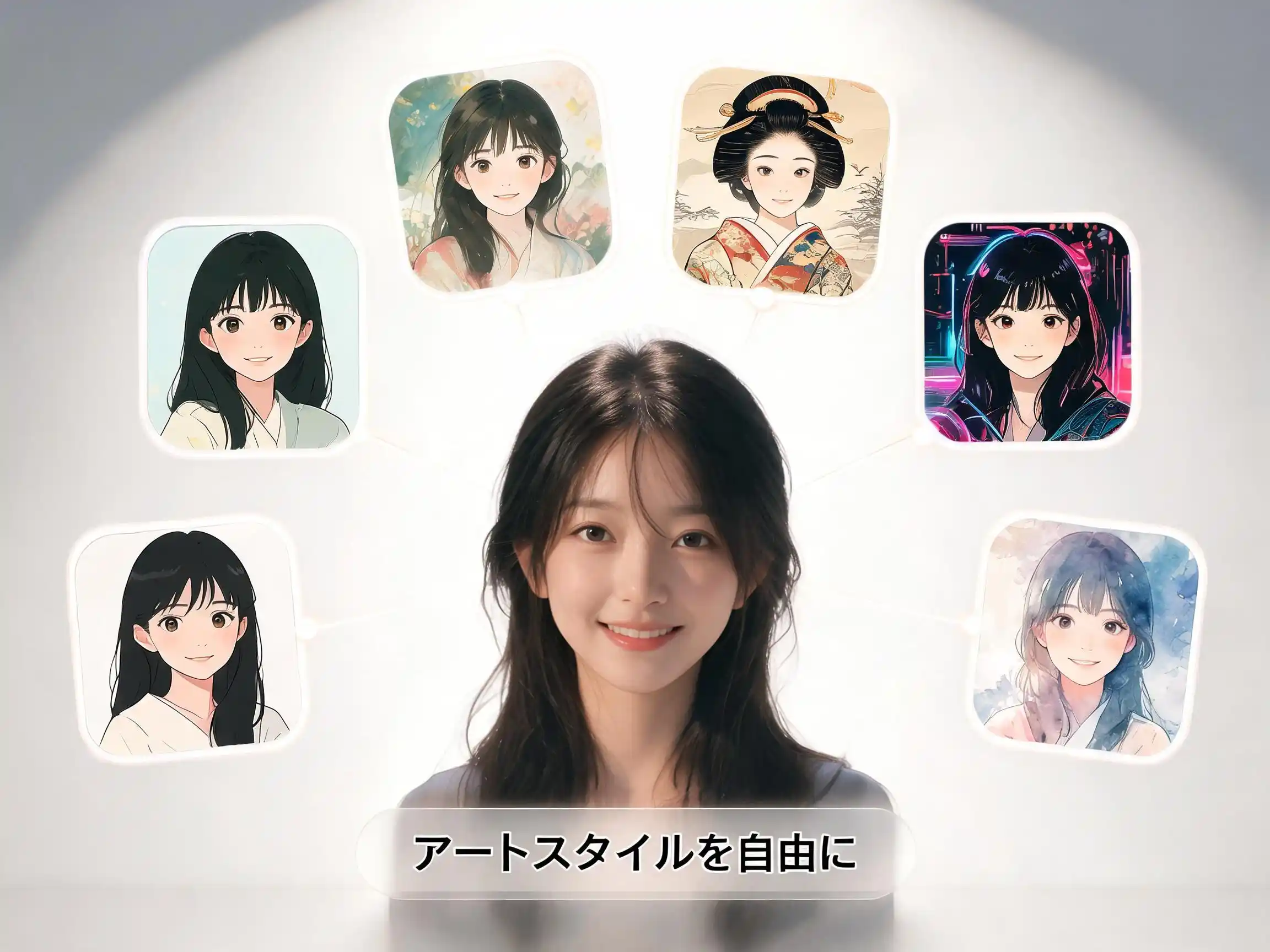
From subtle color corrections to full artistic transformations. Gazouya offers over 100 editing styles — retouching, filters, object removal, image to image AI style transfers, and more. Turn an ordinary photo into an oil painting, a watercolor sketch, or a cinematic masterpiece. All with a single sentence. If anime-style transformation is what you want, use our photo to anime converter first to change the style completely, then fine-tune with the editor.
How It Works — Just 3 Steps
Upload Your Image
Upload the photo or illustration you want to edit. Supports JPG, PNG, and WEBP formats.
Describe Your Edit
Tell Gazouya what you want in natural language — "make the colors warmer," "add cherry blossoms," "convert to anime style." The AI understands instantly.
Generate & Download
Your AI edit is ready in seconds. Preview the result, fine-tune if needed, and download it with a single click.
AI Image Editing for Every Creative Need
Make Your Social Media Posts Pop
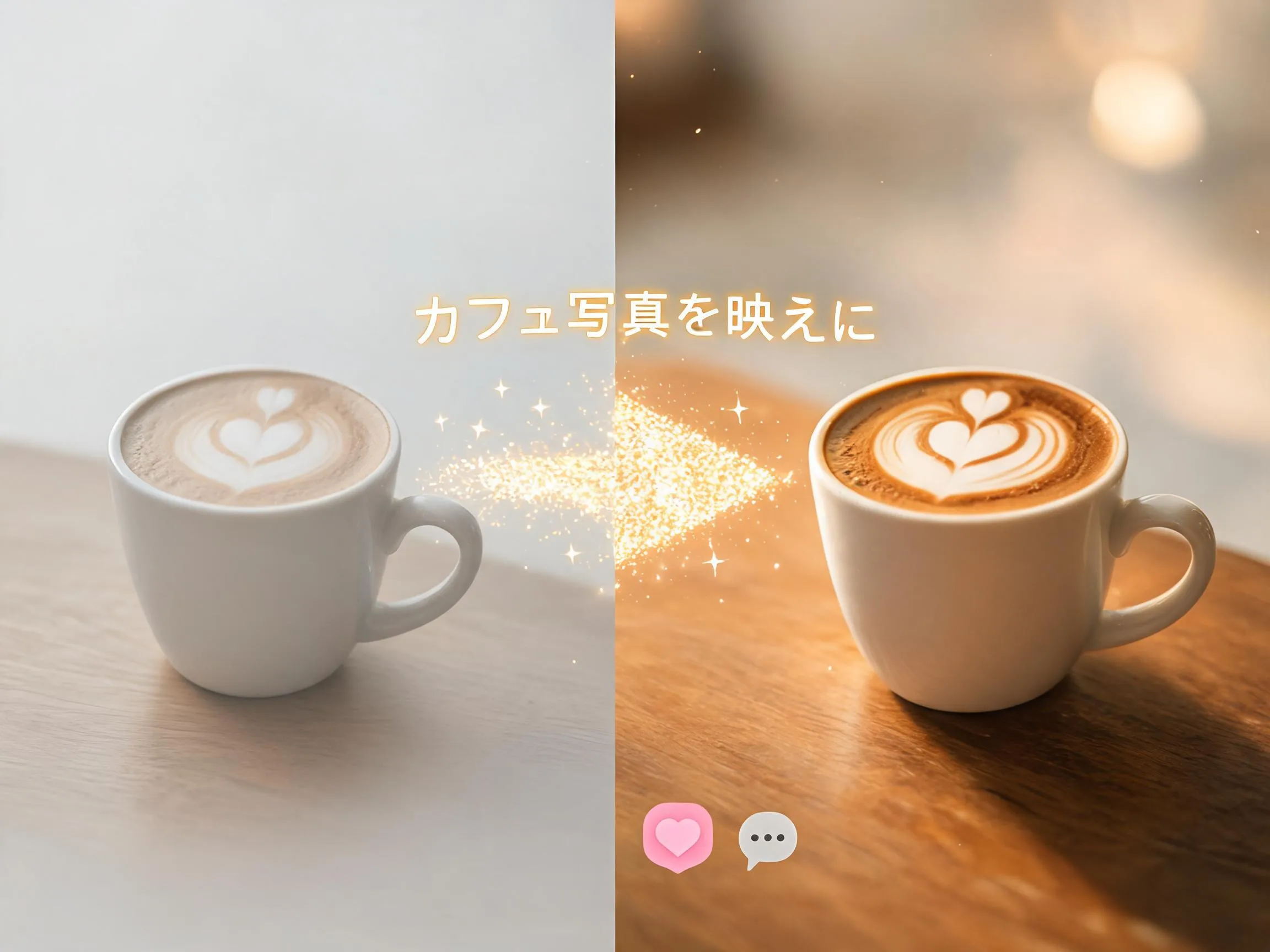
Perfect for influencers and content creators. Take everyday smartphone photos and transform them into scroll-stopping visuals for Instagram, TikTok, and beyond. Consistent filters, unified color palettes, and standout style — all without a design degree. The extra polish that turns followers into fans. To make your subject truly stand out, use our background remover to create transparent cutouts you can layer with custom backgrounds.
Create Business Visuals at Lightning Speed
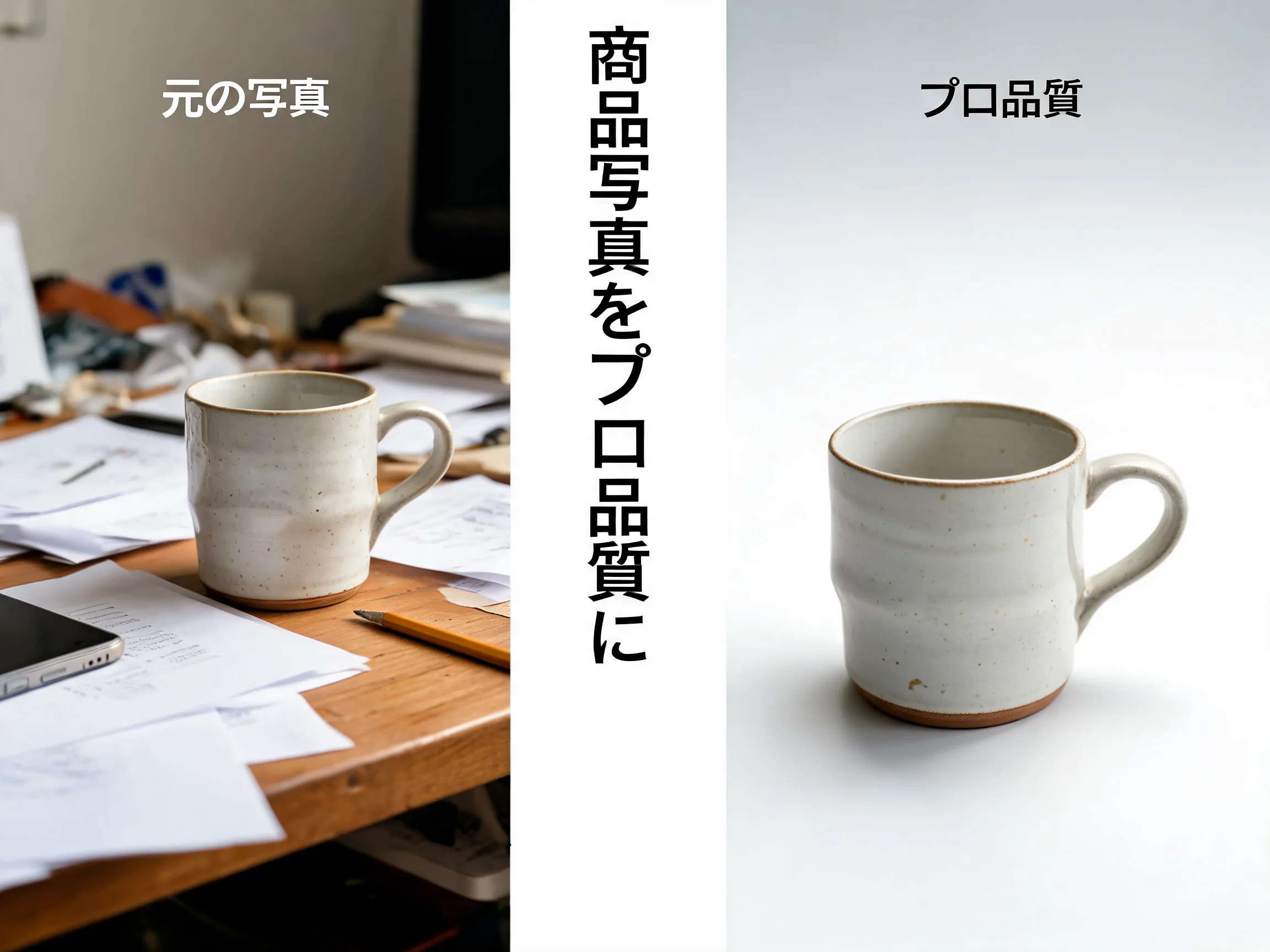
Marketers and business owners: stop outsourcing every product photo and banner. Gazouya lets you edit product shots, adjust colors, remove clutter, and create professional-grade visuals in-house. Faster turnaround, lower costs, full creative control. Describe the edit, get the result. After editing, boost your image resolution with our AI image upscaler for print-ready quality up to 4K.
Elevate Your Illustrations & Anime Art
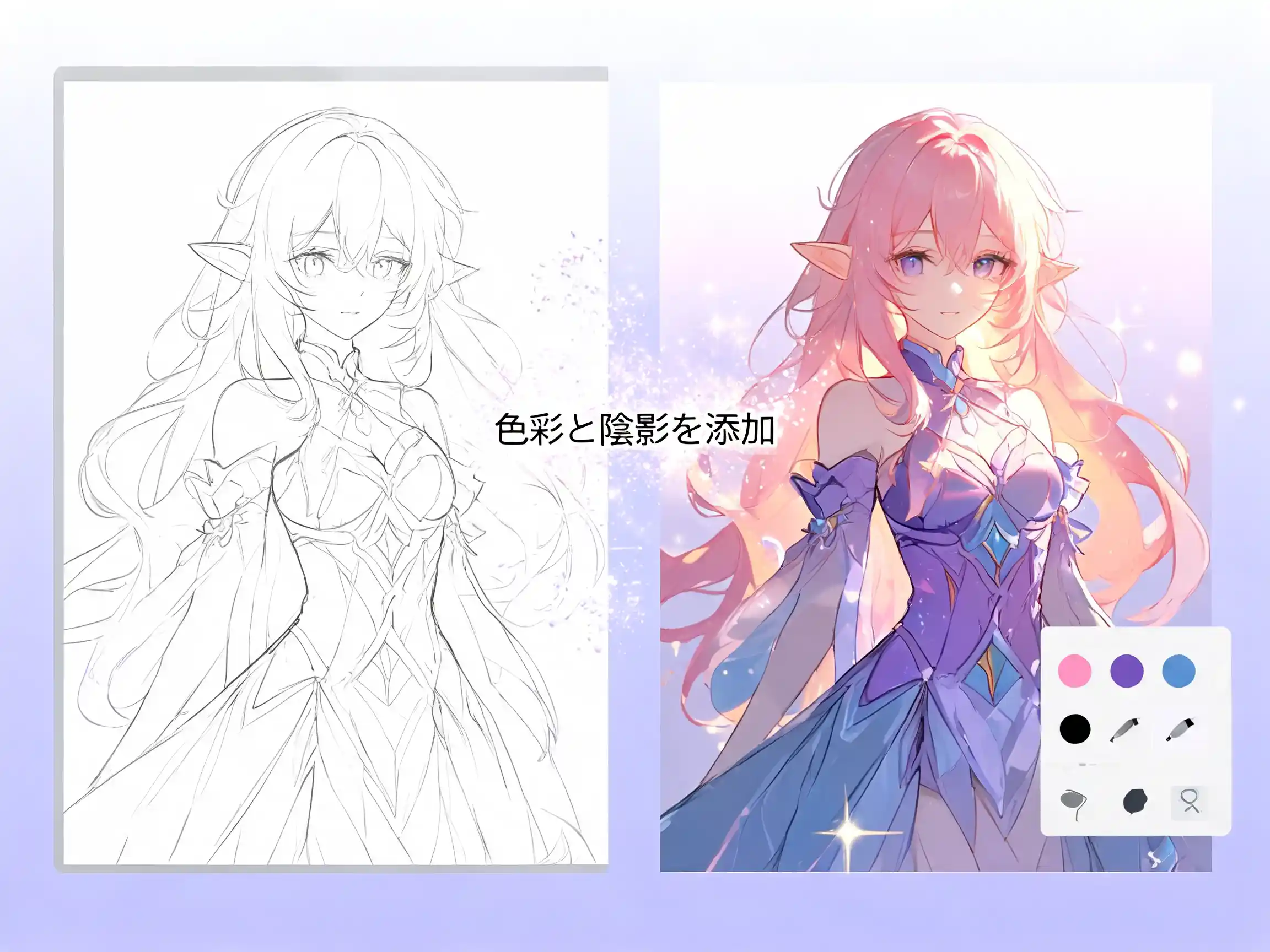
Illustrators and manga artists, this one is for you. Gazouya goes beyond photos — it understands illustration and anime aesthetics too. Clean up line art, adjust color palettes, apply finishing touches that match your artistic style. Fine-tune every detail with natural language. Your vision, perfectly realized. Create your base illustrations from scratch with our AI illustration generator, then fine-tune every detail here. It's the perfect creative workflow. Need anime backgrounds or character assets from scratch? Create them with our AI anime generator, then fine-tune every detail here for a seamless anime production workflow. For manga manuscript finishing, pair this with our AI manga generator to handle panel layouts, screentones, and speech bubbles in one place.
Why Creators Choose Gazouya for AI Image Editing
Intuitive by Design
No manual, no training. Just upload your image and tell Gazouya what you want in plain language. Professional results, zero learning curve.
Smart Language Understanding
Gazouya responds to nuanced natural language, whether you describe edits in English or Japanese. Subtle instructions like "add a warm golden-hour glow" or "softer skin tones" are handled with precision — no technical terms needed.
No Account, No Cost
No sign-up forms, no credit cards. Just open the site and start editing for free. Every feature is available without spending a cent.
Every Image Type, One Tool
Photos, illustrations, anime art, digital paintings — whatever your creative medium, Gazouya edits it. One unified tool for all your visual projects.
Generous Free Daily Credits
Free credits reset every day, so you can keep creating without worrying about costs. Edit as much as you want, every single day.
Built for Trust & Privacy
Your privacy matters. Uploaded images and prompts are handled securely and never shared without your permission. Create with confidence.
What Our Users Say
"I use Gazouya for client visuals. Being able to describe edits in plain language means I get exactly what I envision. My proposal turnaround time has improved dramatically."

"Product photo tweaks that used to take hours now take seconds. Way faster than going through a studio, and the cost savings are significant."
"Post-shoot retouching has become incredibly efficient. The fact that I can describe subtle color adjustments in natural language is a game-changer."
"I use it for final polish on my illustration work. Style conversion and line-art cleanup are exactly as I imagine. The free daily credits are a lifesaver for my creative workflow."
"Campaign banner editing has been fully internalized with Gazouya. Real-time edits that used to require back-and-forth with external vendors. Our team's efficiency has completely transformed."
"I use it every day for blog featured images and social media photo edits. The filters and color adjustments are so intuitive — my blog's visual quality has gone through the roof."
Frequently Asked Questions
Try Gazouya — Free AI Image Editing, No Strings Attached
Photos, illustrations, and everything in between. No registration, no cost — just professional AI image editing at your fingertips.