AI Hairstyle
Start creating stunning images for free
History
Try On Any AI Hairstyle With a Single Photo
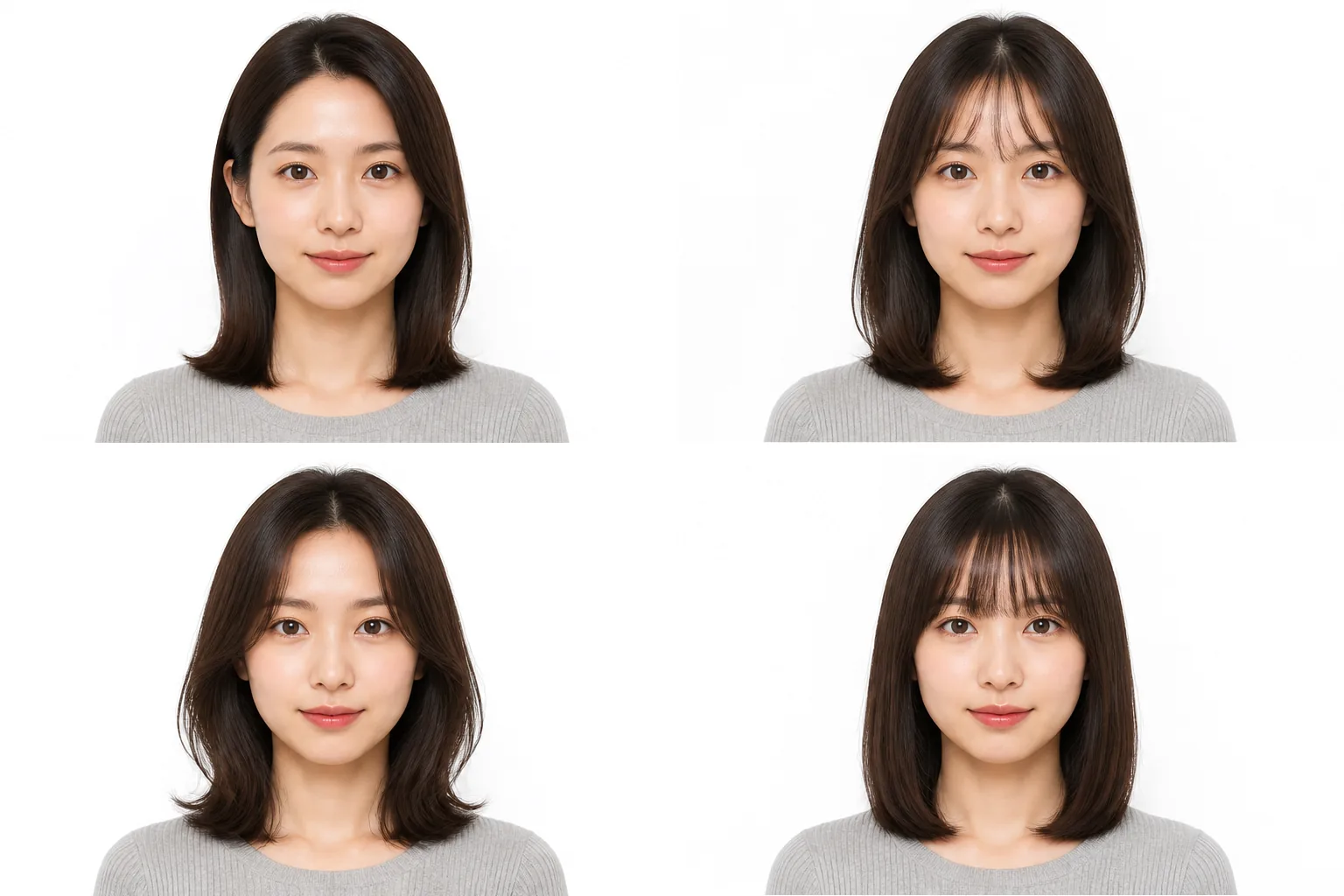
When you want to try an AI hairstyle, your own photo is all you need. Upload it and write, in plain words, "light layers through the ends" or "a thin fringe just below the brows", and the new hairstyle comes back rendered. The point is that you don't pick from fixed presets — you specify in words, down to the detail. The person keeps their own look and only the hair is redrawn, so the result also works as a reference image at the salon. Open the page in a browser and start right there. No account, and no card to register.
What You Can Do With an AI Hairstyle
Describe It in Words and the AI Hairstyle Is Done
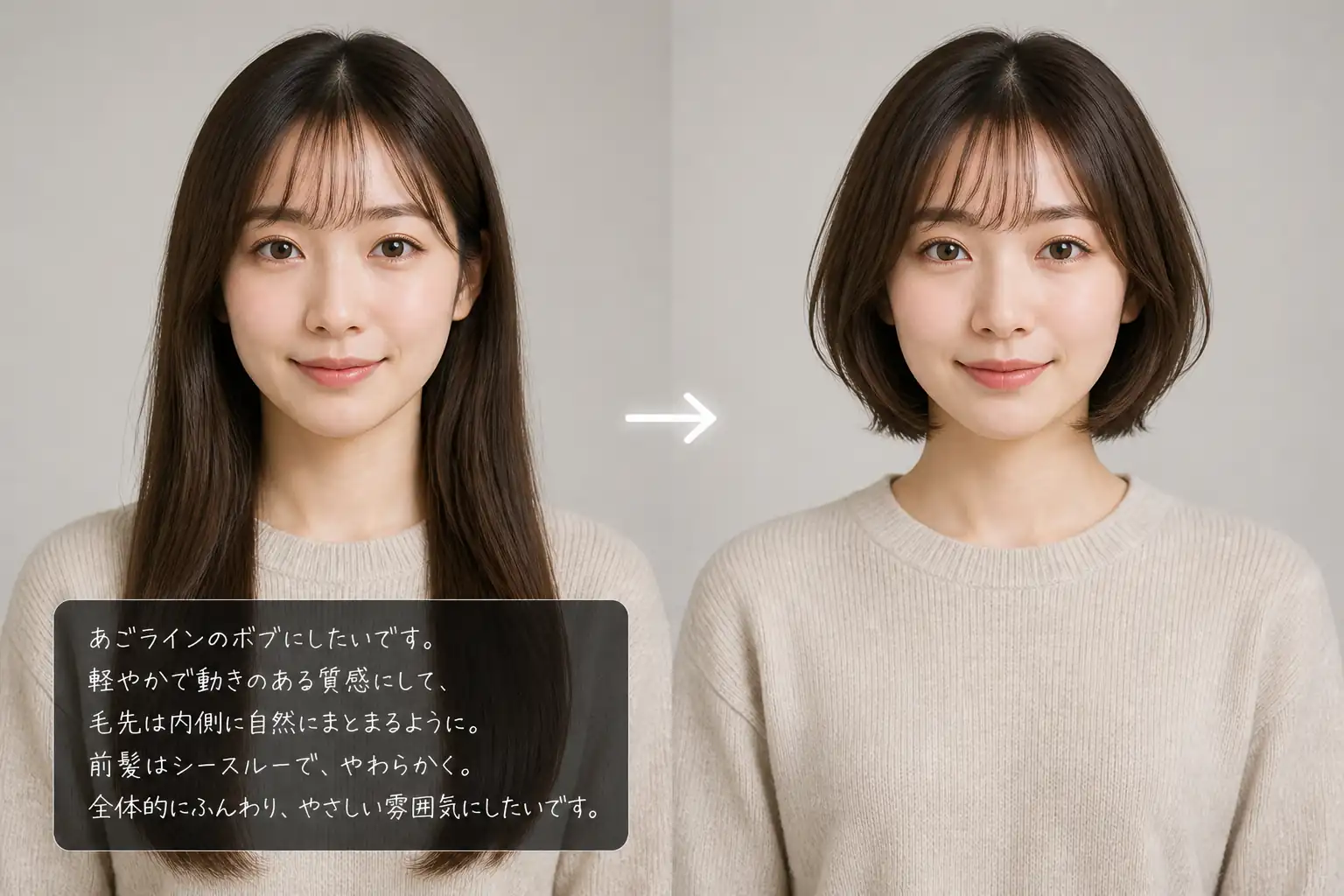
You can say the hairstyle you want exactly as it is. Length, fringe and texture can all be specified in plain language: "keep the back at shoulder length", "turn the ends out", "a blunt fringe down to the eyebrows". There is no long prompt to assemble, no fixed incantation to memorise, and no preset list to choose from. While you are still getting used to it, lining up a few short phrases is enough. What you pictured, you can check on your own photo.
An AI Hairstyle Changer That Keeps the Person and Redraws Only the Hair
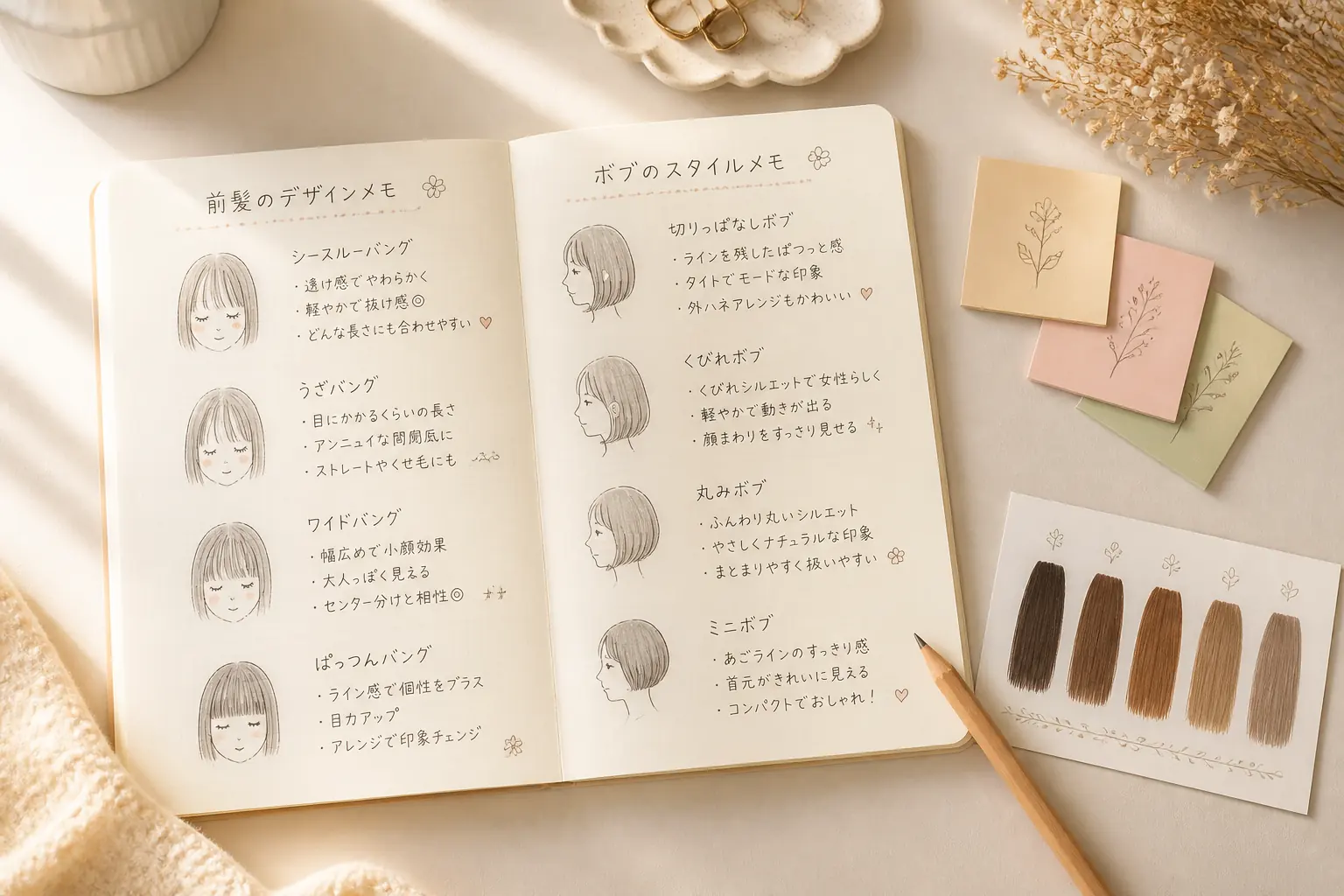
The basis of an AI hairstyle is keeping the composition of the photo and the look of the face, and changing only the hair to the new style. Using the same mechanism as our AI image to image tool, you can produce hairstyle ideas while the original photo stays in play. Set it beside the original and where and how it changed is immediately clear. When the result doesn't sit right, change the instruction slightly on the same photo and try a different hairstyle once more.
As an AI Hairstyle Simulator, Check It Before You Cut
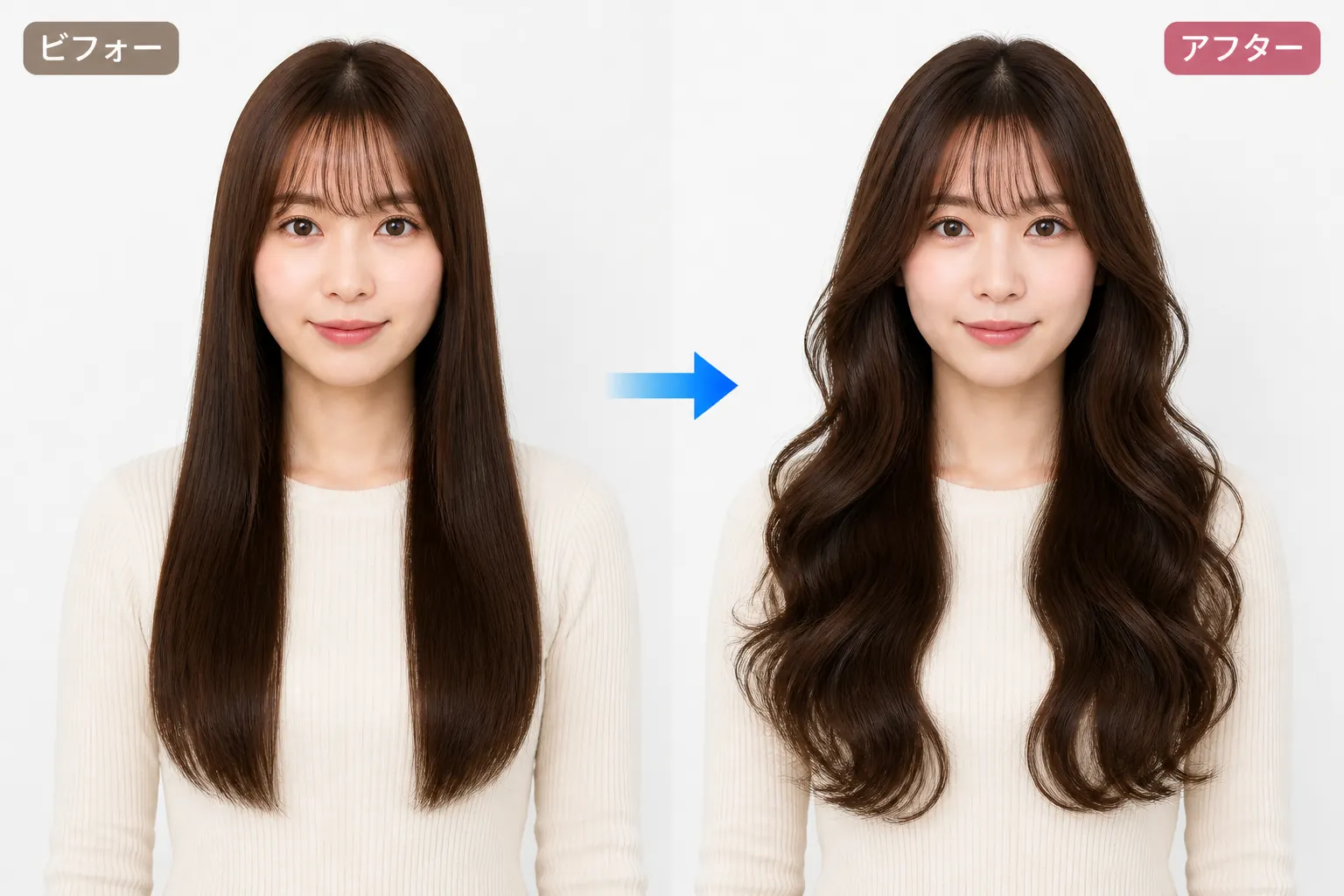
"It'll probably suit me" becomes something you can verify with your eyes before the scissors come out. The bigger the change — long to bob, fringe or no fringe — the more the shared image matters. Run it as an AI hairstyle simulator as many times as you like, pick the one frame you want to keep, and then head to the salon.
Also for Designing Illustrated and Anime Hairstyles
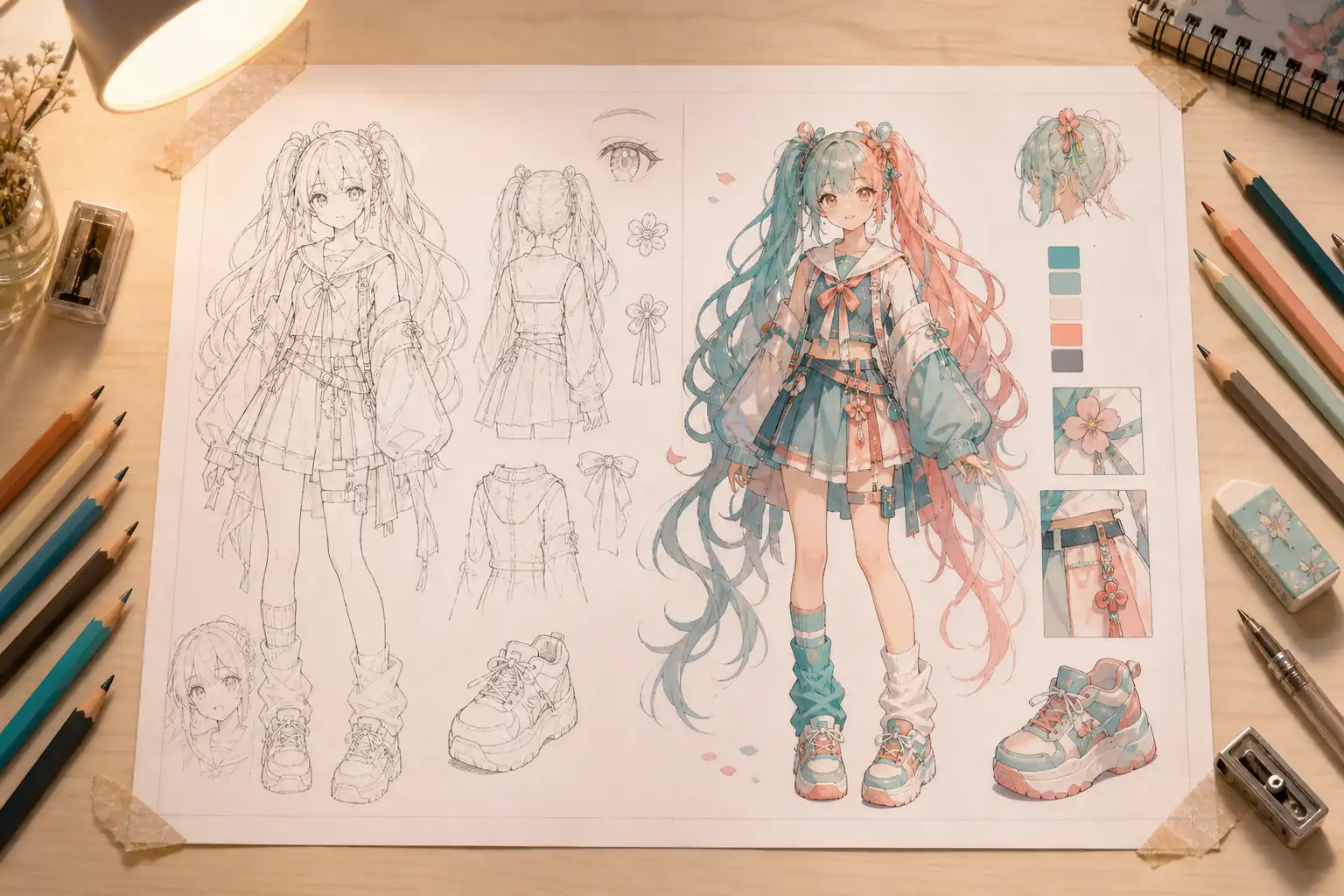
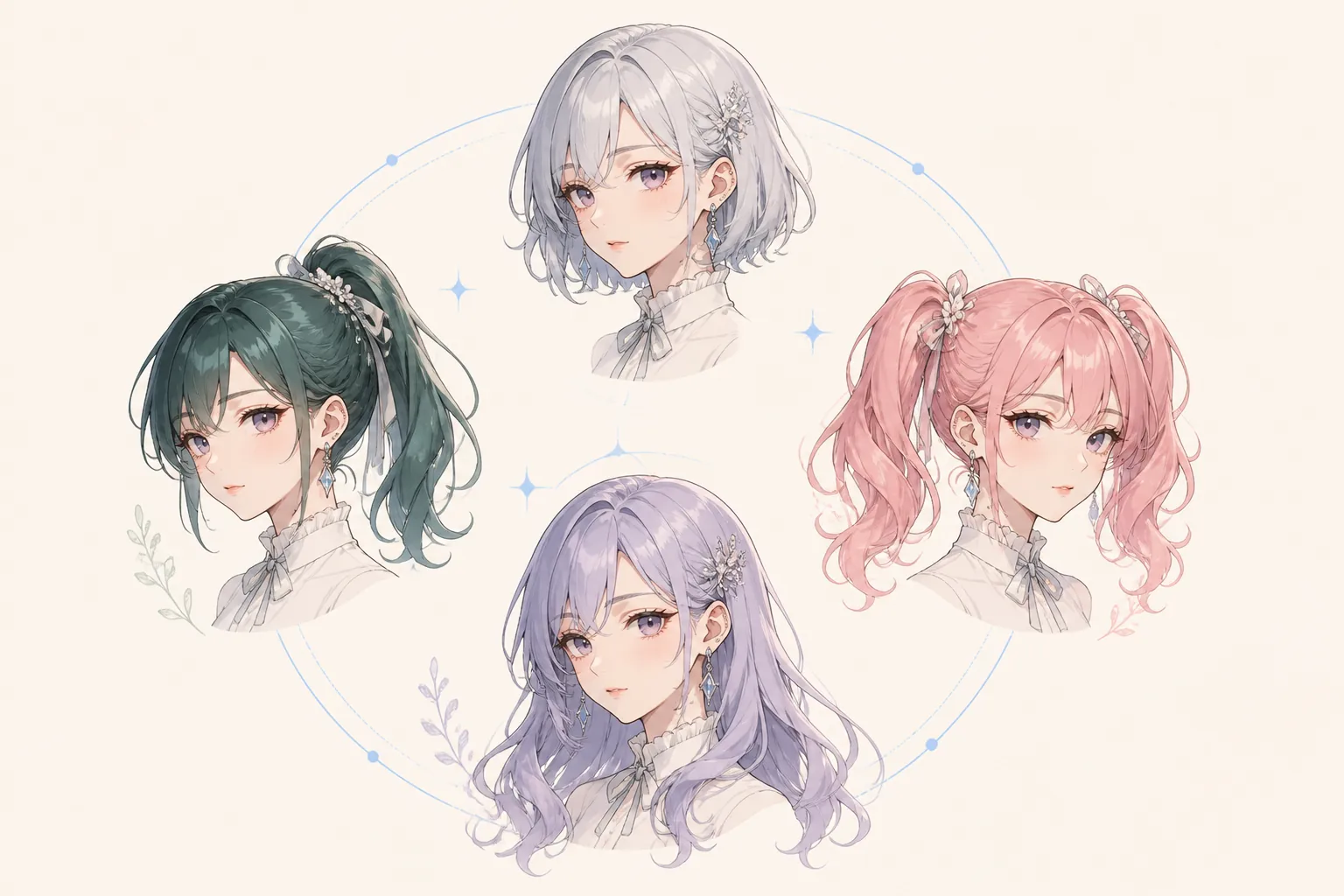
It isn't only for your own photo — it works when you're thinking through a character's hairstyle too. Twin-tail height, the way the ends flick, where the fringe parts: the parts that are hard to put into words can be confirmed as an image. It helps illustrators, doujinshi work and TRPG character setups. When you want a set of anime-style hairstyles in one go, AI anime generator works alongside it.
Three Steps to Try an AI Hairstyle Online, Free and Without Login
There are no difficult settings. Choose a photo, put the hairstyle into words, and check the result — that's all.
Upload a Photo
Prepare one photo where the face and the hair are both clearly visible. The brighter the shot and the more front-facing it is, the easier the result is to compare.
Type the Hairstyle You Want in Plain Words
Write the length, the fringe, whether you want a perm — freely. Adding colour and length the way you would in "a dark brown layered cut at collarbone length" makes the image land more easily.
Check the AI Hairstyle Result and Save It
Once the result appears, set it beside the original photo and compare. Save the frame you like and use it as a reference image at the salon, or as the picture you post on social. When you want to adjust the brightness or the look of the skin, carry on in AI photo editor.
Scenes Where an AI Hairstyle Earns Its Place
Before a Haircut, Settle the Direction With an AI Hairstyle
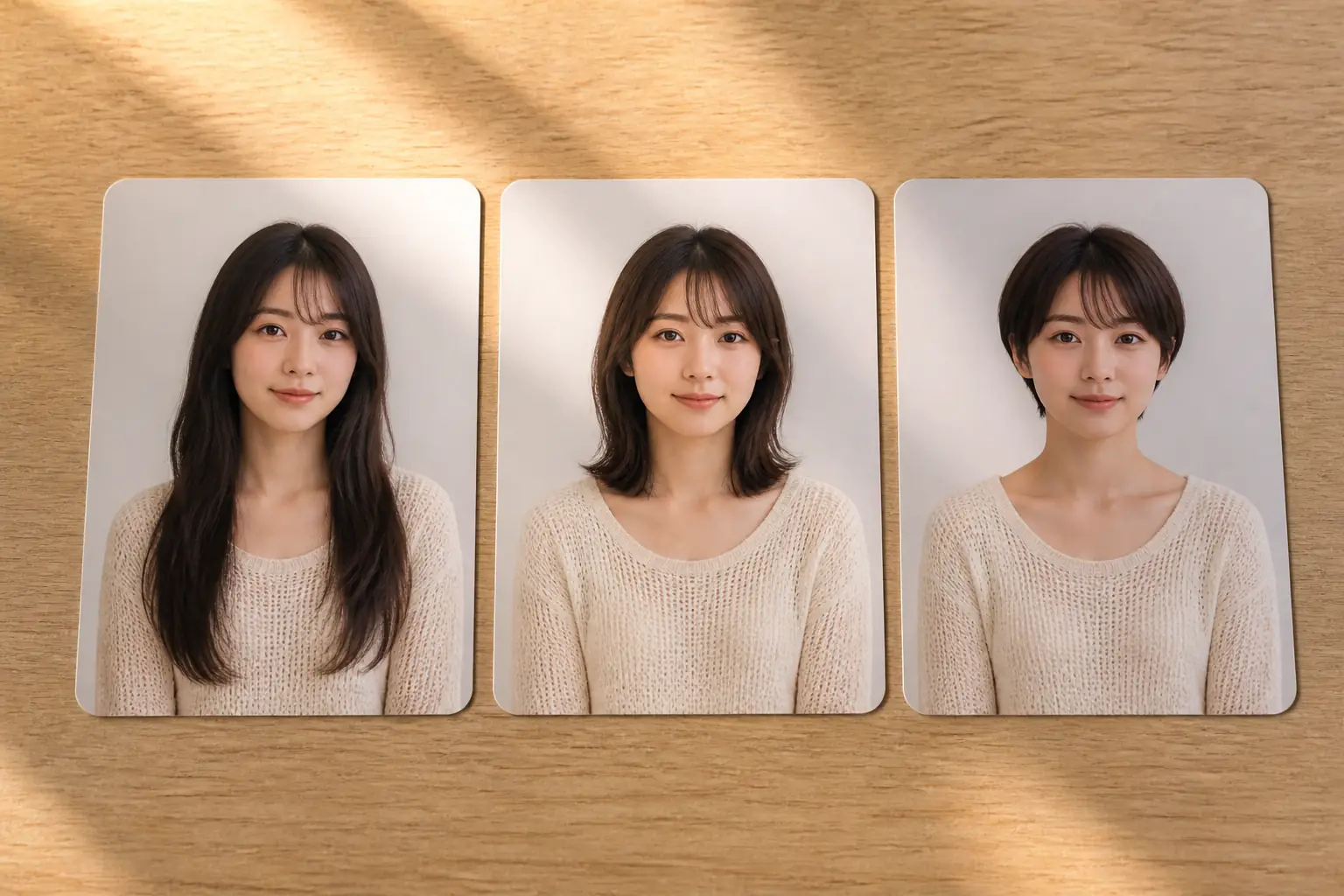
When you start thinking about changing your hair, what you hesitate over most is "how far to cut". Line up long, mid and short on the same photo with an AI hairstyle and the length that suits your face becomes visible. Narrowing the candidates down to two or three before you go makes the conversation move faster than words alone. When you need to retake a headshot or profile photo after the change, AI headshot generator covers that too.
A Free AI Hairstyle for Men, Down to How Much Is Taken Off the Sides
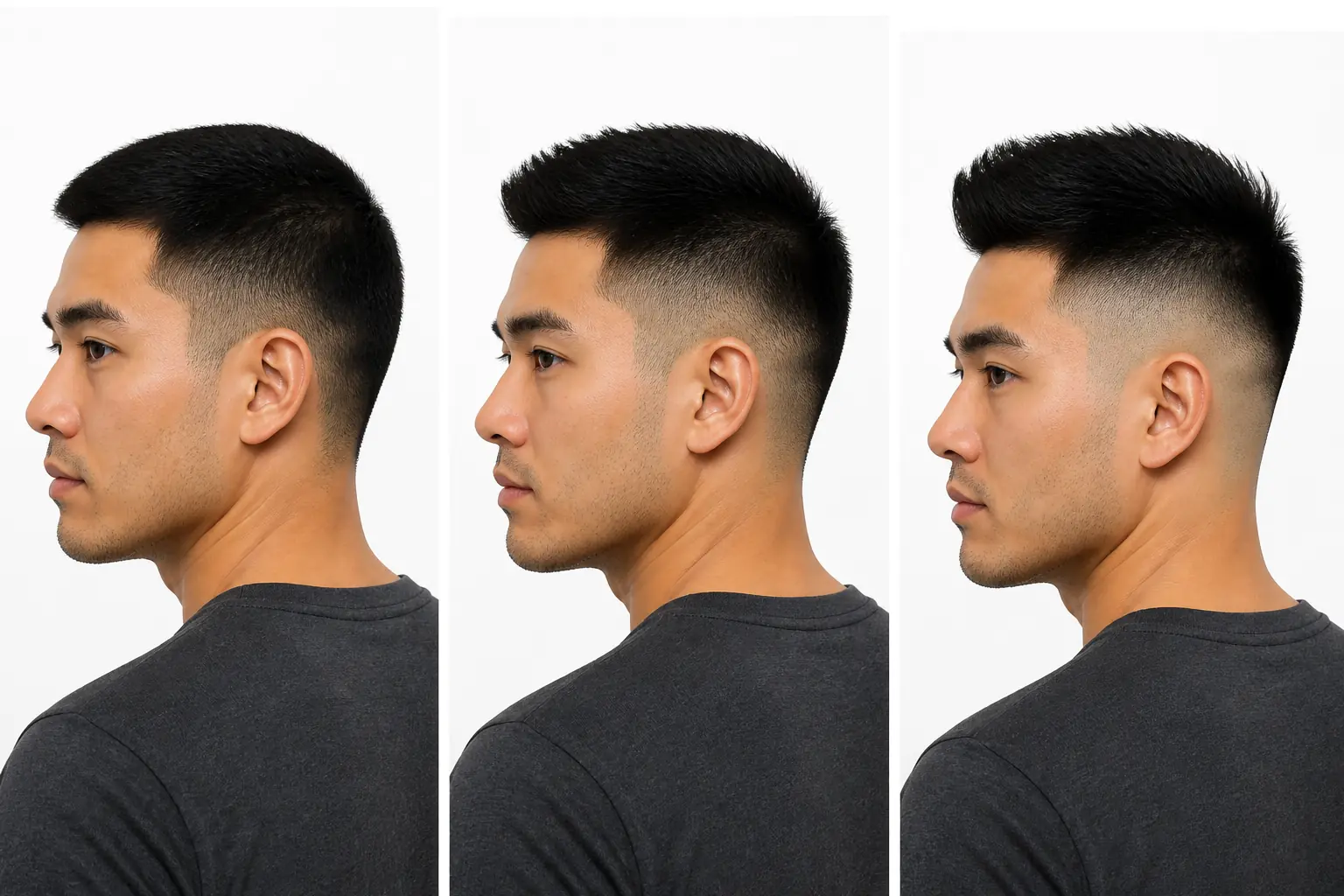
With men's hair, how far the sides and back are taken down changes the impression completely. You can be specific: "leave the sides alone, keep the top standing", "keep the neckline natural rather than faded". Men's cuts are exactly the kind that words alone fail to convey. Show the finished picture and the gap in understanding between you and the barber shrinks.
Compare Fringe and End Texture With an AI Hairstyle
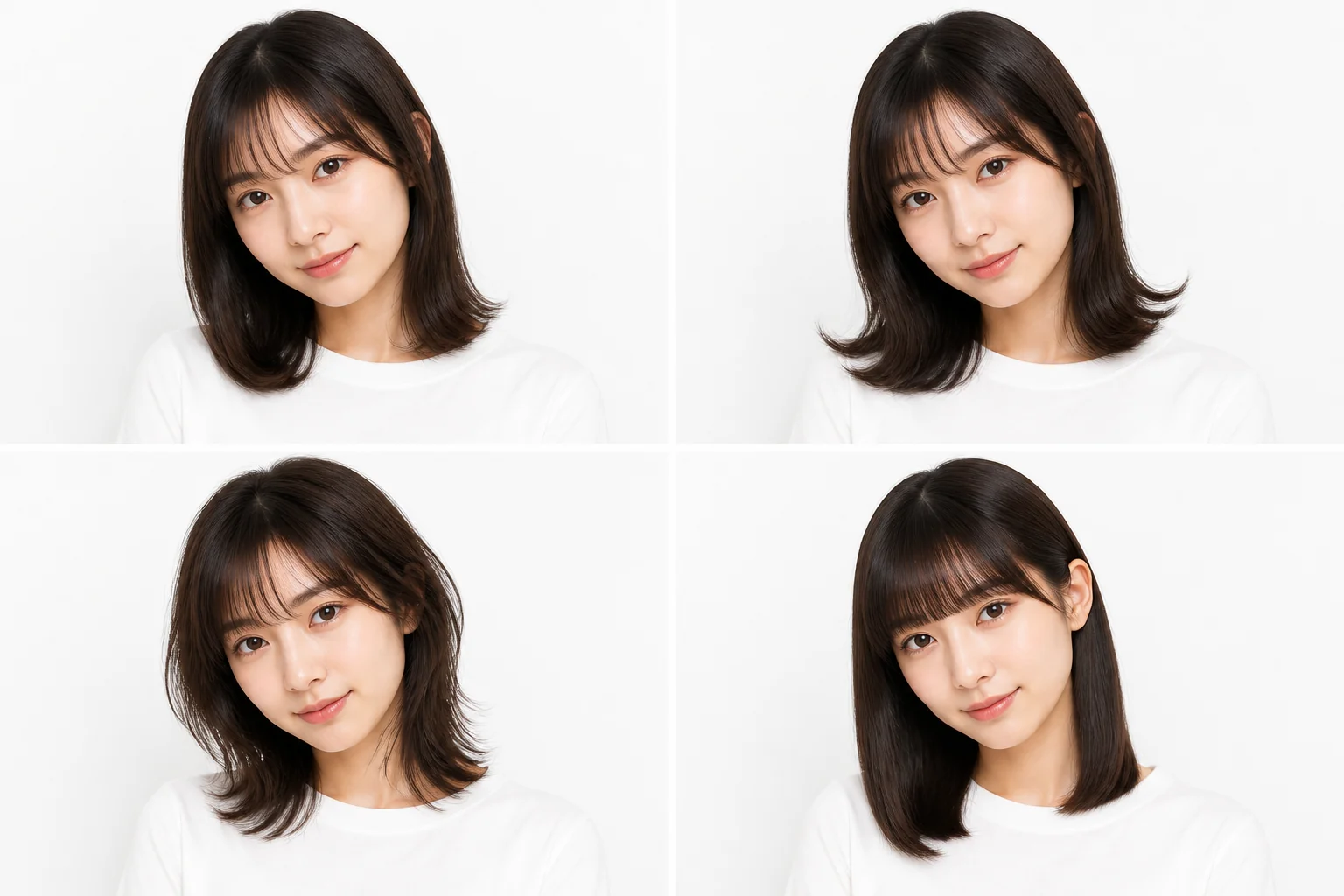
How much fringe there is, the layers around the face, whether the ends turn in or flick out. The mood is decided by these details. With an AI hairstyle you change one condition at a time on the same photo, so you can work out which element is the one that actually suits you.
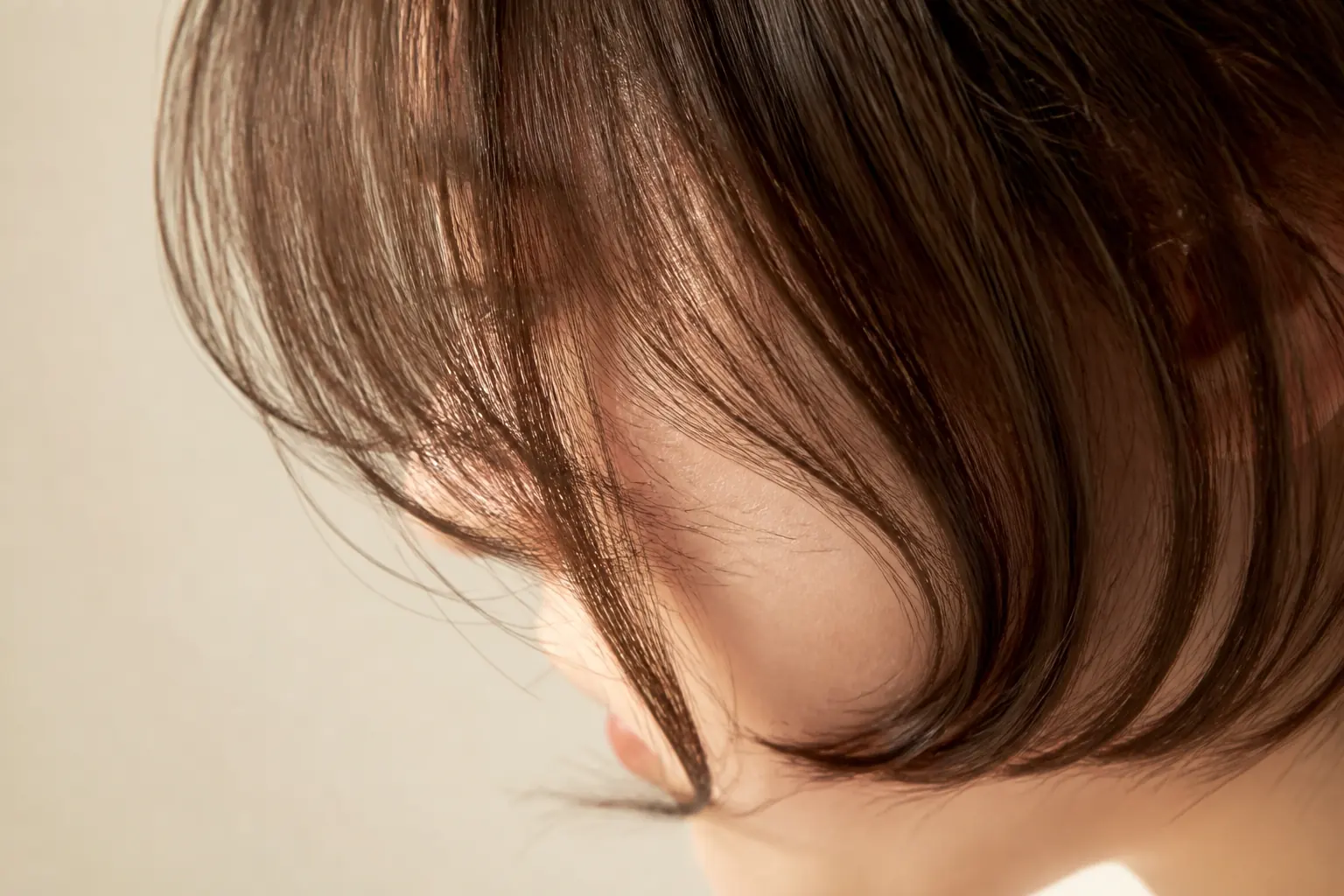
Virtual Hairstyle Drafting for Creators
When you can't settle a character's hairstyle, generating ideas first and starting the clean line art afterwards leaves less hesitation. Line up colour variants and ways of tying it and it doubles as a design sheet. It also suits trying anime-style hairstyles for standing art or icons.
If a Hairstyle Change Is Coming, Why Pick This Free AI Hairstyle App
Specify Freely, in Words
You aren't bound to a fixed preset — you can specify the hairstyle in detail. If you don't have a photo of yourself, there is also the route of generating a face idea first with AI face generator and trying the hairstyle on that.
The Person's Own Look Is Preserved
The composition and expression of the photo stay as they are, and only the hair around them is changed so you can confirm the finished look.
No Sign-Up, No Login
Without creating an account and without logging in, you can try an AI hairstyle straight from the browser.
A Free Quota You Get Every Day
Try as often as you like on the day the idea arrives. No additional payment is involved.
It Works on a Smartphone Too
Desktop and smartphone behave the same way. You can also try it in the spare minutes while you're moving.
From Photoreal to Illustrated
Checking the hairstyle in your photo and thinking through a character's hair are both handled in the same place. You don't have to go hunting for a different tool per use.
What Users Say After Trying an AI Hairstyle
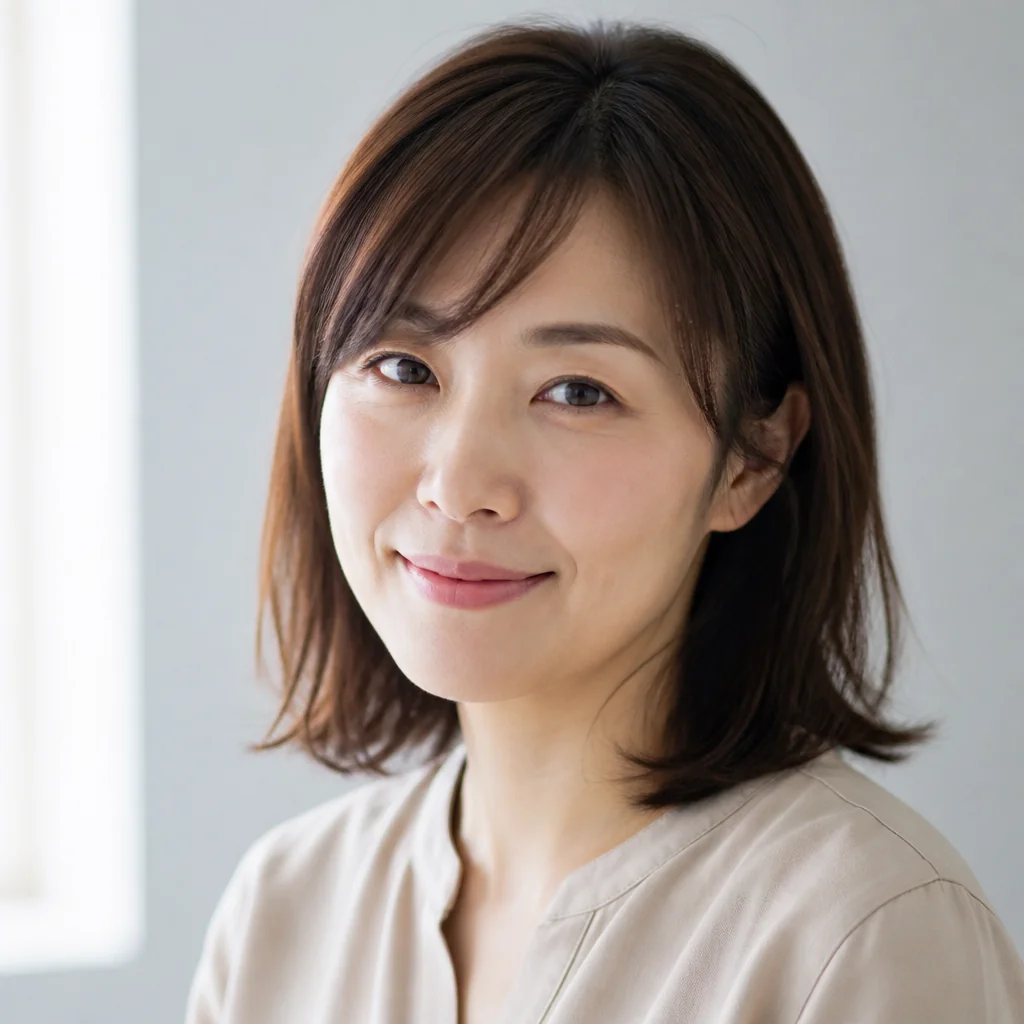
"I was scared of the 'this isn't what I pictured' moment at the salon, so I always went back to the same cut. This time I tried a bob with a fringe with the AI hairstyle first, and for once I got a result I was happy with."
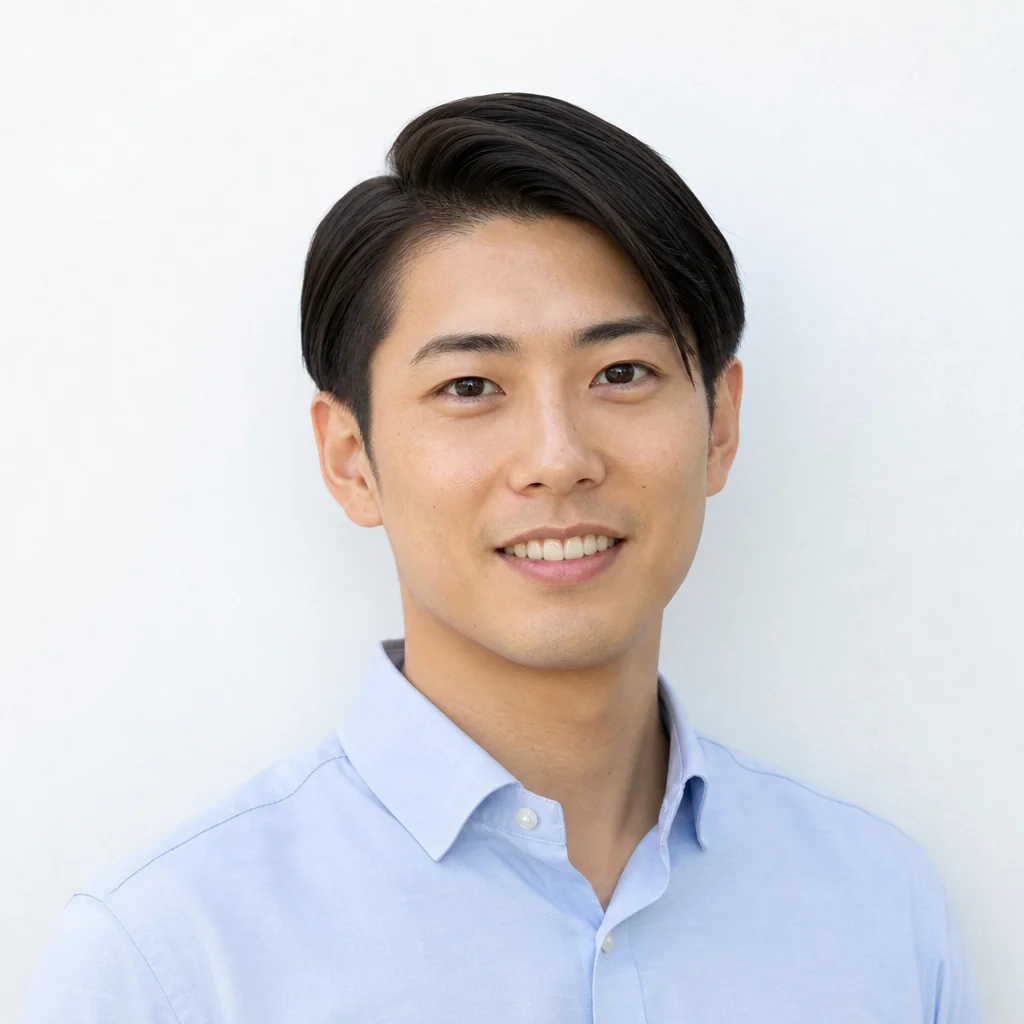
"Men's cuts are hard — explaining how much to take off the sides in words never worked. I showed the image I'd tried with the AI hairstyle exactly as it was, and it landed in one go."
"I couldn't decide on a hairstyle for a doujinshi character, so I put out several patterns with the AI hairstyle before I started drawing. Being able to compare where the fringe parts is what's useful."
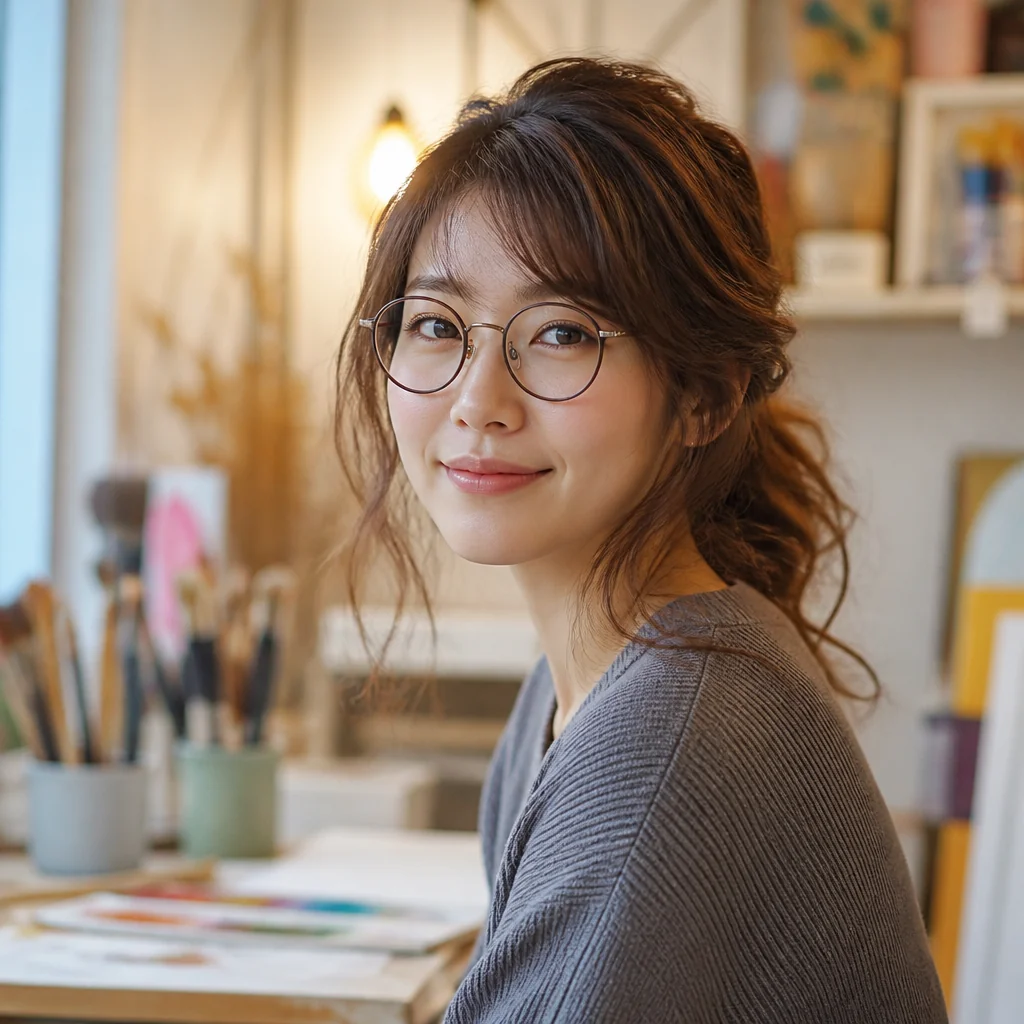
"I'm bad at explaining, so being able to write it straight out is a help. I'd been straight-haired all along — I'm glad I looked at the curled-ends version with the AI hairstyle before changing it."
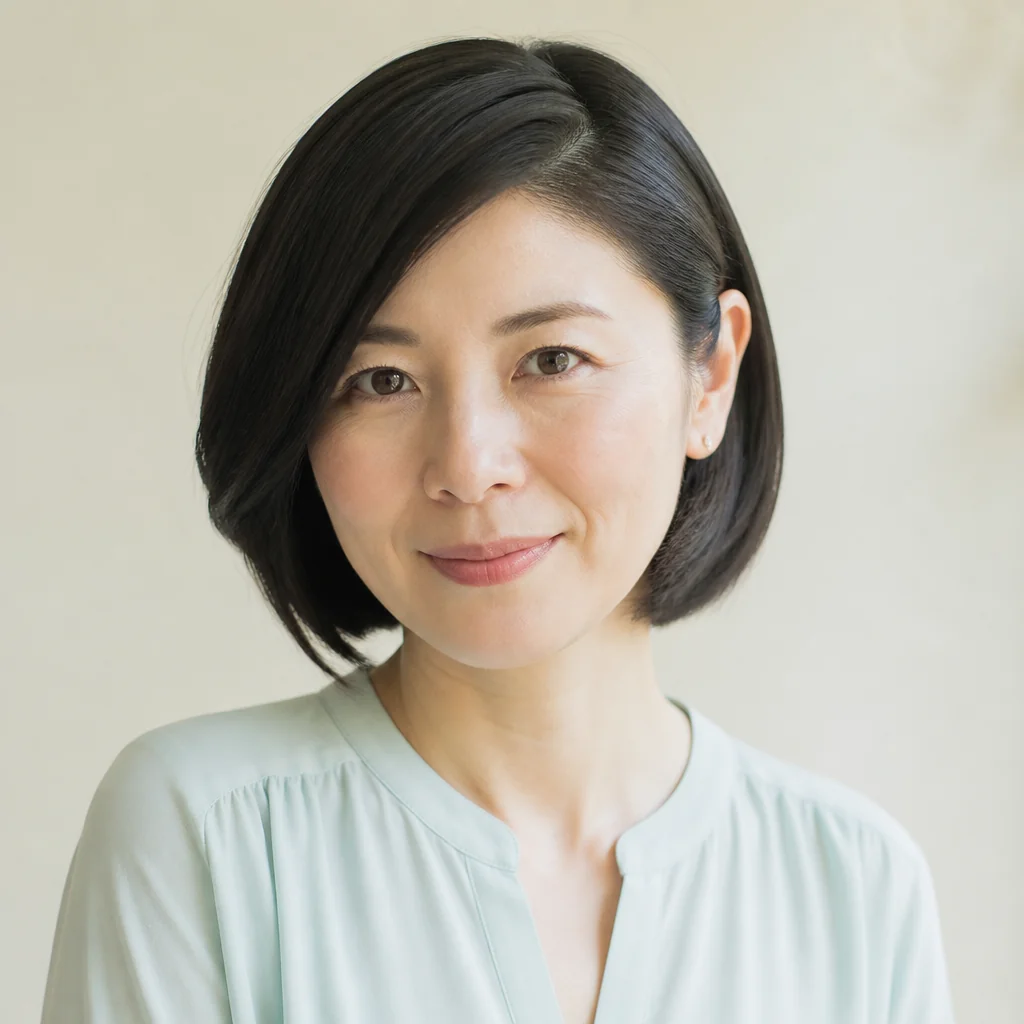
"I try it on my smartphone while I'm waiting for things. The free quota comes back every day, so I can compare the hairstyles I'm curious about the same day."
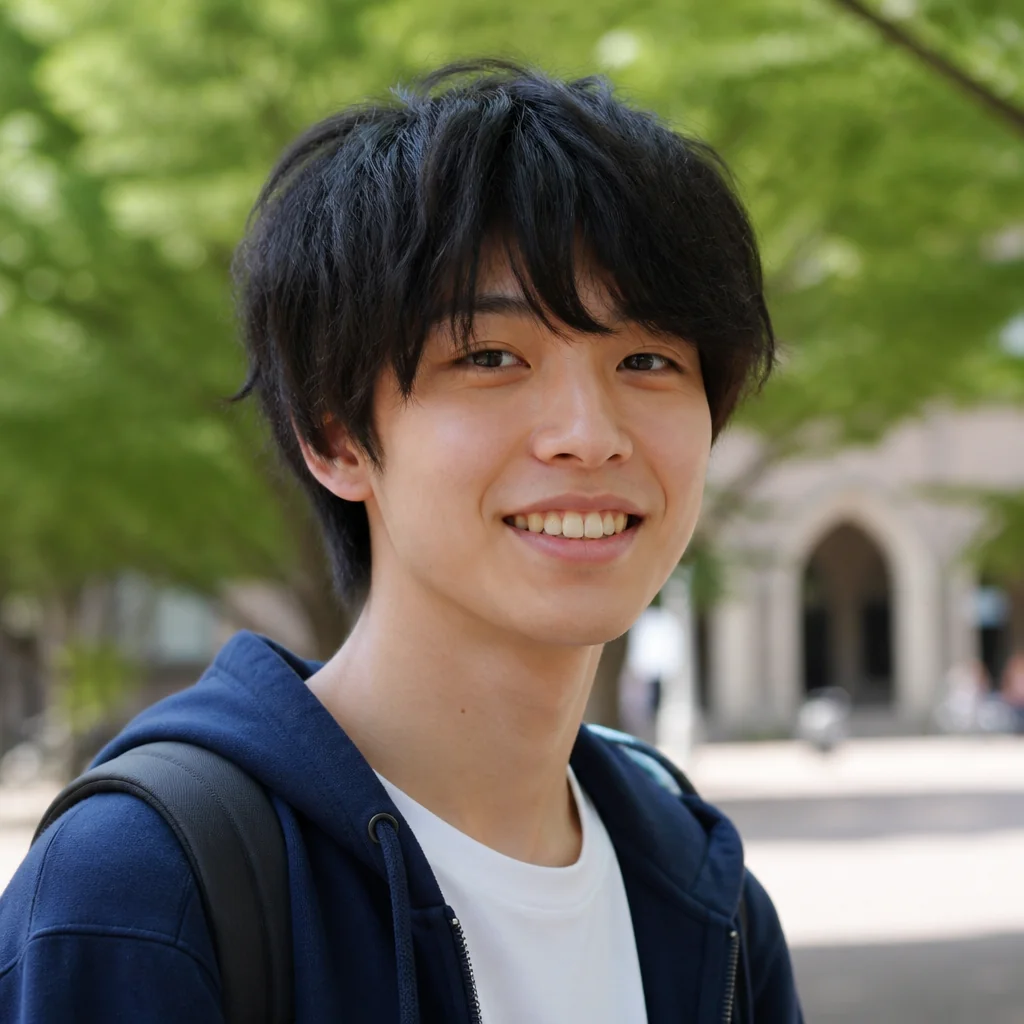
"When I'm settling the look of a prop for a shoot, I check the wig shape with the AI hairstyle. It gets the direction decided in a short time, which helps."
Frequently Asked Questions About AI Hairstyles (FAQ)
With an AI Hairstyle, Settle Your Next Cut
Line up about three candidates first, then take the salon chair.