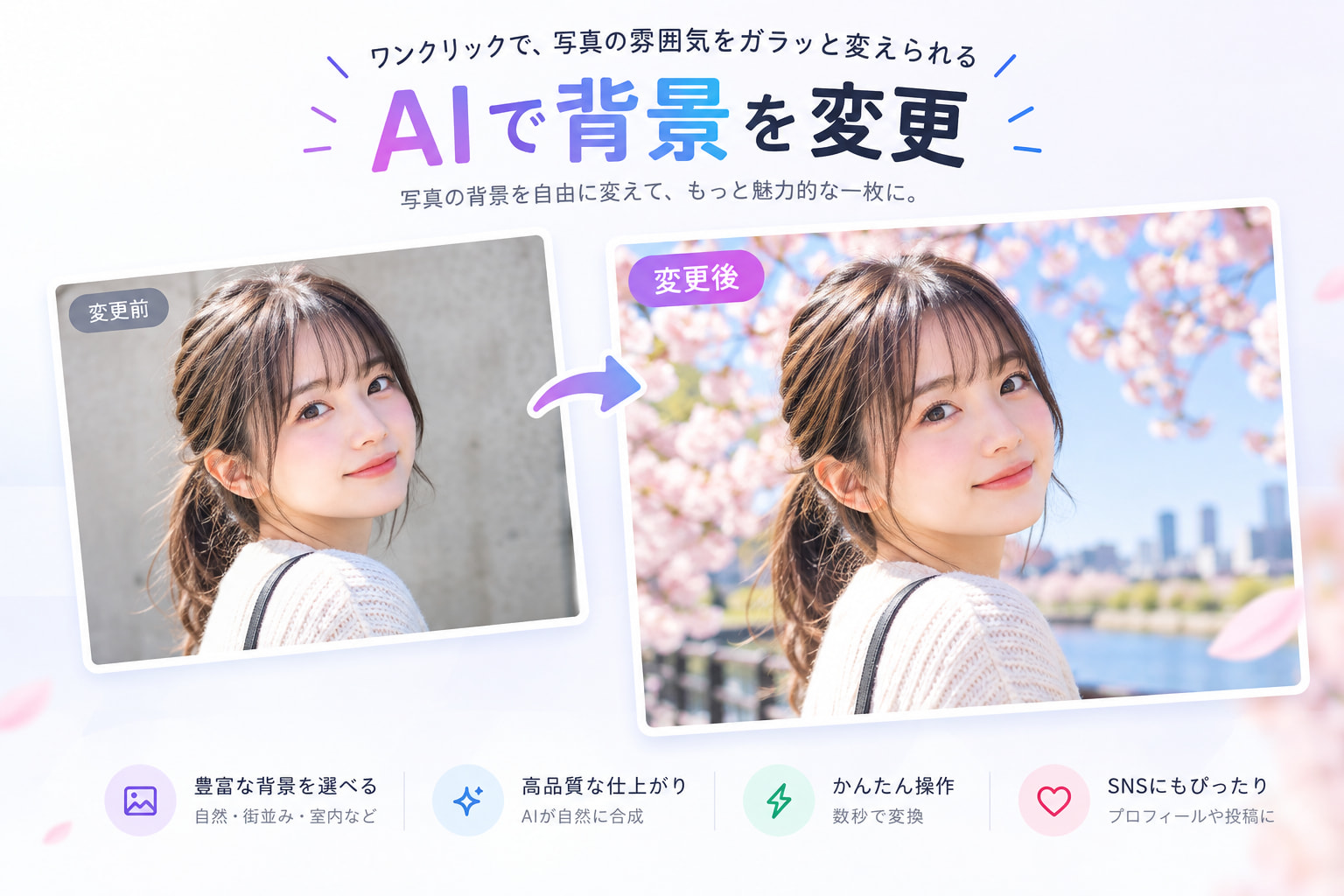
AI Background Changer
Start creating stunning images for free
History
Free AI Background Changer for Natural Photo Edits
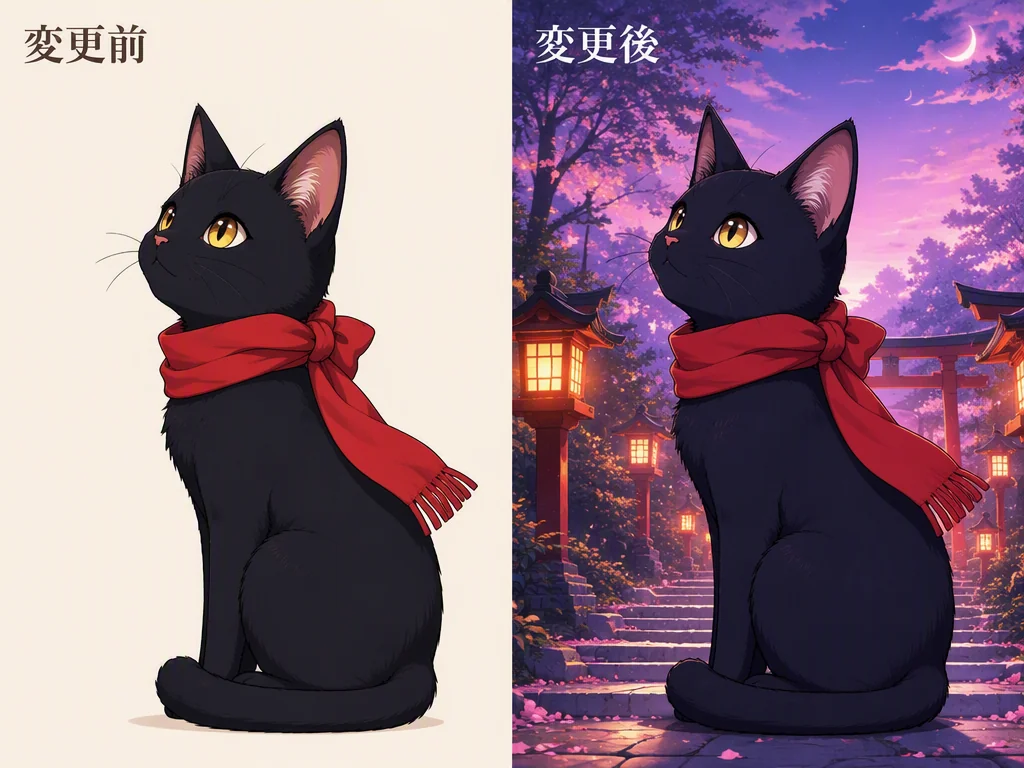
Use Gazouya when you need to edit a background photo without complicated layers or masks. Upload an image and describe the setting you want, such as a white studio, a cherry blossom park, or a beach at sunset. The main subject stays at the center while the background is adapted to your purpose. No account is required, and free daily credits let you start right away.
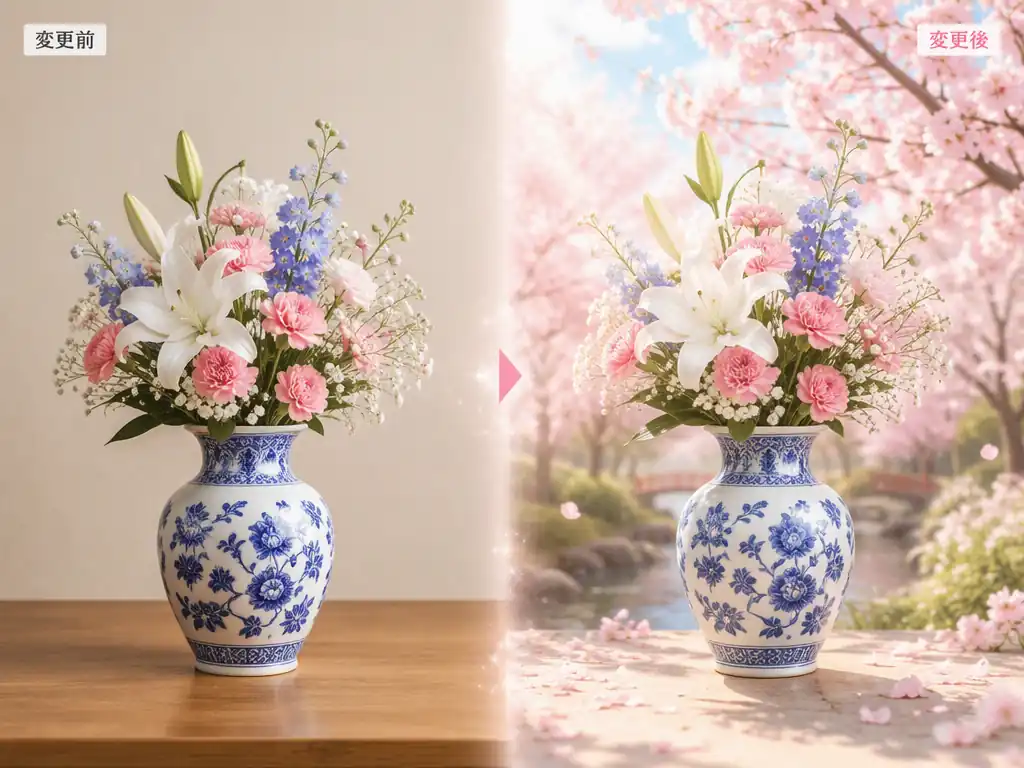
Three Ways AI Background Editor Improves Your Photos
There is no need to trace an outline or manage layers. Describe what should change, and Gazouya blends a new color or setting around the subject of your photo.
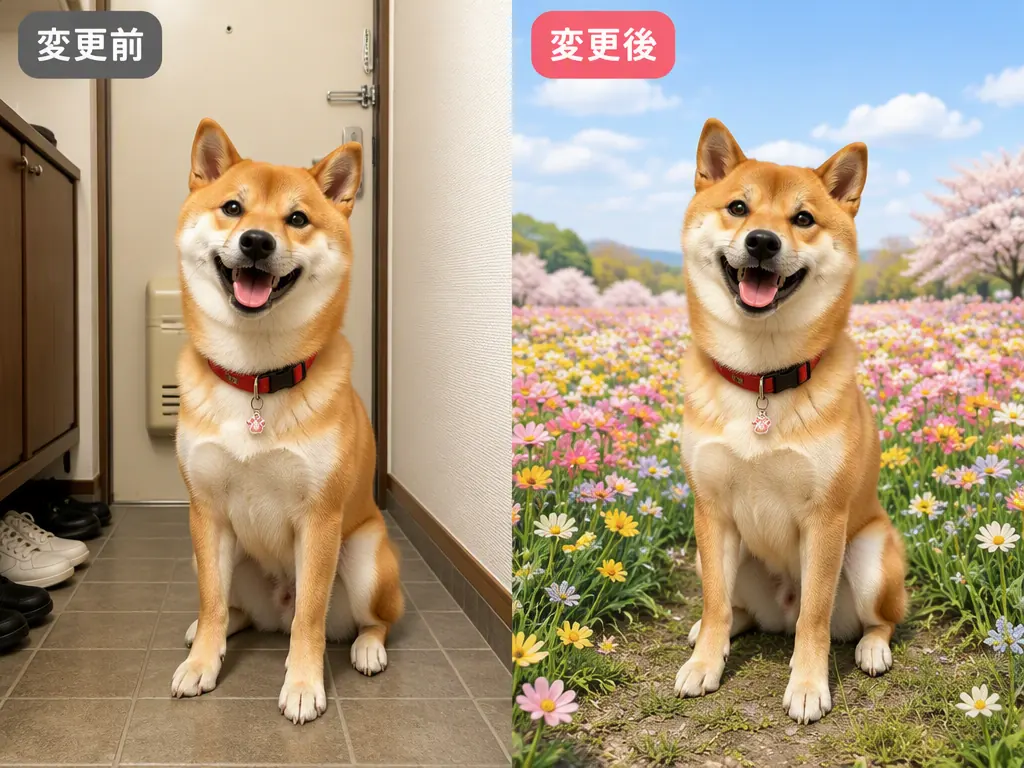
Change a Photo Background While Keeping the Subject
Change only the setting around a product, pet, or illustration while keeping the subject in focus. This helps with images that are difficult to reshoot and makes it easier to review edges and lighting. If you need a transparent cutout instead, use the background remover.
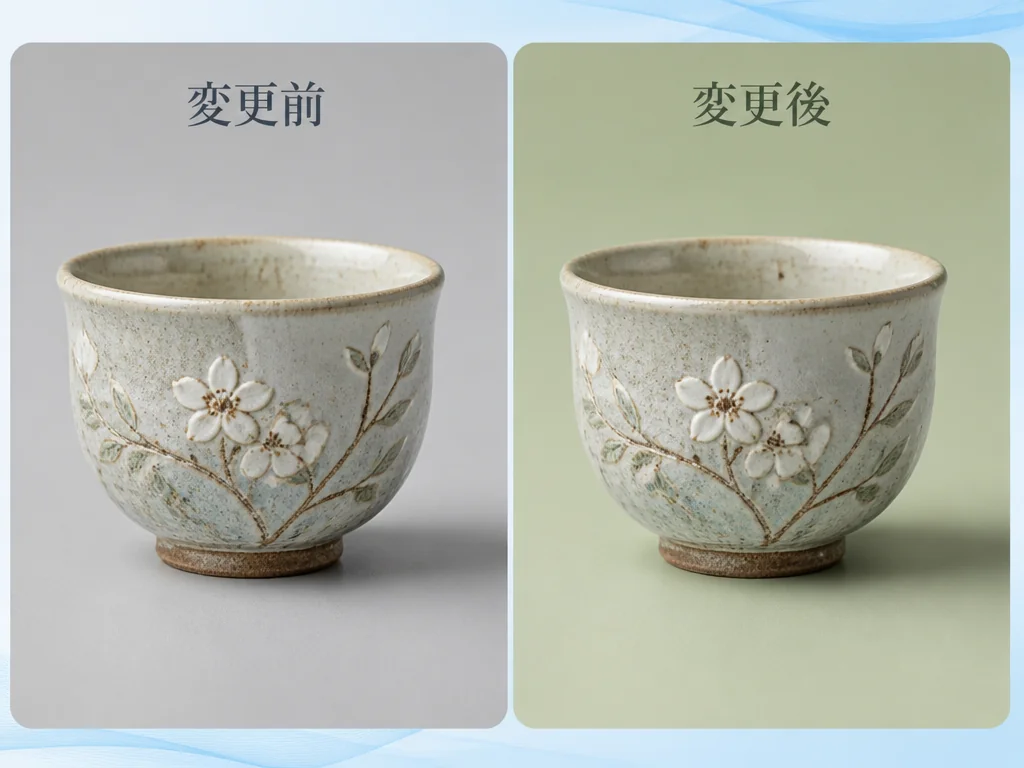
Change Image Background Color with Plain Words
Write instructions such as “make the background white” or “use a soft sky blue.” You can also describe a season, time of day, place, or lighting mood. For brightness and color adjustments after the background change, finish the image with AI photo editing.
Add a New Background to Photos and Illustrations
Gazouya works with photos, anime-style illustrations, and other creative assets. When you want to keep the composition but transform the mood of the entire image, continue with image to image AI.
How to Change Image Background in Three Simple Steps
The process runs in your browser. Prepare a JPG or PNG image, then follow these steps to begin your photo background change online.
Upload Your Image
Choose the photo or illustration whose background you want to change. Gazouya accepts JPG and PNG files up to 10MB.
Describe the New Background
Be specific about what should change, for example, “keep the product and use a white background” or “replace the rainy street with a cherry blossom park.”
Generate and Save
Review the result and save the image when it fits your needs. If you plan to print it or display it at a large size, check the resolution and fine details after saving.
Three Practical Uses for AI Background Editor
Adapt an existing photo to a new purpose without setting up another shoot. These common examples work for small businesses, social content, and personal creative projects.
Give Product Photos a White or Seasonal Setting
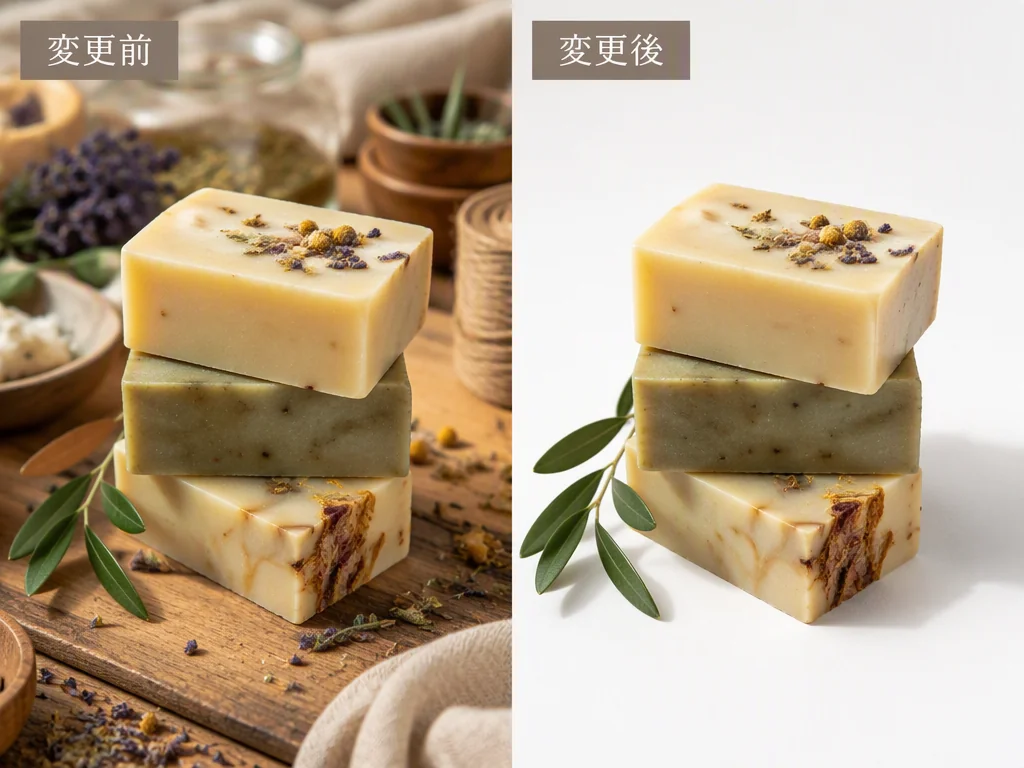
Place handmade goods and small products on a white backdrop, a display shelf, or a seasonal set. It is a practical option when you need to change an image background to white without rebuilding your photo setup.
Keep Social Posts Consistent with Background Changer
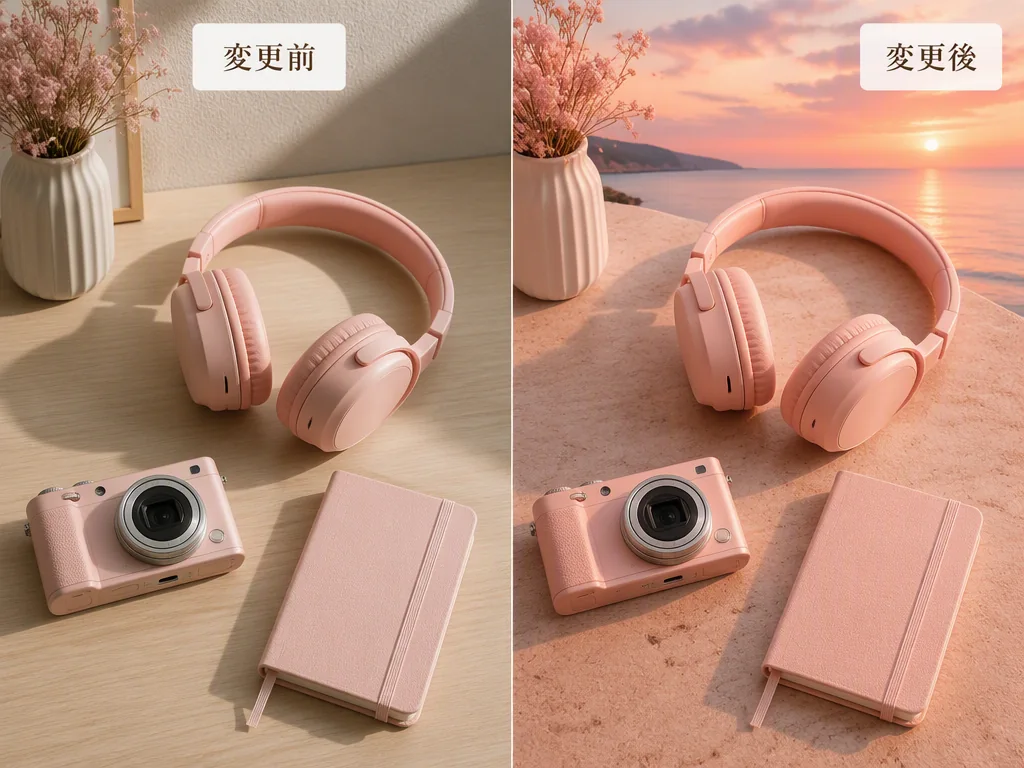
Use a consistent background palette for accessories, food, and pet photos so your posts feel connected. You can also update only the setting when a new season or campaign begins.
Add a Setting That Fits Your Illustration
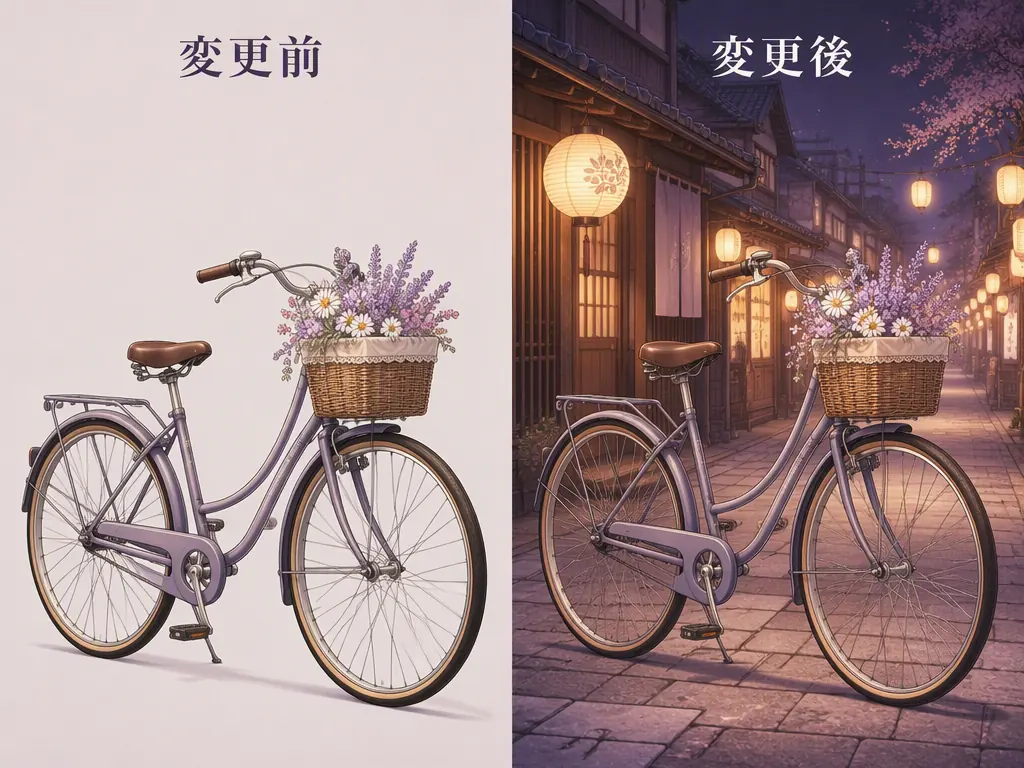
Move an original character or animal illustration into a shrine, shopping street, or fantasy forest. You can explore a stronger sense of place and story without redrawing the main subject.
Six Reasons to Choose Free AI Background Changer
Gazouya keeps image background change straightforward, with a short path from upload to a result that first-time users can follow.
Plain-Language Instructions
Describe the color, location, season, and lighting mood in everyday words.
Photos and Illustrations
Try it with product photos, pets, original illustrations, and other visual assets.
No Sign-Up Required
Start the background change as soon as your image is ready, without creating an account.
Free Daily Credits
Use credits that reset each day to edit background photos for free.
Works in Your Browser
Use Gazouya on desktop, tablet, or mobile without installing software.
Connected Creative Tools
Continue with background removal, photo editing, image-to-image transformation, or upscaling on the same site.
How Creators Use AI Background Editor
These examples show how background change fits into product photography, social content, and illustration work.
“Even when I cannot reshoot my work, I can clean up the background and prepare a white product image for my shop. Describing the mood in plain words also makes it easier to try seasonal variations.”

“I keep the product unchanged and adjust only the background to match each storefront campaign. I spend less time rebuilding a photo area, so preparing listing images feels much more manageable.”

“I use it to bring different post backgrounds into the same color family. Changing only the setting for an event lets me reuse good source material while keeping the feed consistent.”

“I changed a character scene from a daytime street to a shopping district at night without redrawing the character. It helps when I want to compare setting ideas while preserving the composition.”

“I keep the food itself intact and move it onto a brighter table setting. Since I can try it without registering, it is easy to compare options that match the mood of each article.”

“I enjoy placing pet photos in different seasonal landscapes. I do not have to learn a complicated editing panel; I can begin by writing what I want in ordinary language.”
AI Background Changer: Frequently Asked Questions
Try AI Background Editor on Your Photo
Upload a photo or illustration and describe the color or scene you want. Use the free, no-sign-up allowance to try a new background while keeping the same subject at the center.