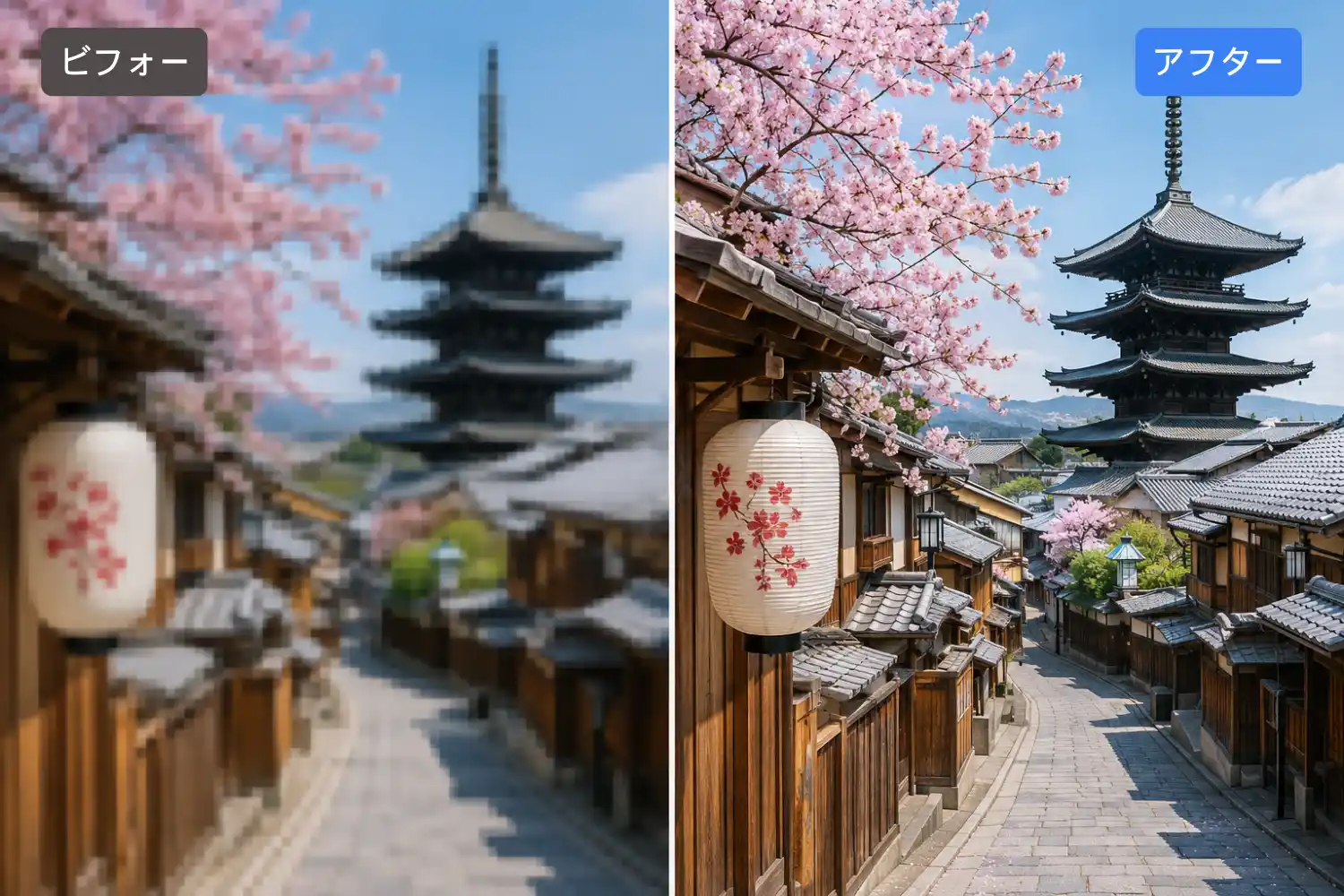
AI Image Upscaler
Start creating stunning images for free
History
Sharpen blurry photos in seconds with AI image upscaling
Just upload an image. Gazouya's AI image enhancer automatically boosts resolution and smooths out noise and grain. Old photos, night scenes, or illustrations — enhance them free, instantly, no sign-up.
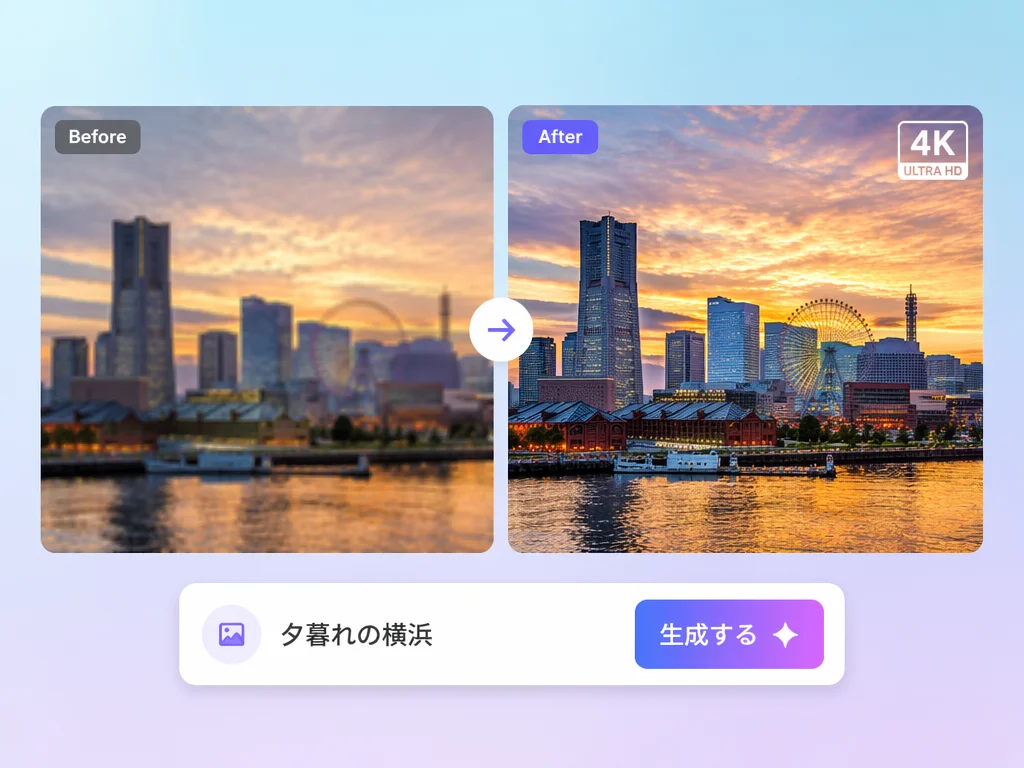
Solve these problems with Gazouya's AI image enhancer
Image upscaling: boost resolution up to 4K
Even small, grainy images get their pixels reconstructed by Gazouya's AI upscaler. 2x and 4x enlargement deliver resolution that holds up in print and on large displays. Don't have a source image? Use our AI image generator to create high-resolution images directly from a text prompt.
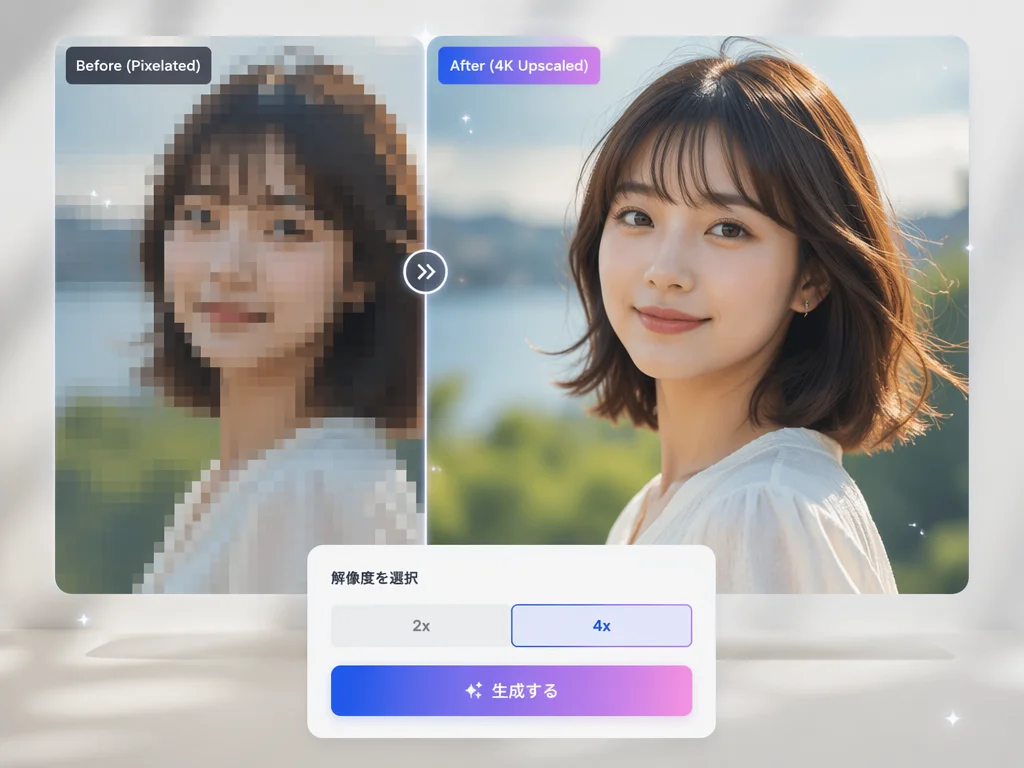
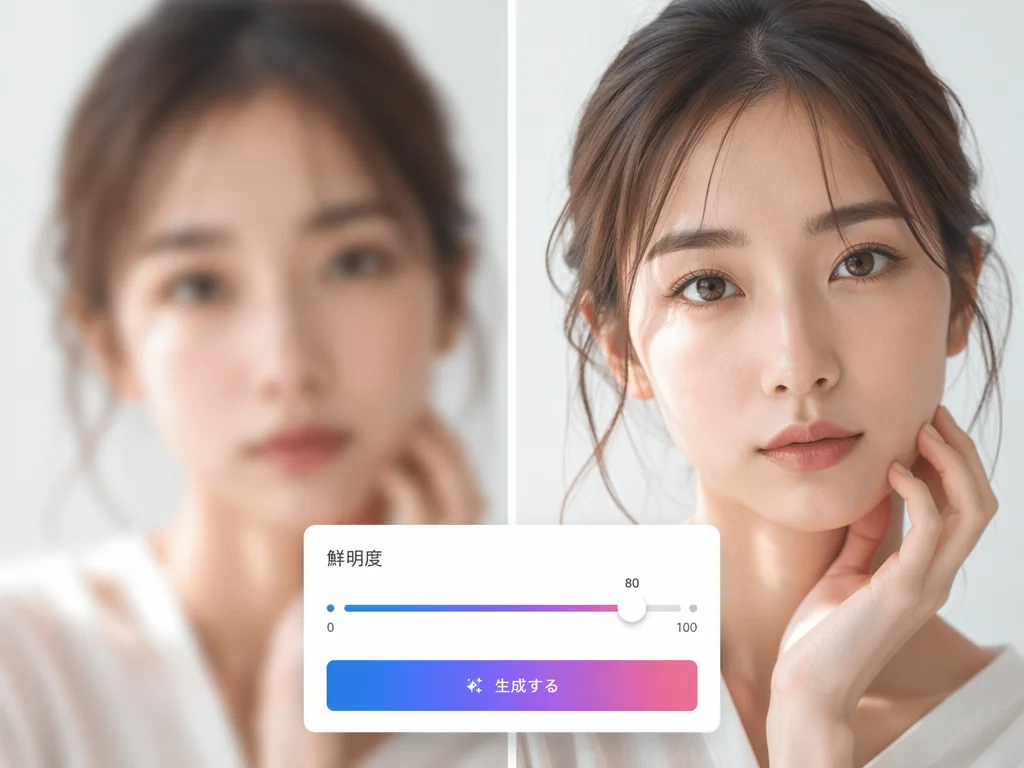
Image sharpening: turn blur into crisp detail
AI analyzes edges and texture, sharpening smeared areas. Social posts and banners come out with punchy, clear detail.
Noise removal: smooth out grain in shadows
Reduces noise common in night shots and dim interiors. Brightness is preserved while grain is refined into fine detail.
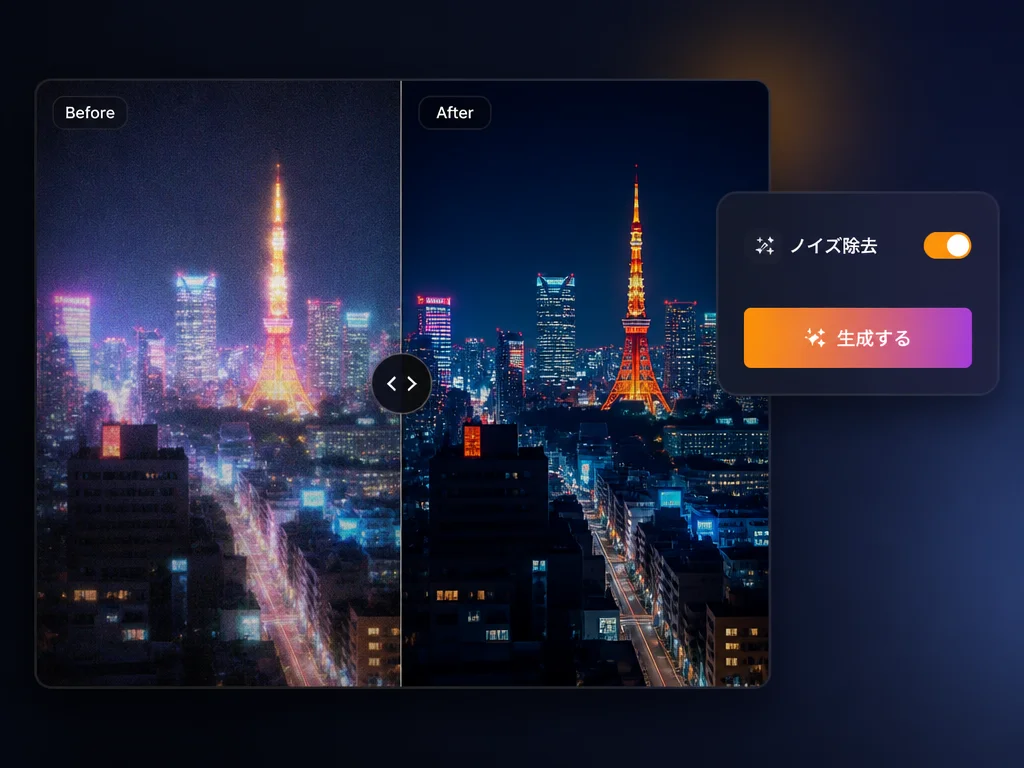
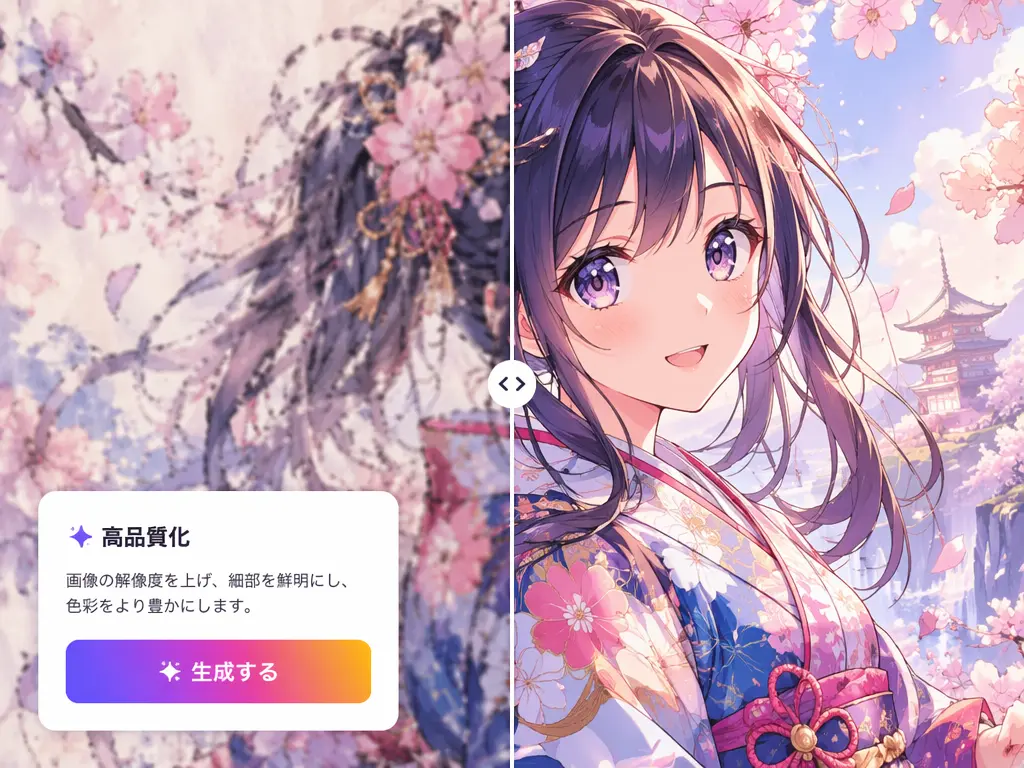
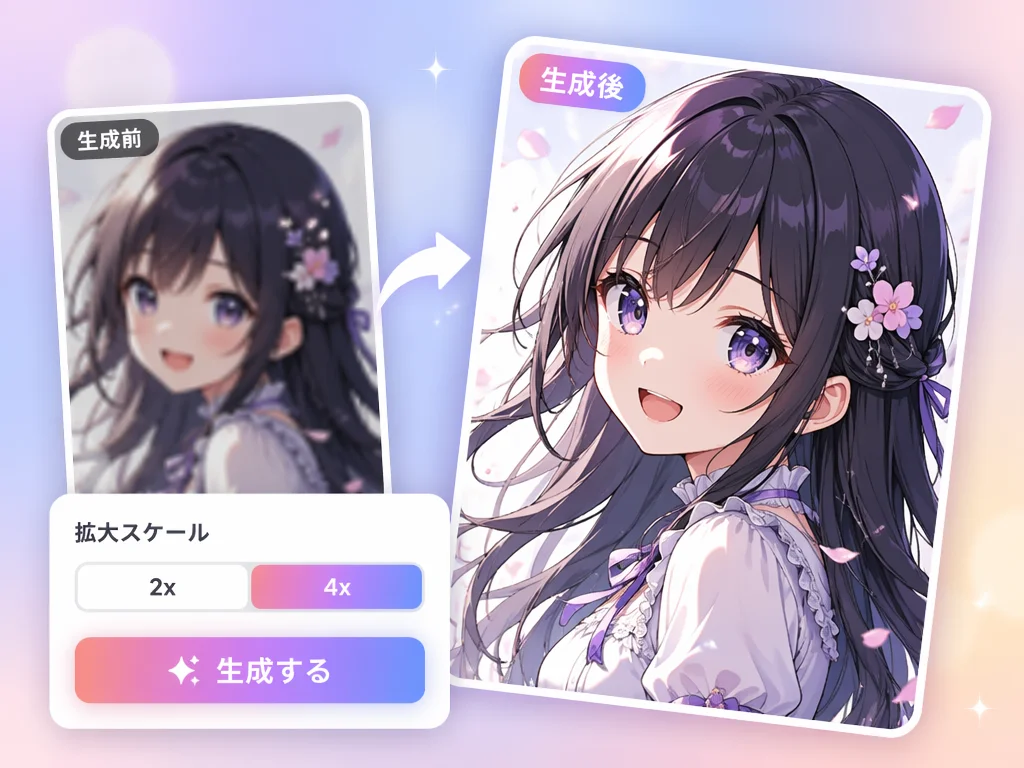
Illustration enhancement: anime-style art looks great too
Illustrations and anime-style art are enhanced with minimal line bleed — a Gazouya strength creators love for prints and merch. Create images with Gazouya too. Create your merchandise-ready illustrations with our AI illustration generator, then upscale them here, which is the go-to workflow for doujin and indie creators. Create anime backgrounds and character assets from scratch with our AI anime generator, then upscale them here, which is the ideal pipeline for anime production.
Done in 3 steps — how to enhance your saved images
Upload your image
Select and upload the photo or illustration you want to enhance. Supports common formats like JPG and PNG.
Tap 'Enhance'
AI automatically fixes resolution, sharpness, and noise in one pass. Processing finishes in seconds.
Download & share
Save the finished image to your device. Use it right away for social posts, printing, or documents.
Where AI image upscaling comes in handy
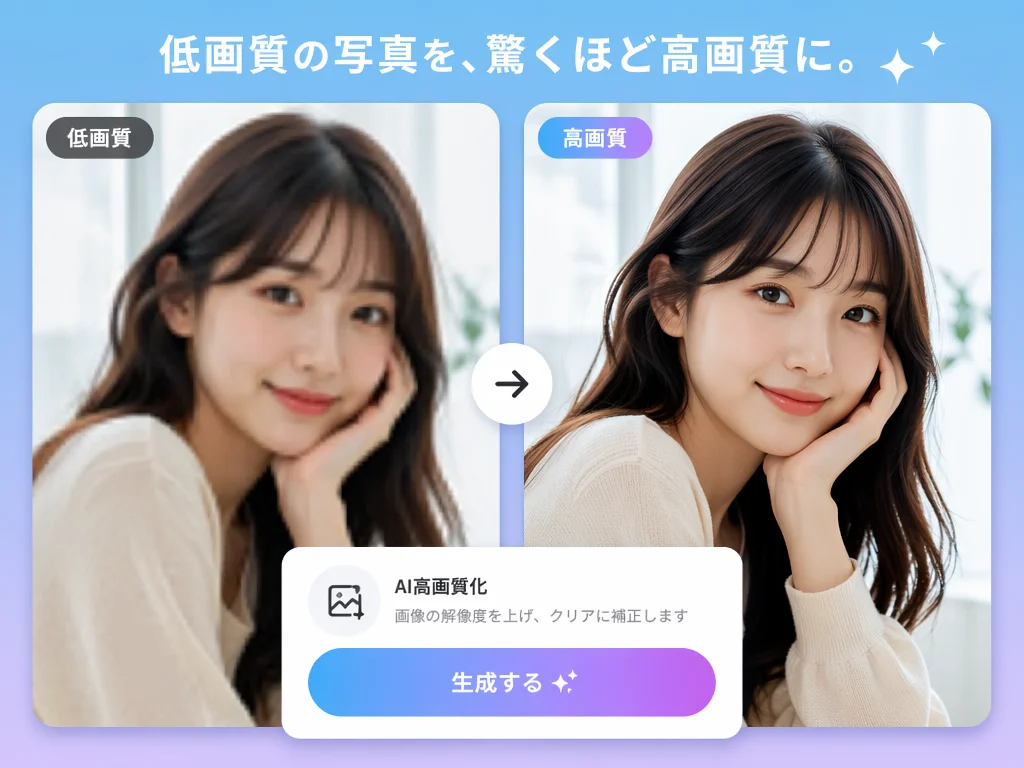
Portrait & people photo enhancement
Smooth skin and hair texture in phone portraits for sharper, clearer results. Great for social profiles and prints.
Night & low-light noise reduction
Tames shadow noise in night scenes and interiors, making light shine beautifully. Also works as a photo retouch.
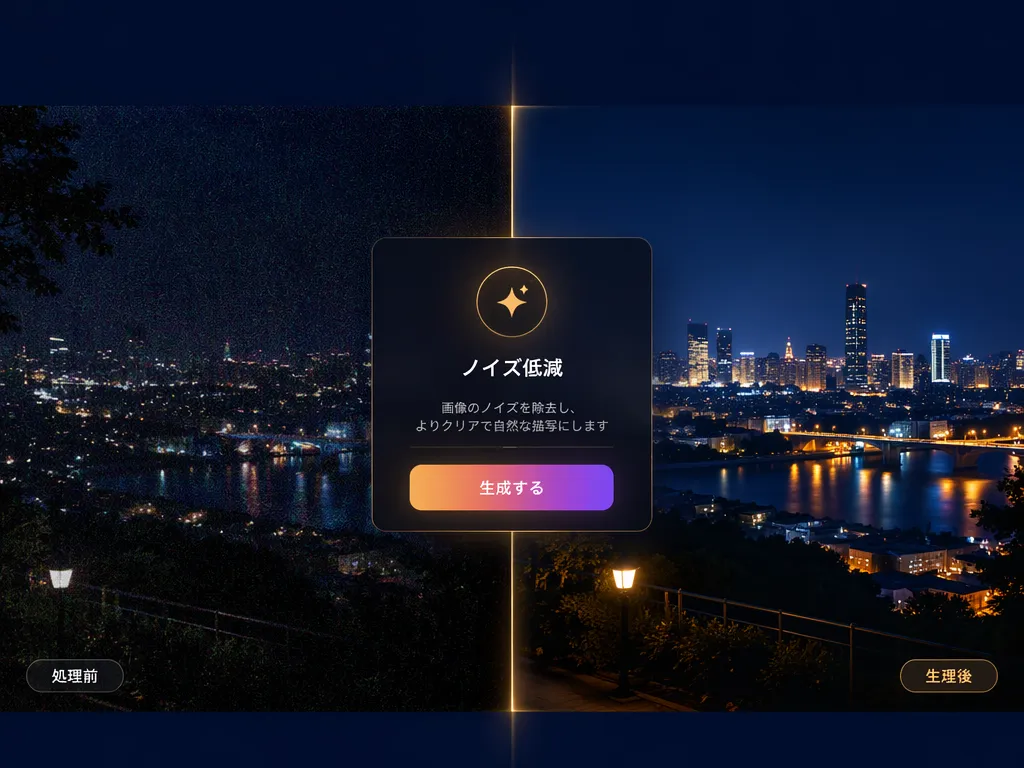
Illustration & anime enlargement
Enlarge illustration and anime-style art without blur. Good for prints and icons. Try changing the style with our image to image AI before upscaling, and you'll get an entirely new piece of art at a print-ready resolution. Manga manuscripts and pages with screentones upscale beautifully here. Simply create your pages with our AI manga generator, then upscale them for print-ready quality.
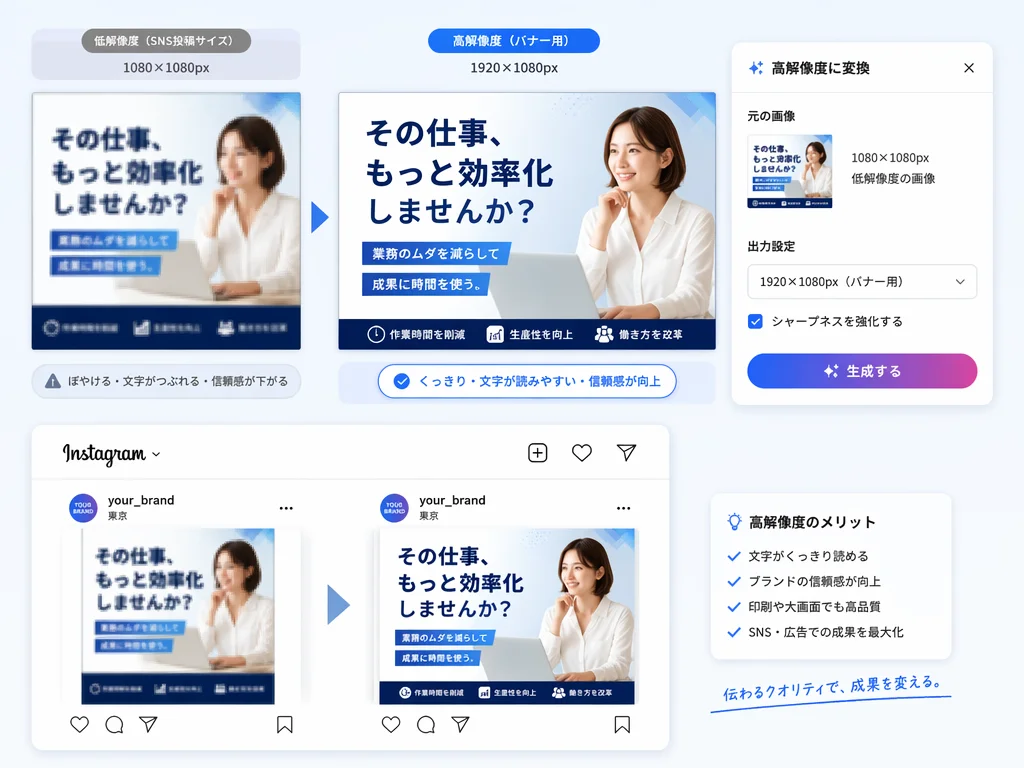
Boost resolution for social & banner assets
Take low-res assets up to post- and ad-ready quality. Raise image resolution and keep it sharp when resized. Create the source with our AI image generator, then enhance it here. Make your assets banner-ready by removing backgrounds first with our background remover, since transparent cutouts give you maximum layout flexibility.
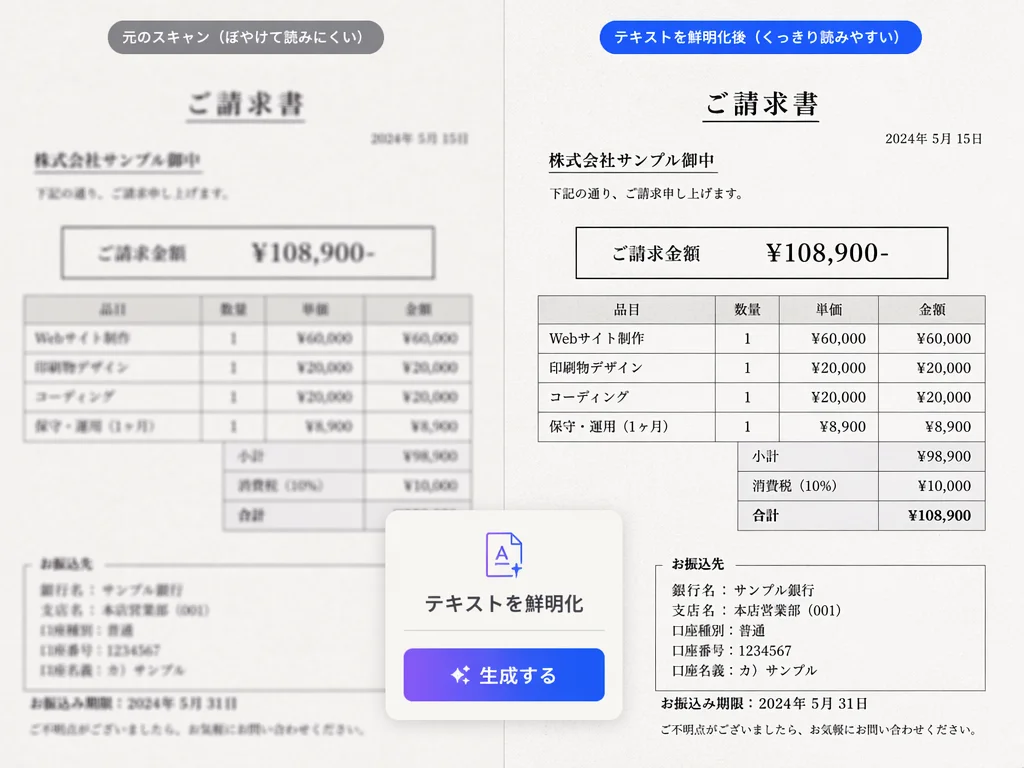
Scanned documents & text sharpening
Sharpen hard-to-read scans and screenshots so text is crisp. Also handy for fixing blurry images.
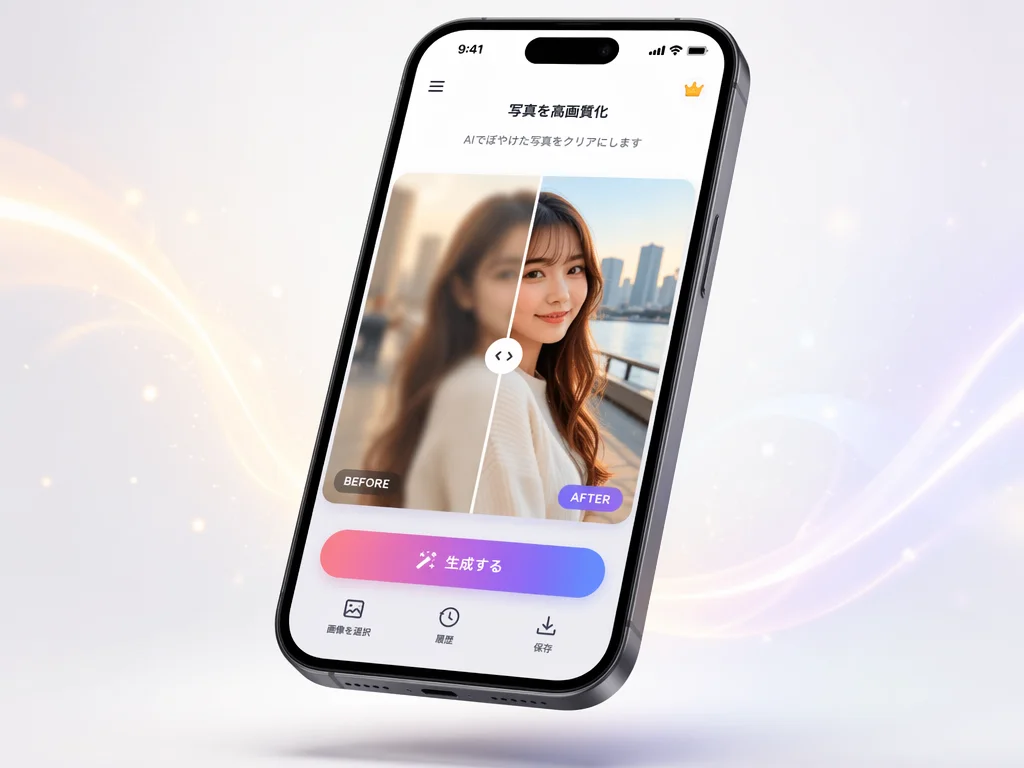
Quick from your phone
Enhance anytime, anywhere, right from your phone's browser.
Why choose Gazouya for image upscaling
Free & no sign-up
No account or login needed. Start instantly with the daily free quota.
Natural, true-to-life results
Reads fine detail and mood in your images, delivering correction that stays faithful to the original.
Excellent with anime & illustration
Fine, clean upscaling that fits illustration and anime art styles without line bleed.
Resolution up without quality loss
Suppresses artifacts and noise, sharpening detail without losing what makes the image yours.
Privacy-conscious
Uploaded images are deleted after processing, so you can use it with peace of mind.
Create to enhance in one place
Create images and enhance them — all at Gazouya. Before or after upscaling, fine-tune brightness, color, and composition with our AI image editor for a complete polish.
What users say about Gazouya's AI image enhancer
“Gazouya's AI image upscaler made my old album photos shockingly clear. I was so happy to look at my grandmother's photos with my family.”
“I use it for photo enhancement on night shots. The shadow noise cleared right up and my posts look so much better.”
“I use the illustration upscaler when printing my art. Lines don't bleed, so I can use it directly for fan merch.”
“Indispensable for raising resolution on social banner images. Even small assets stay crisp when enlarged, and my work got way faster.”
“I use it to clean up blurry phone photos. No sign-up and instant — really convenient.”
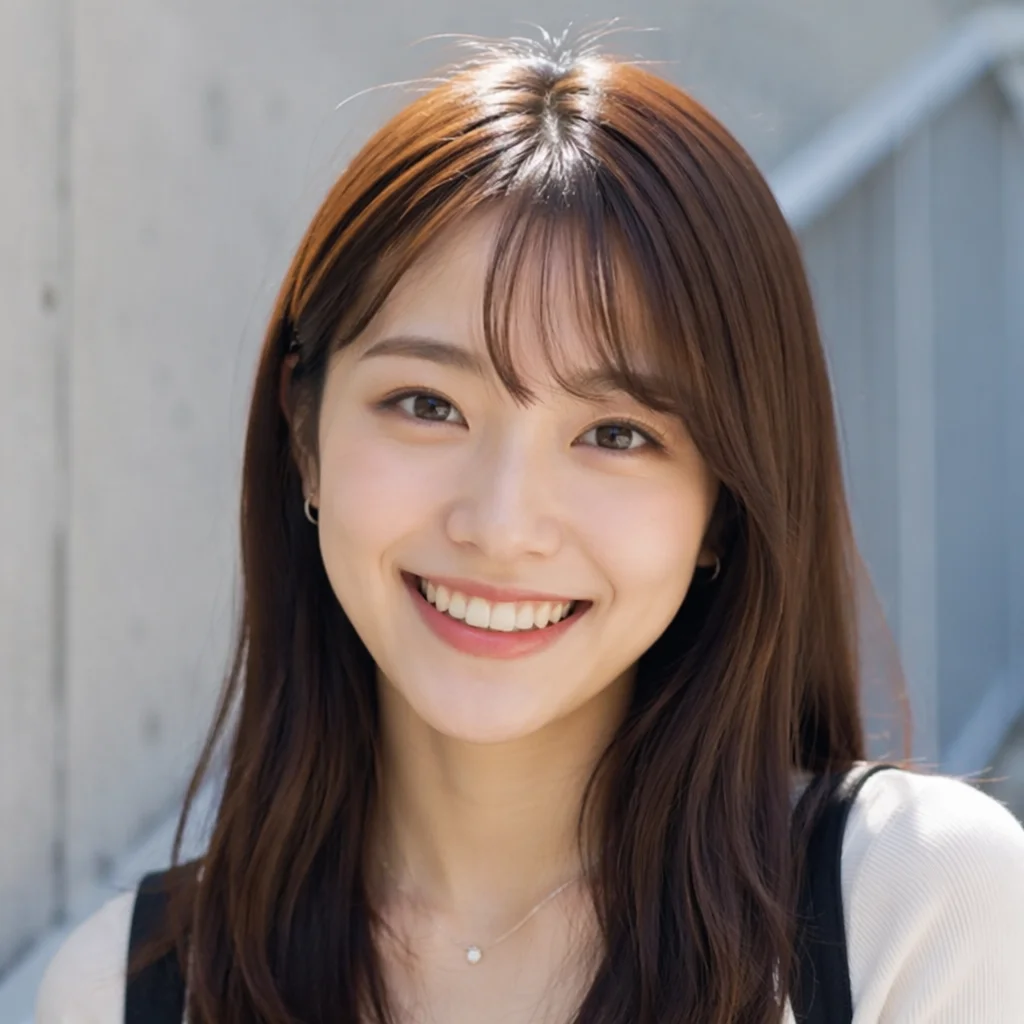
“I revived my shop's sign photo with sharpening. Customers told me 'it looks cleaner now' — made me happy.”
Frequently asked questions about AI image upscaling
Enhance your images with AI — free, right now
Enhance your photos and illustrations with AI — free, no sign-up.