Color Changer
Start creating stunning images for free
History
Image Color Changer — Recolor Any Picture the Way You Want
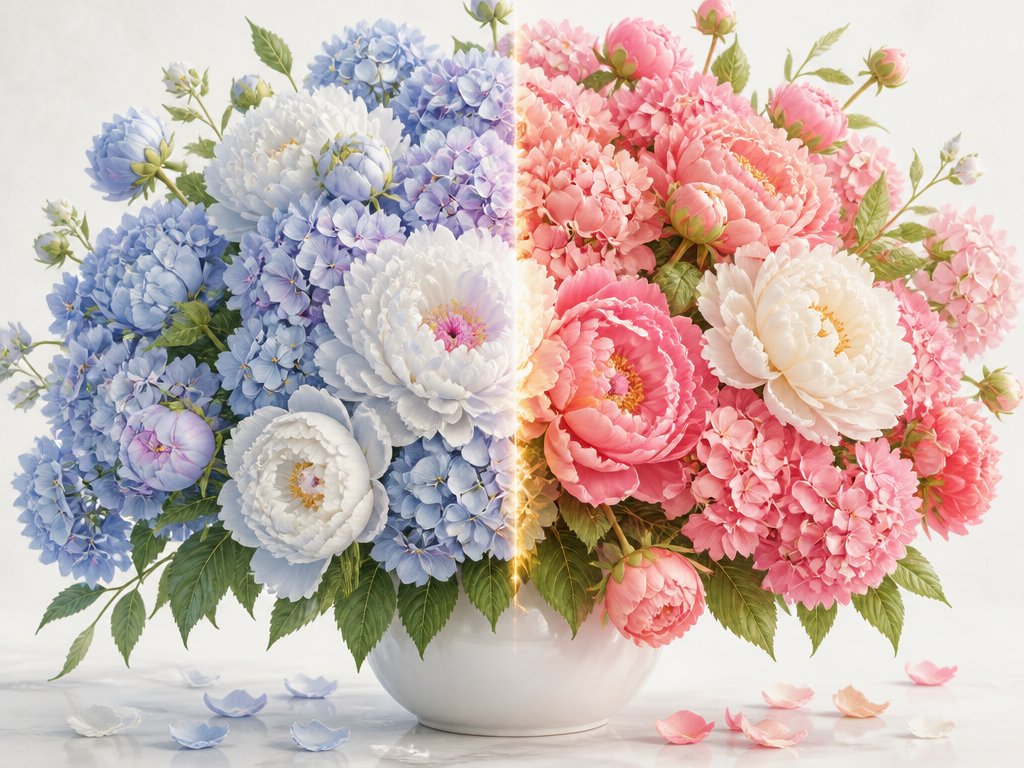
Upload a picture and describe the change. As a photo color changer, it handles both quick single-color swaps and broader tone shifts. Gazouya is built for online color work: say something like "make this jacket navy" or "warm up the whole photo," and the AI identifies the area you named and recolors it naturally. There is no selection tool to learn and no software to install. Use it on logos, product shots, illustrations, or photographs, and try it free.
What You Can Do With Gazouya
If you are looking for a tool to recolor images, Gazouya is worth a look. Its strength is that you can change image color in just the area you target, and it covers everything from swapping a single color to shifting the tone of an entire photo. Everything runs in the browser, so there is nothing to install.
Change the Color of a Specific Part of an Image
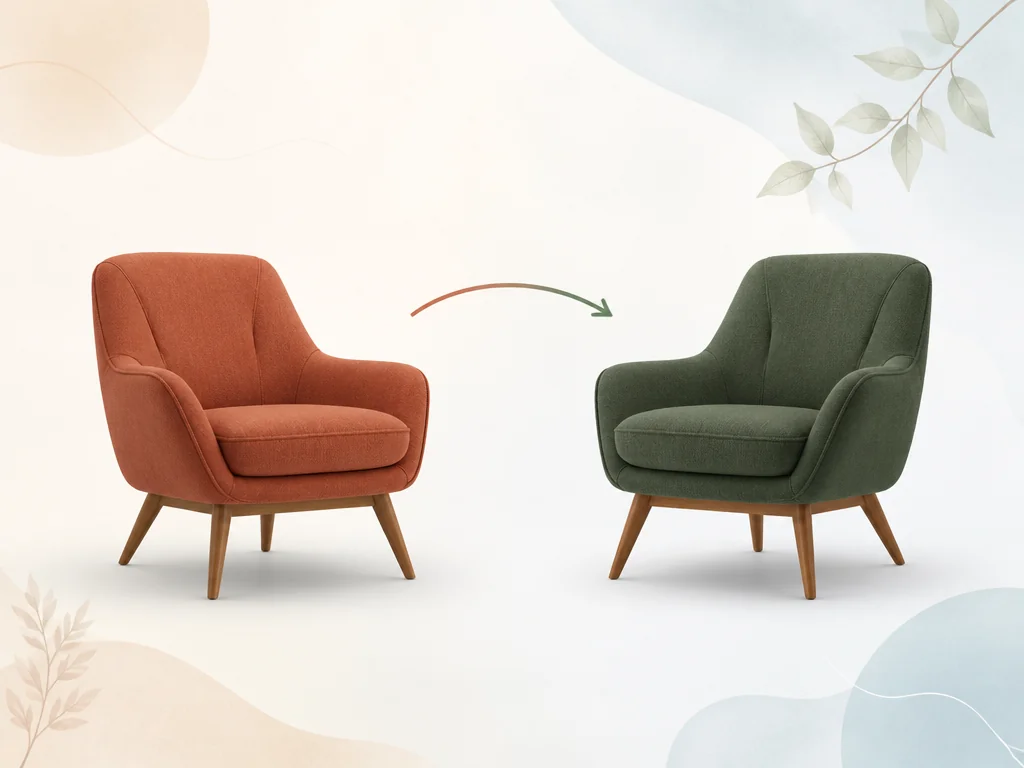
Just describe the spot you want to change. The AI recognizes objects like clothing, hair, products, or logos on its own, letting you recolor an image without tracing anything and recolors only that area in a natural tone. There is no need to trace a selection with your mouse. Edges blend smoothly, so the edit stays hard to notice. If you want to change the composition and brushwork as well, you can pair this with style transfer as well.
Adjust the Tone of an Entire Image
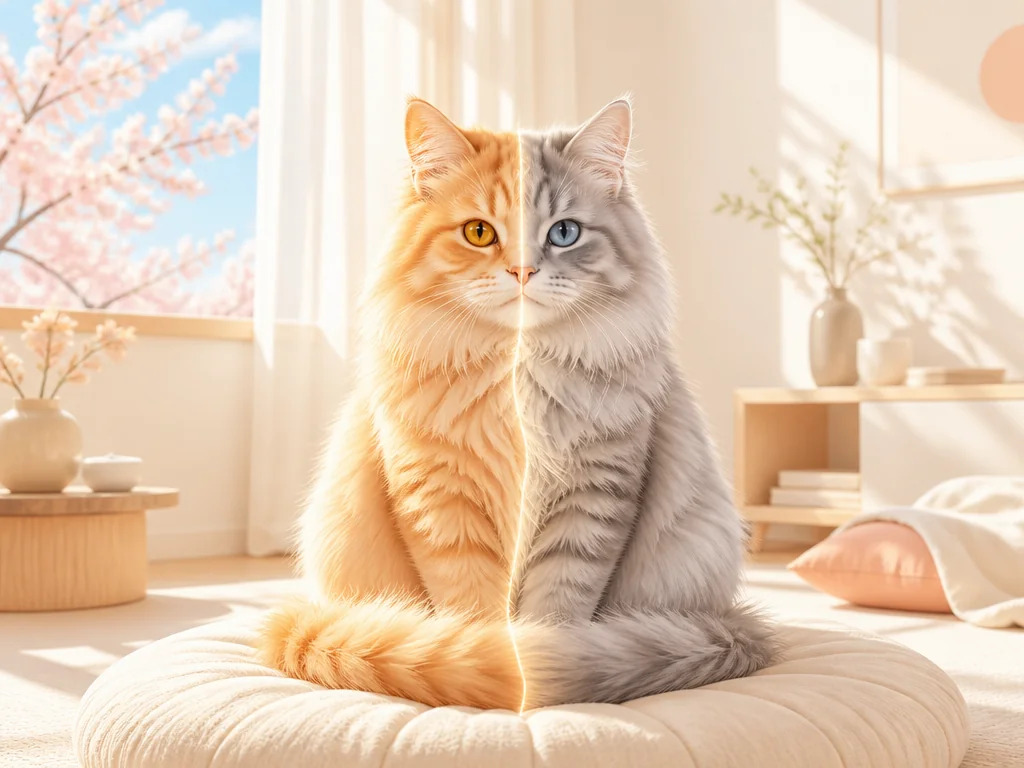
Adjust hue, saturation, and brightness to set the mood of a whole picture. This approach suits continuous tone work: bringing a slightly faded photo back to life, or matching the tone across a set of images. You can also try seasonal or atmospheric looks, like a fresh summer palette or a muted winter one, just by describing them.
Replace One Color With Another
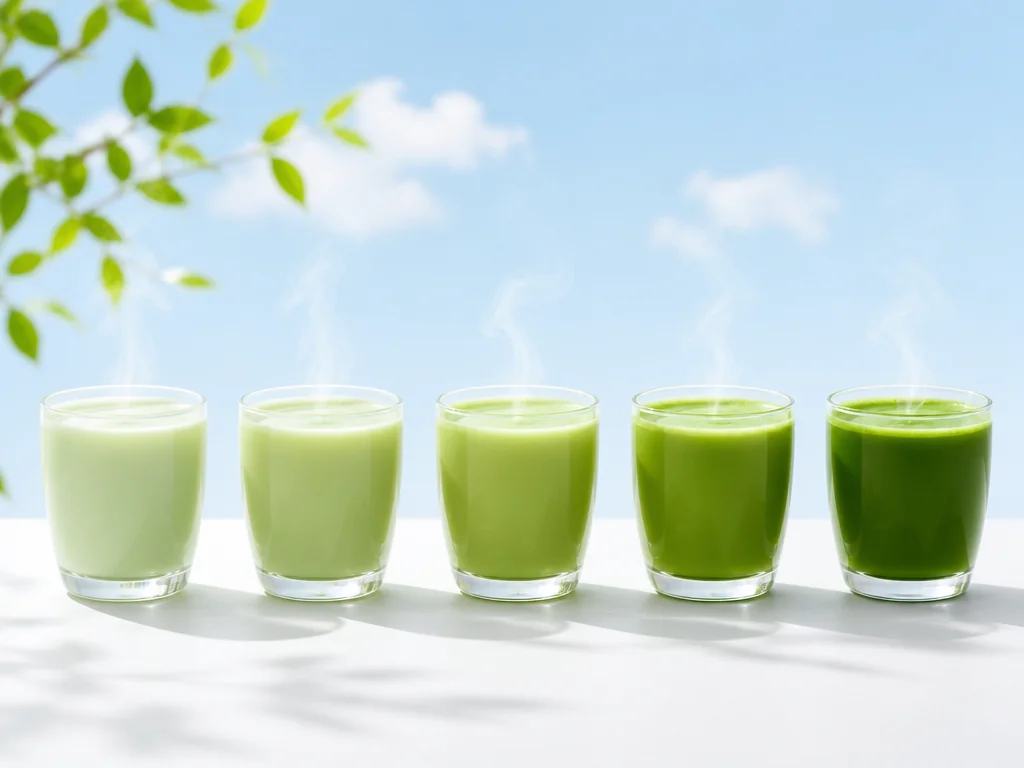
Phrases like "turn this red into blue" or "make the logo black match our brand color" let you replace a specific color in an image with another one you name, across the whole picture at once. It is handy when you need the same color swapped the same way in several images, such as keeping brand colors consistent across banners, social posts, and business cards. Illustrations and anime-style artwork are supported as well.
Change an Image's Colors in Three Simple Steps
No special setup needed. Open the page in your browser and you can start right away.
Upload your image
Pick the image you want to recolor and upload it. JPG, PNG, and WebP are supported.
Describe the color you want
Just say something like "make this jacket navy" or "brighten the whole shot." There is no color number or hex code to look up.
Generate and download
Once the recolor is done, check the result and save it.
Where Recoloring an Image Comes in Handy
From day-to-day production work to personal projects, plenty of problems can be solved by changing a color.
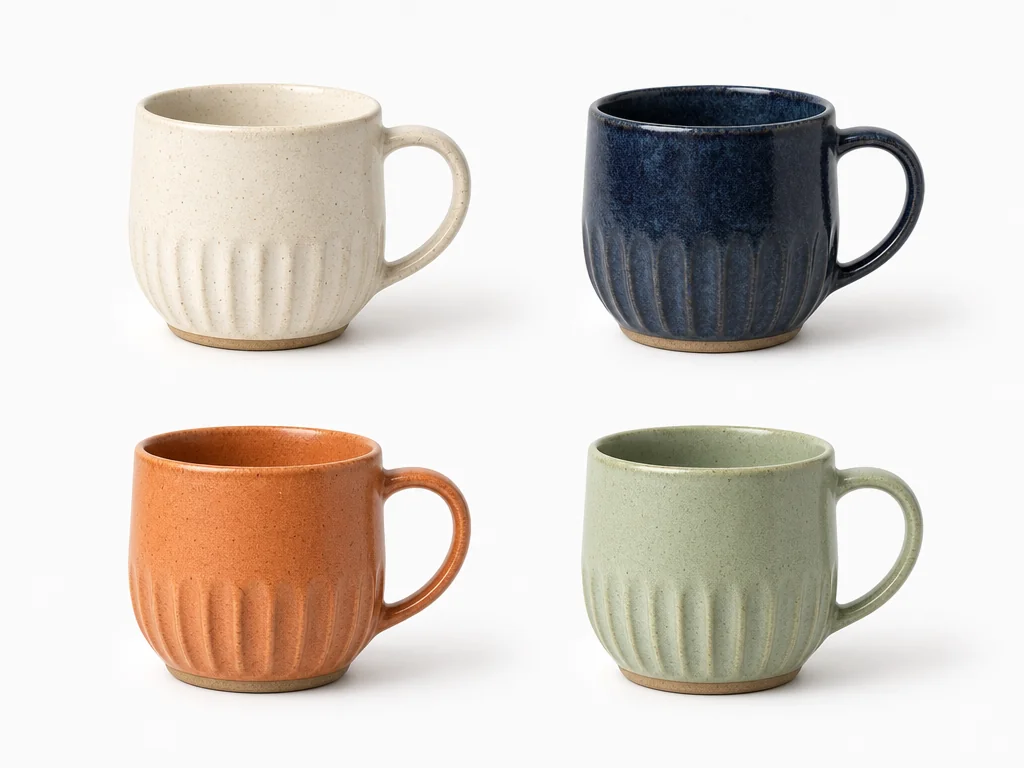
Product Color Variations for Online Stores
Running an online store means keeping multiple color versions of the same product on hand. Instead of reshooting, recolor only the product itself and you can put together a color range in far less time. Beyond clothing and accessories, it also covers cases like using it to change the background color of an image from white to navy. If you want to replace the background itself, you can use the background changer as well.
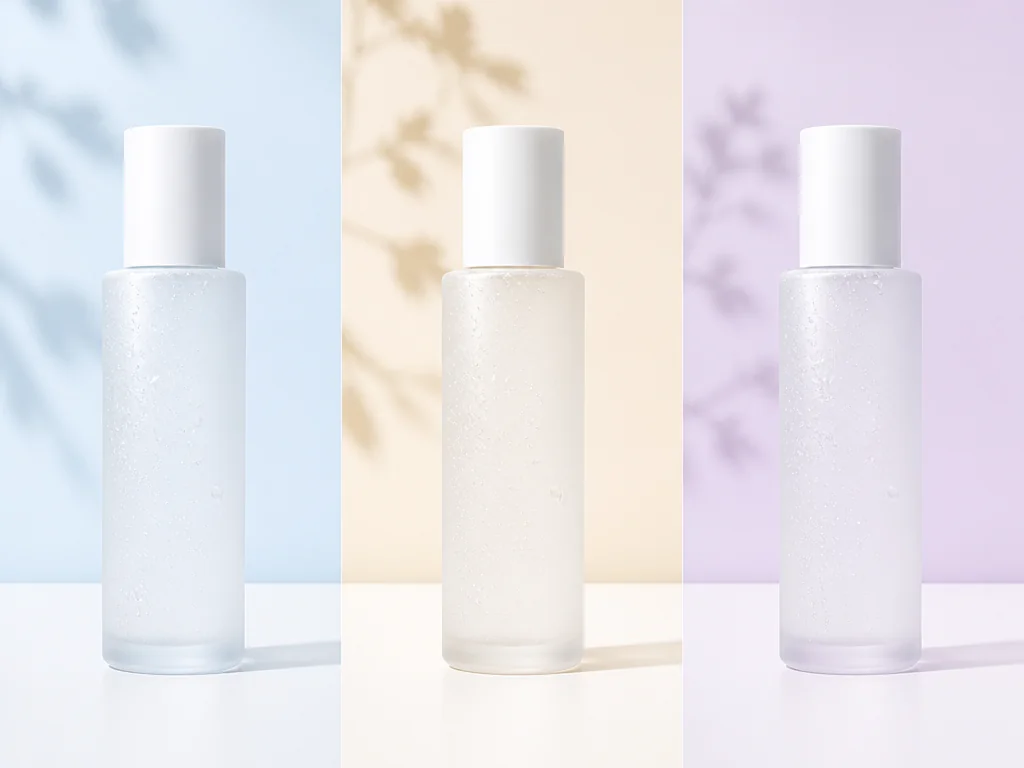
Keeping Logos and Brand Colors Consistent
Campaigns and seasonal refreshes often call for a logo in a different color. A logo can be switched quickly to a color that fits your brand guidelines. When you need the same color across banners, social posts, and business cards, a single instruction keeps them aligned. If you also want to tidy up brightness and contrast after the color change, pairing this with the AI photo editor helps finish the job.
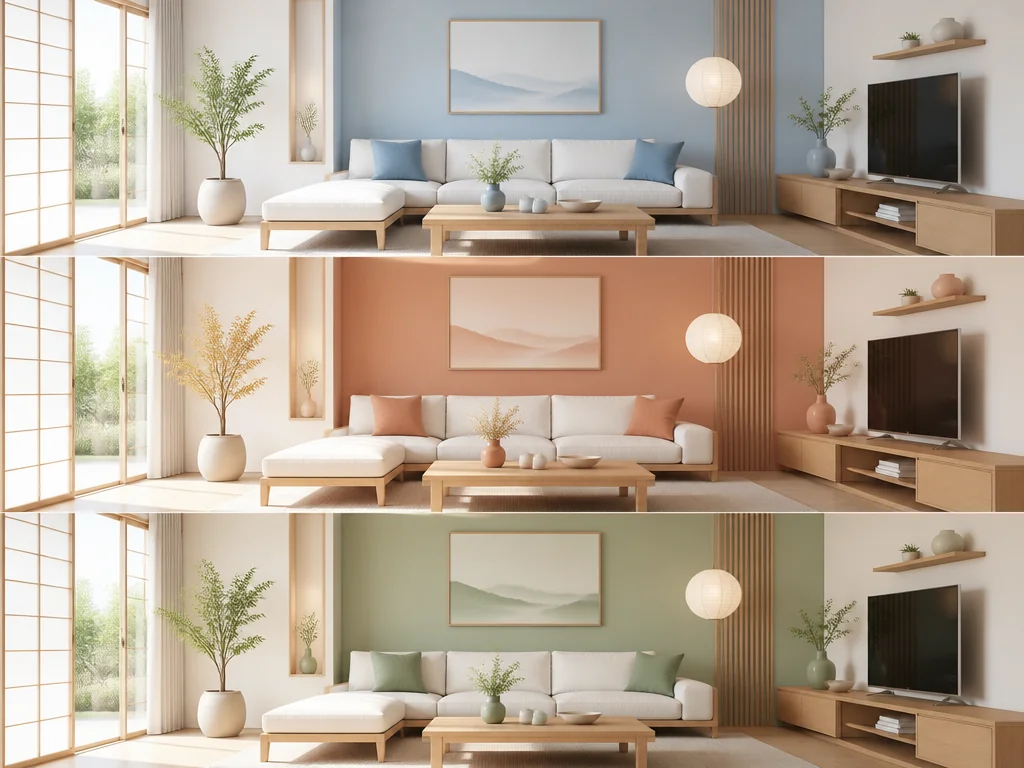
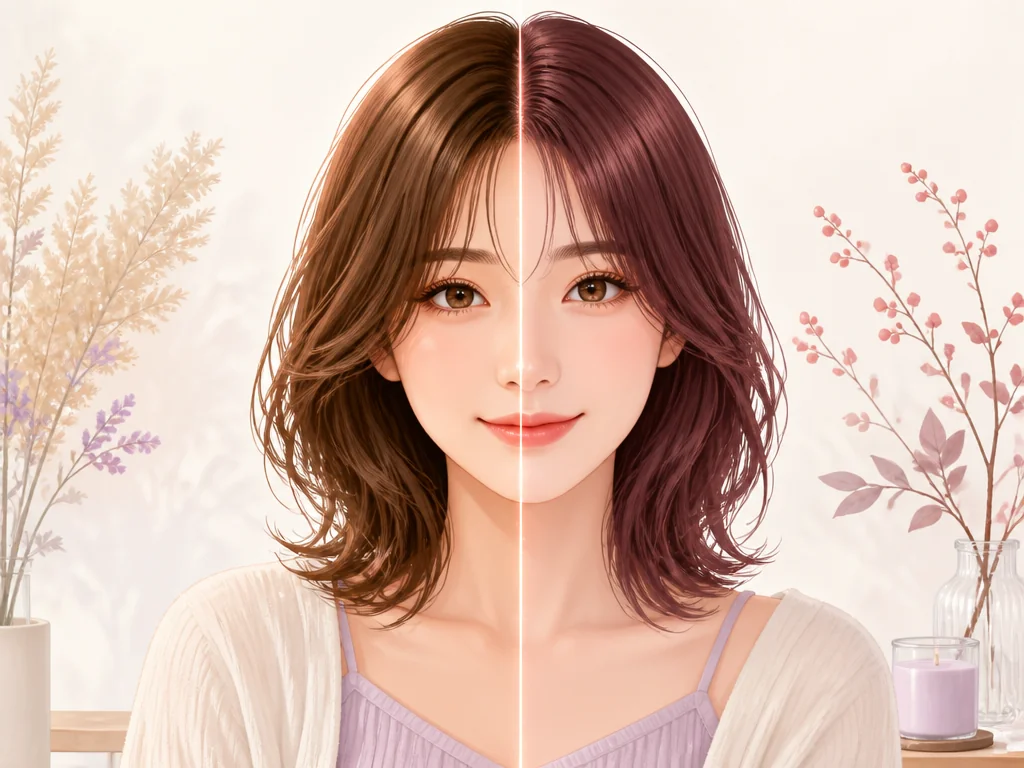
Previewing Hair Color and Interior Ideas
When a stylist is consulting with a client, or when someone is weighing a furniture purchase, it helps to see the result beforehand. Change just the hair color or the sofa color in a photo and compare several options side by side. As a color changer tool, it keeps the original shot intact while you explore. Because you can share the look before anything is committed, it also makes a proposal more persuasive.
Making Illustrations and Anime-Style Art
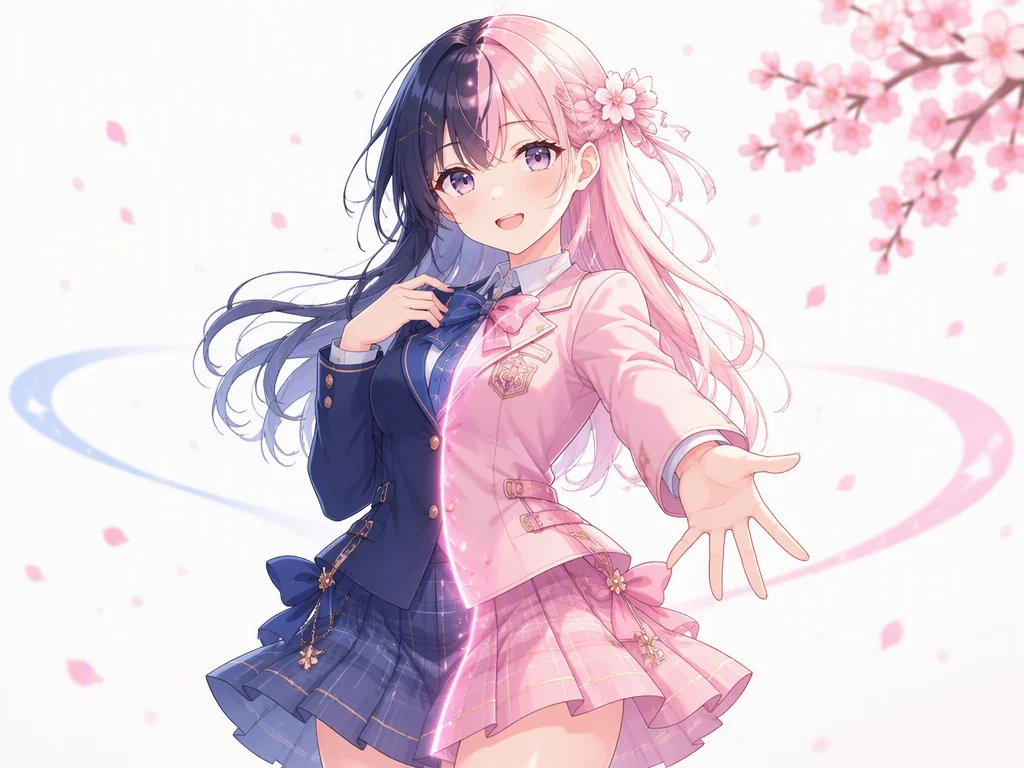
Your own illustrations and anime-style character art work here too. Swap an outfit's color to make an alternate version, or shift the overall tone to match a setting, and your range of expression widens. Because you can change only the color while keeping the linework's character, there is less redrawing to do. When you want to build a new character from scratch, pairing this with the illustration generator moves the work along further.
Why This Image Color Changer Wins on Precision
If you have tried several tools already, we think you will notice the difference.
Understands everyday descriptions
Even vague phrasing like "a dusty red" or "a retro seventies tone" is enough for the AI to read your intent and adjust the color. There is no color number or hex code to look up, and because nuance carries through, the details that are hard to put into words can still take shape.
No selection work required
Conventional tools make you drag a box around the area you want to change. Gazouya only needs a description of the subject, so even small details can be recolored the way you intended. With no edges to trace, the work goes considerably faster.
Start without signing up
No account and no credit card needed. Open the page, choose an image, and you can start recoloring right away. A daily free allowance means you can experiment as much as you like without watching the cost.
Preserves the original texture where possible
Colors can be changed naturally while keeping as much of the original detail and texture as possible. Changing a color does not normally produce an unnatural result. It works for websites, design work, and a range of other uses. If your source image is small, running it through the image upscaler first tends to give a smoother result.
Handles photos and illustrations alike
Coverage runs from realistic photographs through anime-style illustration. The most suitable process is chosen based on the kind of subject, so both come out looking natural. There is no need to keep separate tools for photos and illustrations.
Works entirely in the browser
There is nothing to install and no high-end computer required. It works the same on Windows and Mac, and on phones and tablets too. Data you are working with is deleted automatically once processing finishes, so you can use it with peace of mind.
Who Uses This Image Color Changer
Recoloring an image supports a wide range of people, from those working in production to individuals creating for fun. Here are six roles and uses where it tends to come up most.
For putting together several color versions of a product at once. Since colors can be lined up without reshooting, it pairs well with online store work where new colorways arrive often.

For showing several color options side by side in a client meeting. Talking through the mood of each color while comparing options suits the back-and-forth of graphic design work.
For rolling a logo or brand color out across different media. The ability to replace a specified color the same way across multiple images is what makes it useful here.
For producing outfit variants or alternate colorways of your own illustrations. Since colors can be swapped while keeping the linework intact, it fits the variation work that illustration involves.

For presenting several interior concepts at once. Changing the colors of walls and furniture and lining them up lets you weigh how each palette shifts the feel of a room.

For tidying up images used as article headers or social posts. Because color adjustments can be handled with a plain description, it stays approachable for people who are not comfortable in design software.

Frequently Asked Questions About Recoloring Images
Recolor an Image for Your Next Project
Choose an image and describe the color you want. You can start right away with no sign-up, and the daily free allowance lets you try as often as you like. Put the color you have in mind into the picture.