Get Started
Get Inspiration from our quick start examples!
Click an image to copy the prompt.
History
A Tensor.Art Alternative Without Sign-Up
Tensor.Art is a model platform first and a generator second: you pick a checkpoint, stack a LoRA, then generate. That depth is why people stay, and also why starting costs time, because generating requires an account. Gazouya works the other way round. You type a sentence in Japanese, press generate, and get an image without registering. This page lays both out so you can decide which one fits the job in front of you.
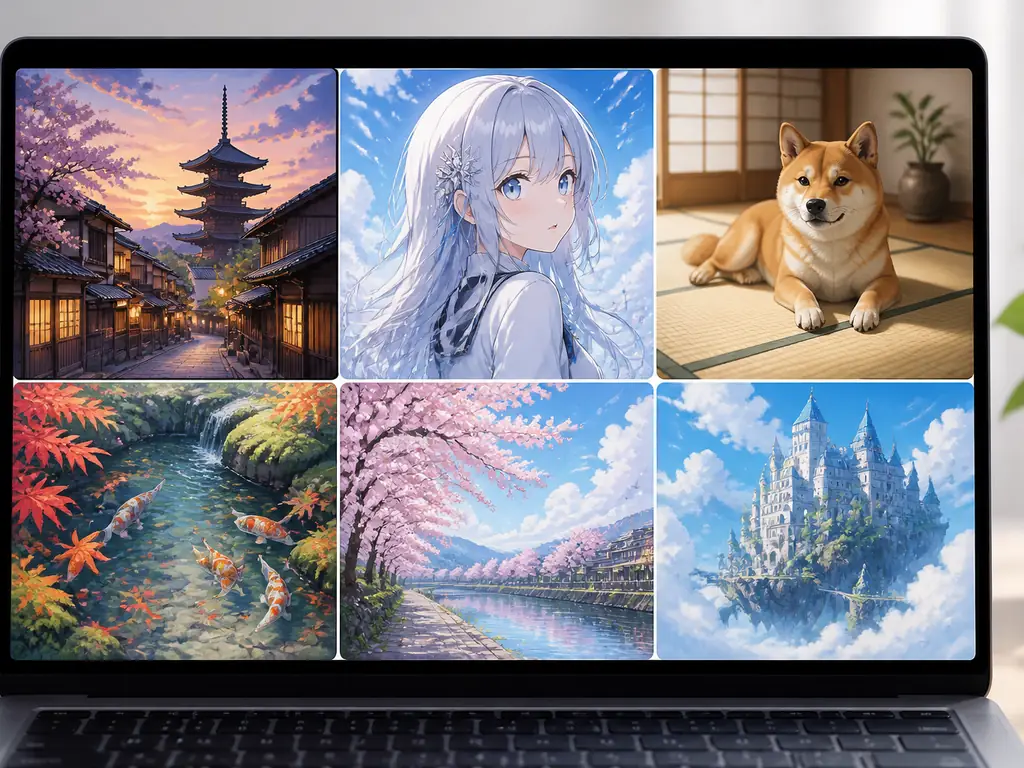
What Tensor.Art Does
| Feature | Description | Details |
|---|---|---|
Text-to-image generation 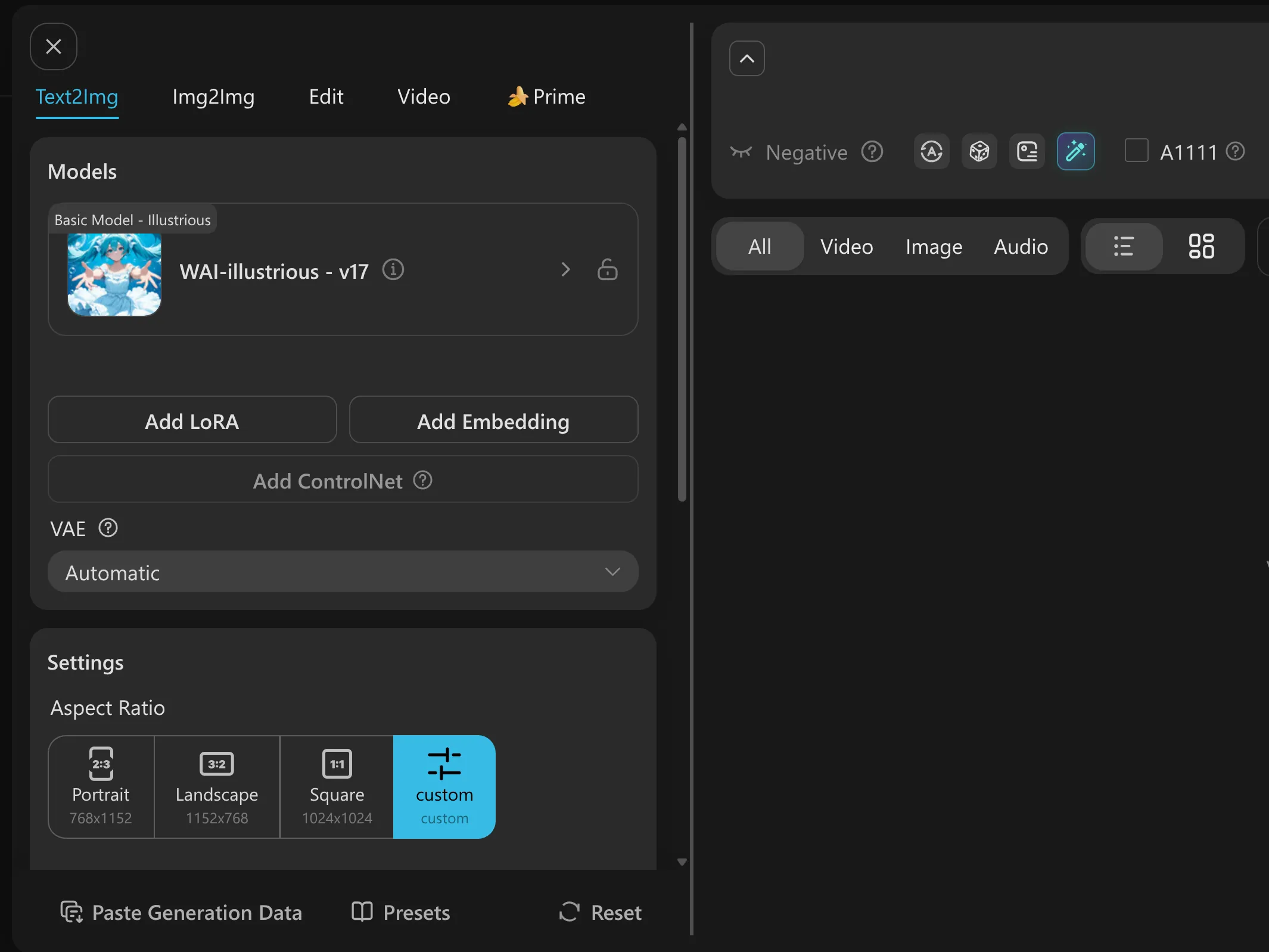 | A prompt and a chosen model produce the image. The workspace keeps four tabs side by side: Text2Img, Img2Img, Edit and Video. | Generating needs an account, which the terms of service state outright. A model page carries a free trial button labelled "Generate Now — This one on us". Aspect ratio options are 768×1152, 1152×768, 1024×1024 and custom. |
Model library and model hosting 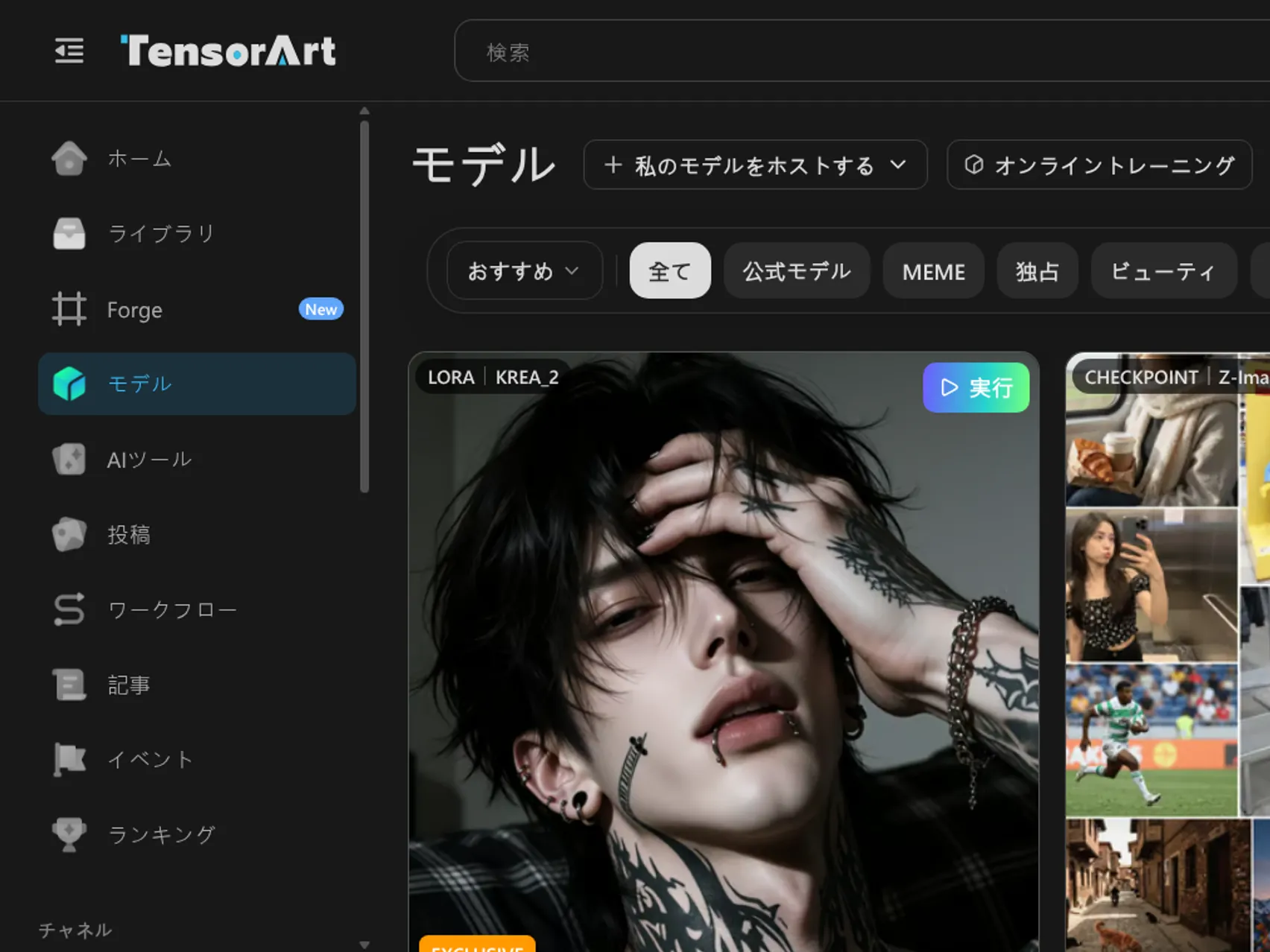 | Community models are searchable and usable straight away, filtered by type: Checkpoint, LoRA, LyCORIS. | "Host my model" publishes your own model, and "Online Training" is the entry point for training. Model pages include a Download button for saving the model file locally. |
ComfyUI workflow sharing 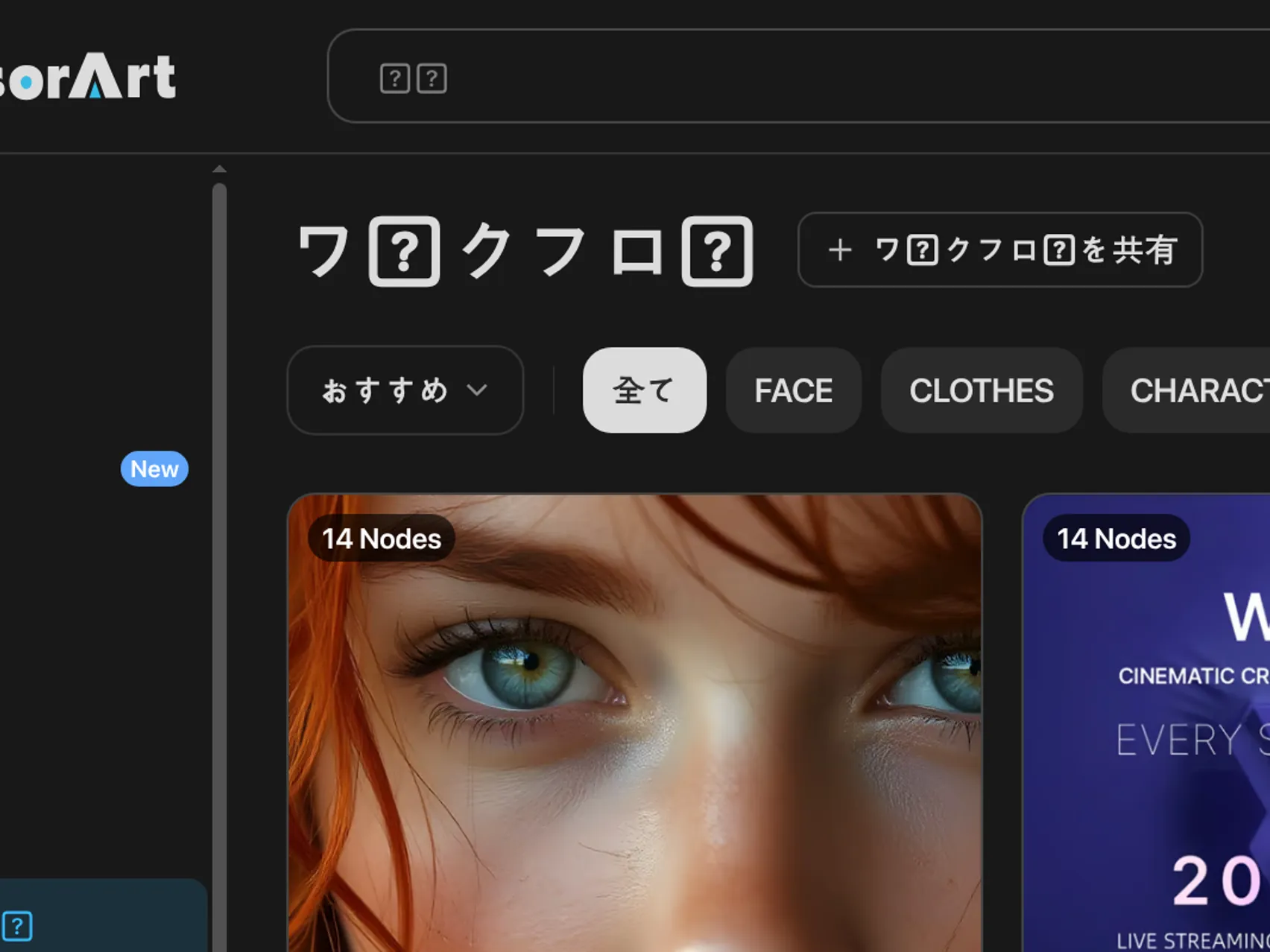 | Node-based workflows are published and reused as-is. Cards show the node count, for example "14 Nodes". | Filters cover FACE, UPSCALE, INPAINT, CONTROLNET, IMG2IMG and VIDEO, among others. Each author describes what the workflow is for. |
AI tools and quick tools 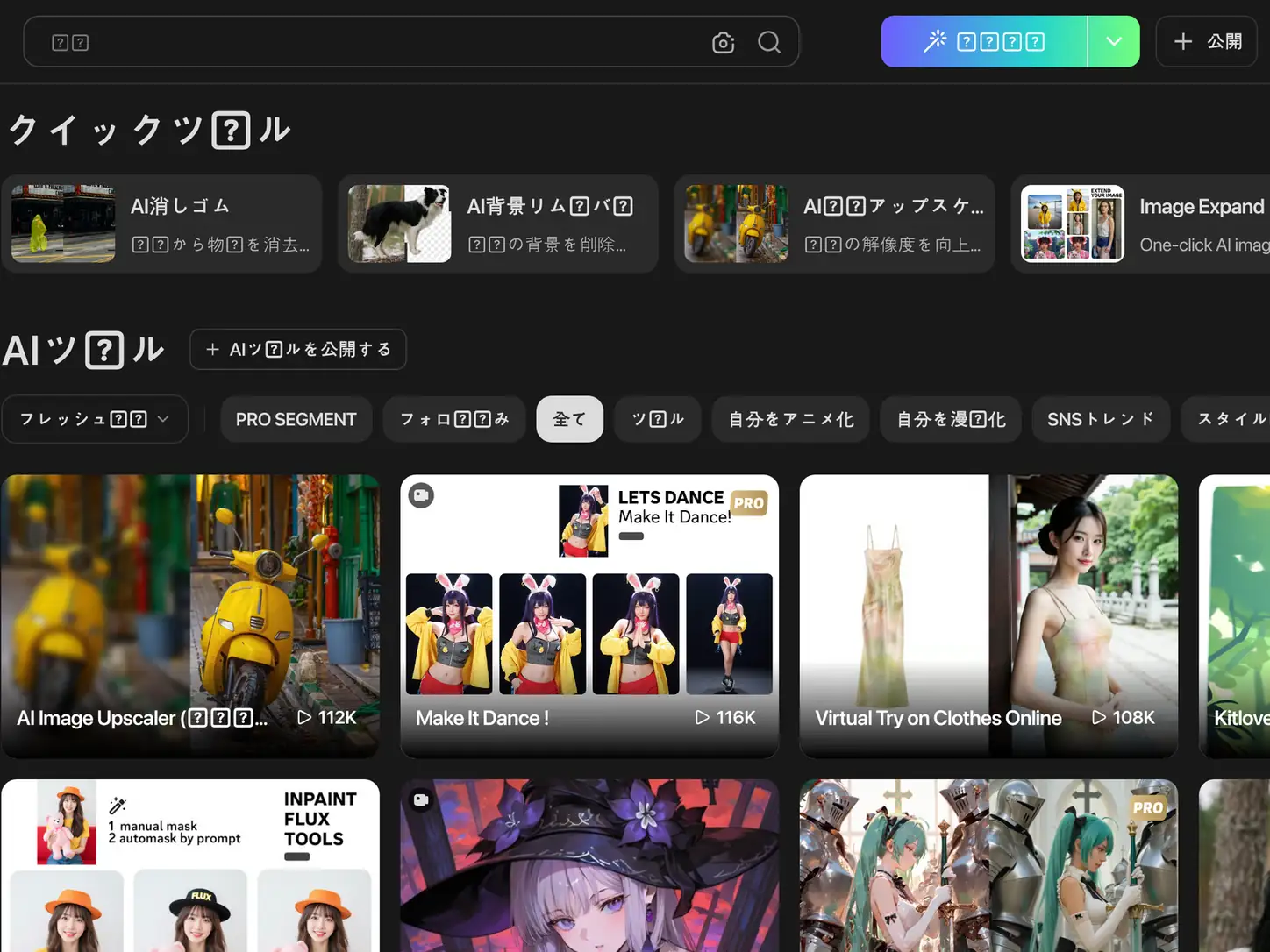 | A row of one-click edits sits under Quick Tools: AI Eraser, AI Background Remover, AI Image Upscaler, Image Expand and Perfect Background. | All of them take an uploaded image, and they are positioned as finishing tools for generated output rather than as generators themselves. |
Where Tensor.Art Is Used
Three usage patterns explain most of the traffic this platform gets. They describe what people do with Tensor.Art, not what Gazouya does better, which comes later.
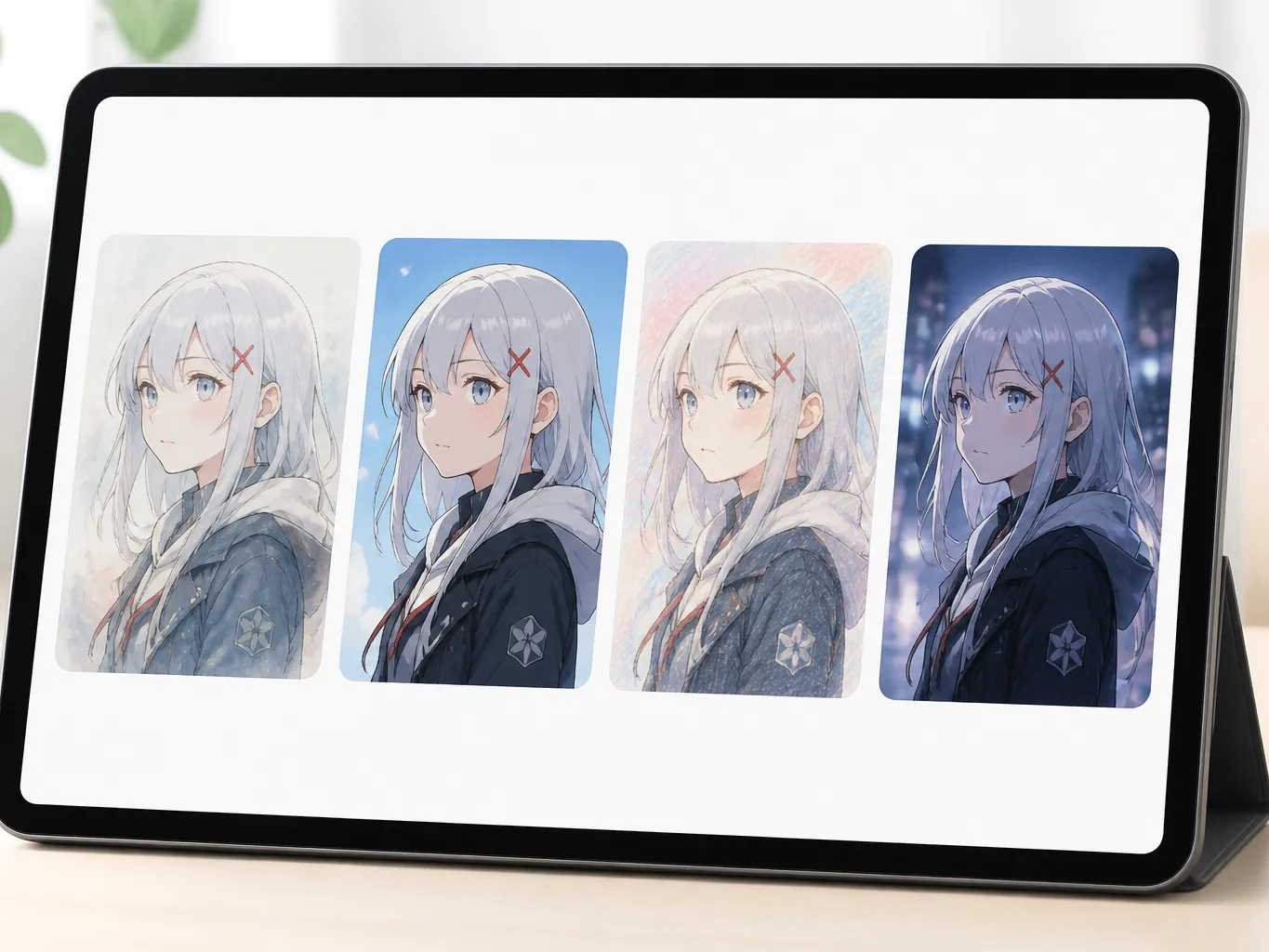
Keeping one character on-style with a model plus LoRA
For a character that keeps appearing across images, the base checkpoint sets the overall look and a character LoRA holds the face and outfit steady. Composition can change between shots while the person stays recognisable, which is the main reason illustration series get built here.
Training a LoRA so your own style carries over
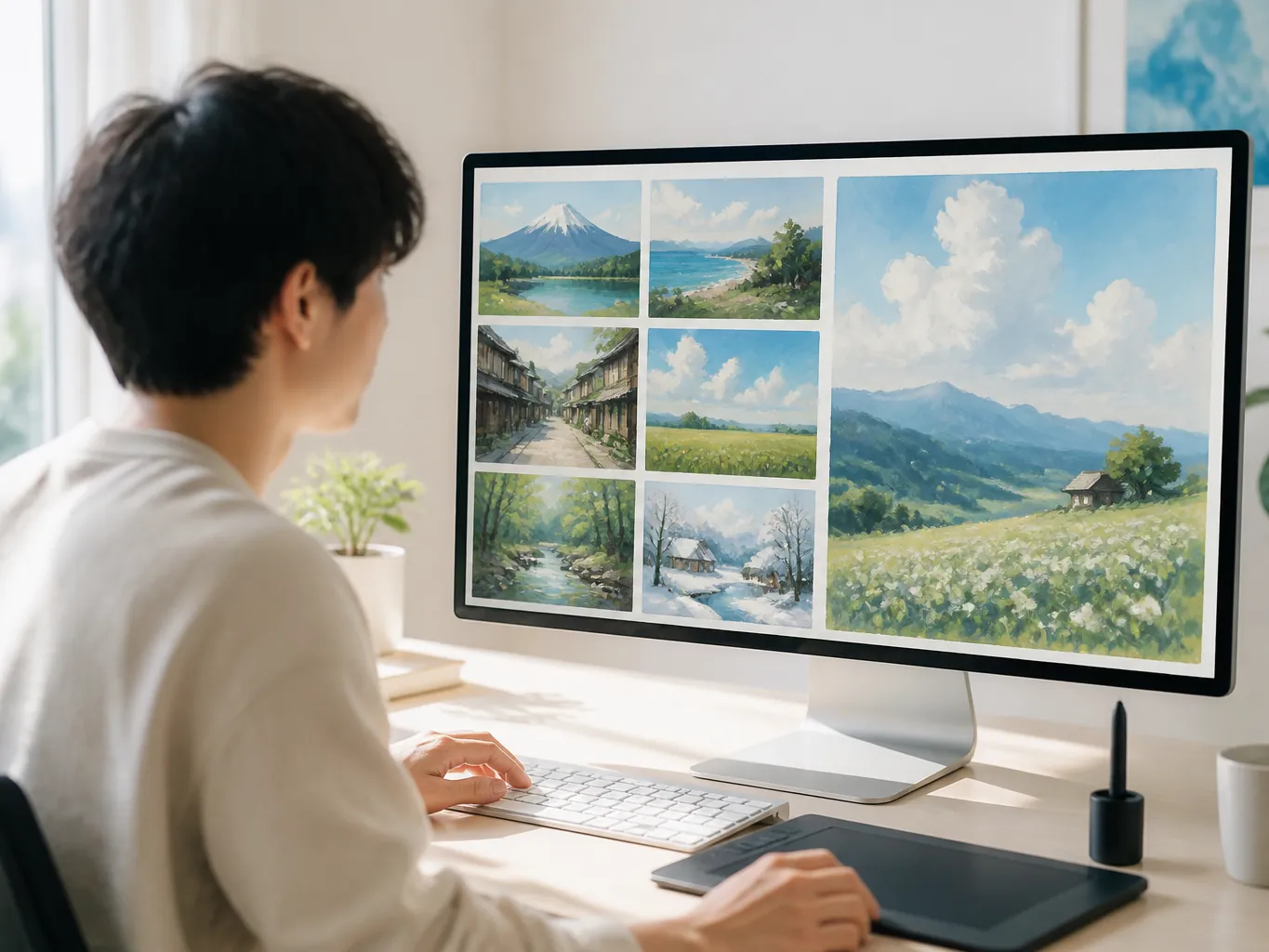
Collect your own work, train a LoRA on it, and new images start landing closer to your existing style. Tensor.Art opens the training entry from the model library and lets the result be published to the community. Most people searching how to make a Tensor.Art LoRA are following exactly this path.
Finishing with the quick tools instead of a second app
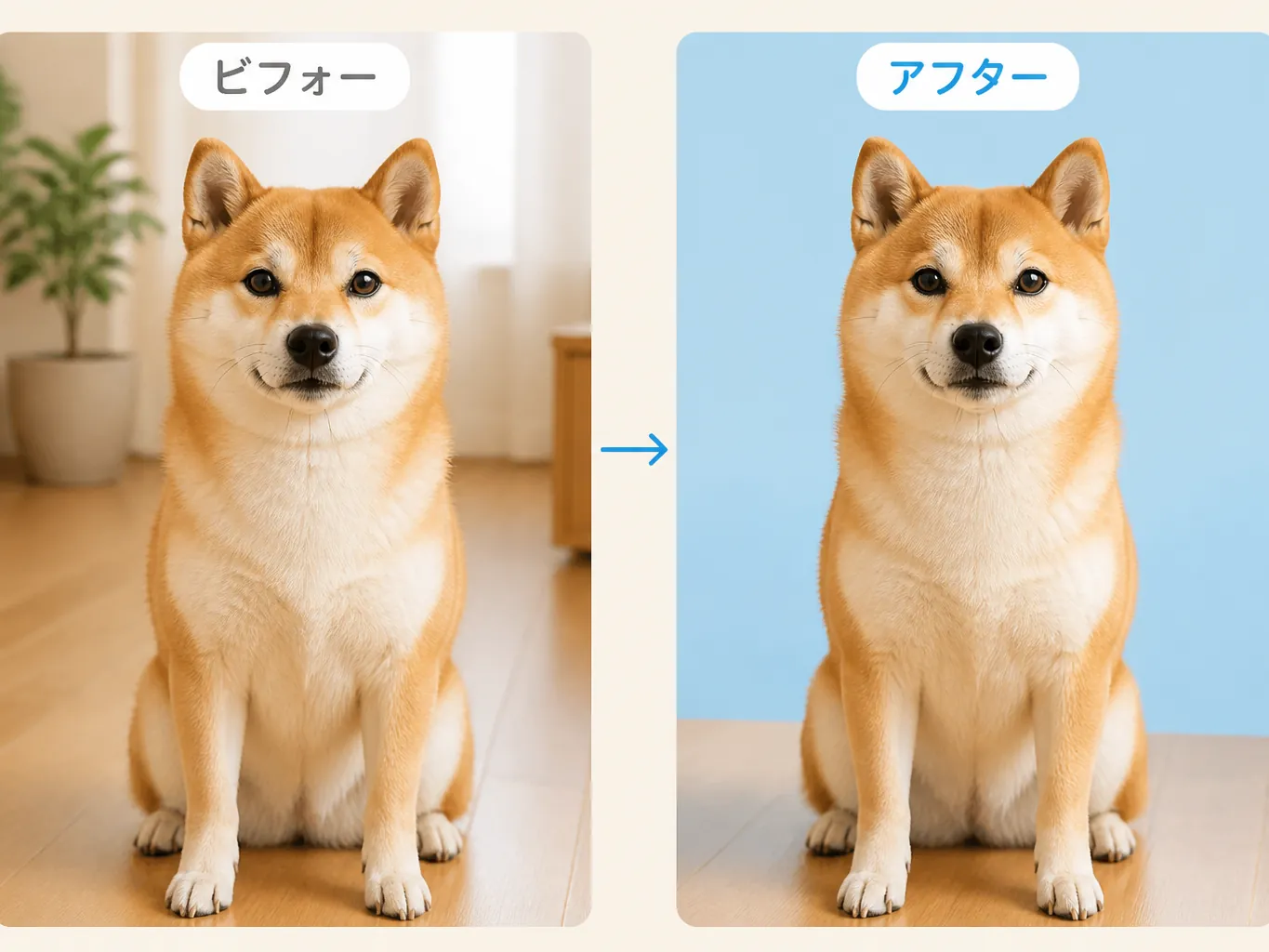
Removing an object or cutting out a background happens in the same place the image was generated, because AI Eraser and AI Background Remover sit next to each other on the tools page. Product shots and social assets tend to finish here rather than in a separate editor.
Tensor.Art Pros and Cons
| Category | Pros | Cons |
|---|---|---|
| Model and style range | Millions of models and LoRAs are published, and the type filters make a specific look reachable. For anyone who knows the vocabulary, this is the widest range on the market. | Choosing a look starts with choosing a model and a LoRA, and that decision repeats for every new project. The interface assumes the vocabulary before you begin. |
| Feature range | Generation, workflows, video models, quick edits and training all live under one account, so a project rarely has to leave the site. | The breadth is also the entry cost. Text2Img, Img2Img, Edit and Video sit next to each other, and the interface is in English throughout. |
| Time to first image | Opening any model page puts the generator on the same screen, and the free trial button works before you register. | The generation feature itself needs an account, and the terms set the minimum age at 18. Workflows and training add another layer of terminology on top. |
| Pricing transparency | A free route exists, so the look of the output can be judged before any payment decision. | Plans and credits only render after sign-in. Neither the amount nor the size of the free allowance can be checked from a signed-out browser. |
Gazouya vs Tensor.Art
| Axis | Gazouya | Tensor.Art |
|---|---|---|
| Main job | One sentence in, one image out, plus dedicated pages for specific jobs such as LINE stickers, ID photos and hairstyles. | A production environment built around choosing models, and a place to browse models other people published. |
| Control over the look | The look is settled by picking one of the prepared styles, which keeps the choice simple and quick. | Model and LoRA stacks give close control over the result. The wider the choice, the more time goes into deciding the combination. |
| How a session runs | Three steps, no account, no model or parameter selection. | Sign in, then set model, LoRA and aspect ratio. Repeatable setups are where this pays off. |
| Editing after generation | Background removal, upscaling, colour change, object removal and photo restoration each have their own page. | Quick tools cover erasing, background removal, upscaling, outpainting and background swaps, and workflows can edit too. |
| Output types and use cases | Still images for social posts, stickers, ID photos and hair trials, organised by purpose. | A production community that includes model publishing and workflow sharing. |
Why Choose Gazouya as a Tensor.Art Alternative
Once the axes are clear, the question turns practical. Six points cover what people weigh when they are deciding whether to switch off Tensor.Art.
One Japanese sentence is the whole brief
Write what you want in plain Japanese and press generate. No tags to assemble and no model to pick before the first image appears.
A first image without choosing a model
Pick a style, add a sentence, generate. Illustration examples sit on the AI illustration generator page if you want a reference point first.
Anime styles are one click away
For anime-leaning work, the AI anime generator page collects examples, which makes the first prompt easier to write.
Editing stays in the same tab
Removing a background or lifting the resolution continues in the same place, through tools such as background remover.
No sign-up before the first try
No email, no card. Where Tensor.Art asks you to create an account before you can see what it costs, Gazouya lets you judge the output first.
Photo-based jobs have their own pages
ID photos and hairstyle trials use photos as the input, so they get dedicated pages rather than a prompt box. Generated artwork and photo edits can be handled in the same place.
Tensor.Art FAQ (Frequently Asked Questions)Eight questions that come up when people weigh Tensor.Art against a simpler tool.
Try the Tensor.Art Alternative in Gazouya
No account and no payment. Start with the first image and see whether this Tensor.Art alternative works for the job you have.