Get Started
Get Inspiration from our quick start examples!
Click an image to copy the prompt.
History
A PixAI Alternative for Image Generation Without Sign-Up
PixAI is built around anime art, with a model market of more than 1.8 million community models and LoRAs. Many of its strongest tools sit behind a paid membership, and you need a free account the moment you press generate. Gazouya takes the other route: type a sentence in Japanese, press generate, and get an image without registering. Use this page to work out which one fits the job in front of you.
Core features in PixAI
| Feature | What it does | Details |
|---|---|---|
Text to image 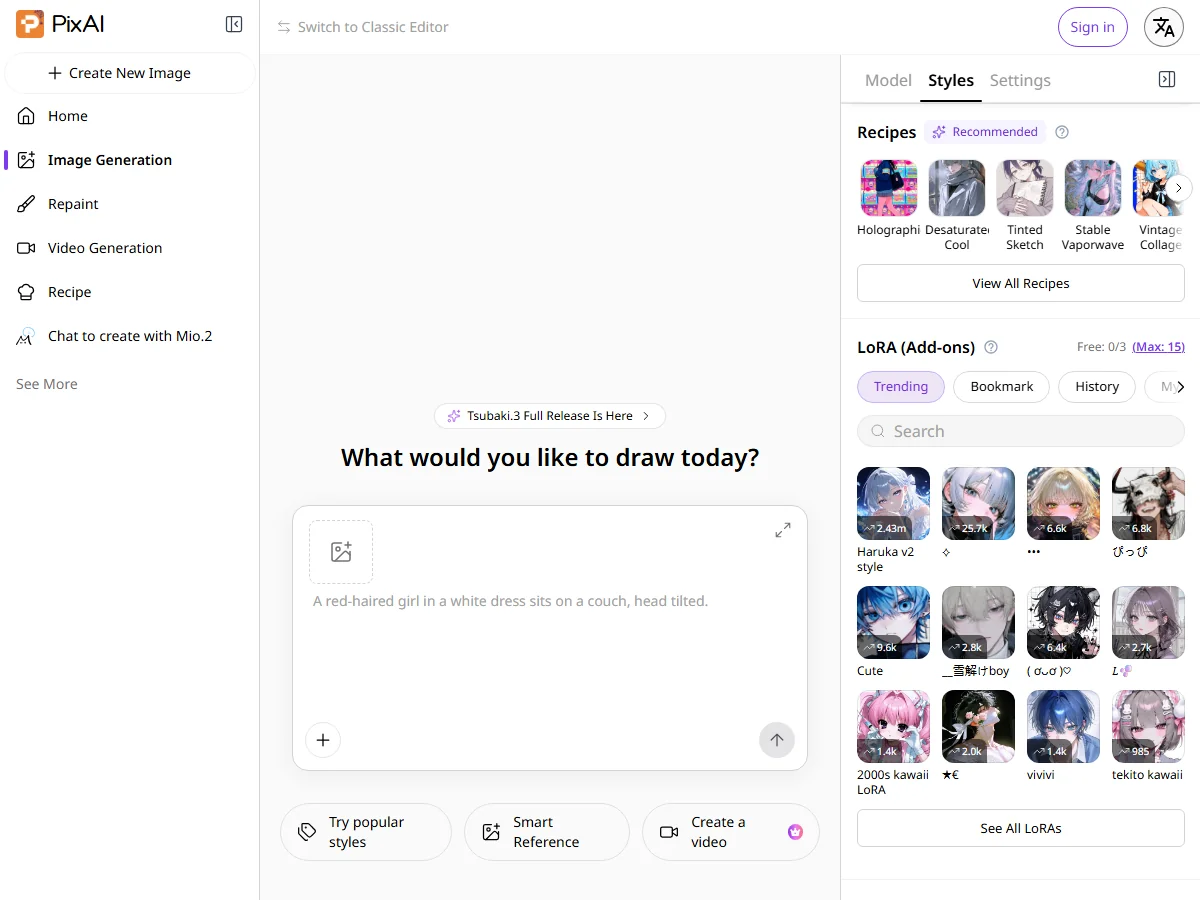 | A prompt becomes anime art in seconds. You pick a model and LoRA, choose an aspect ratio and a batch size, then generate. | Free accounts receive daily credits. A free account is required at the moment you generate. Paid memberships and credit packs are also offered. |
Model market 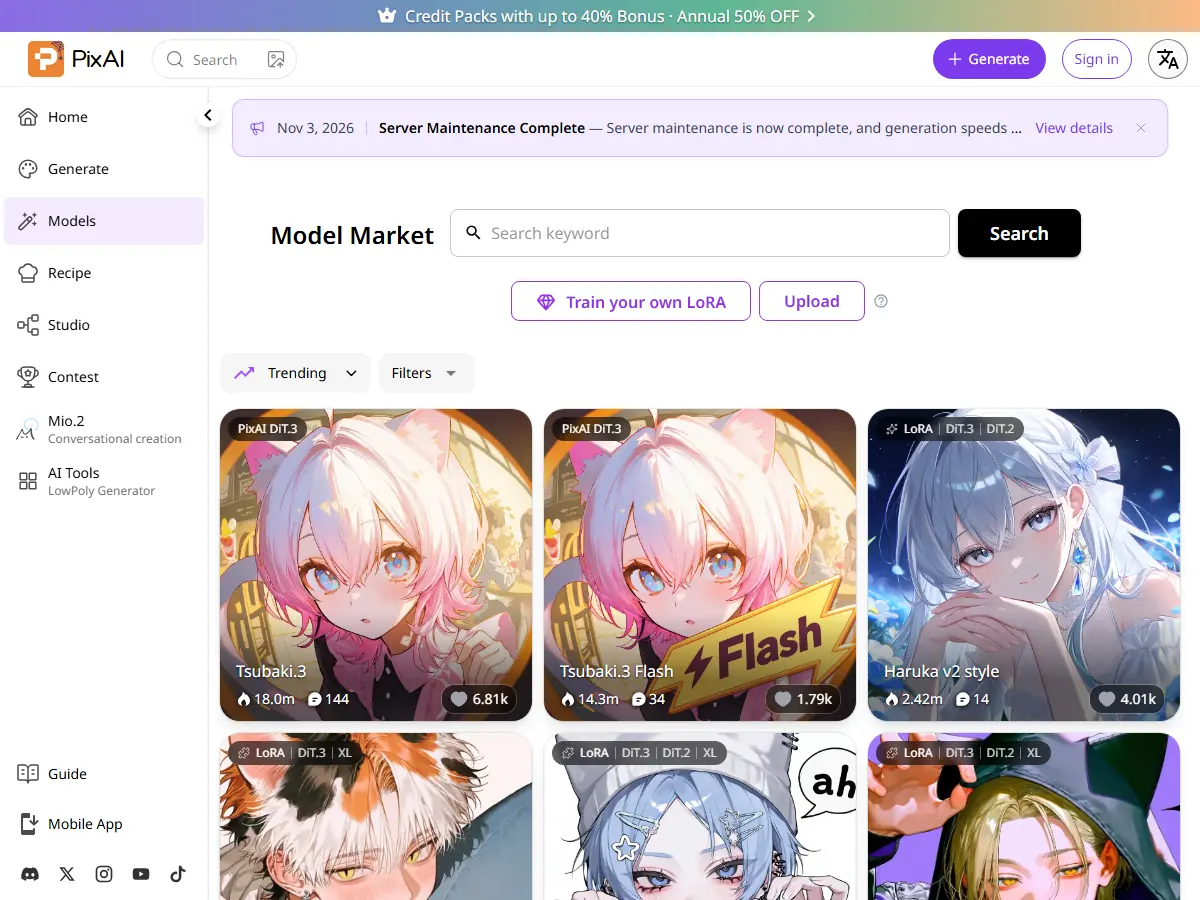 | More than 1.8 million community models and LoRAs can be searched, sorted and applied to a generation. | You can also train and publish your own LoRA. Each model page shows the licence conditions its author set. |
Creative toolbox 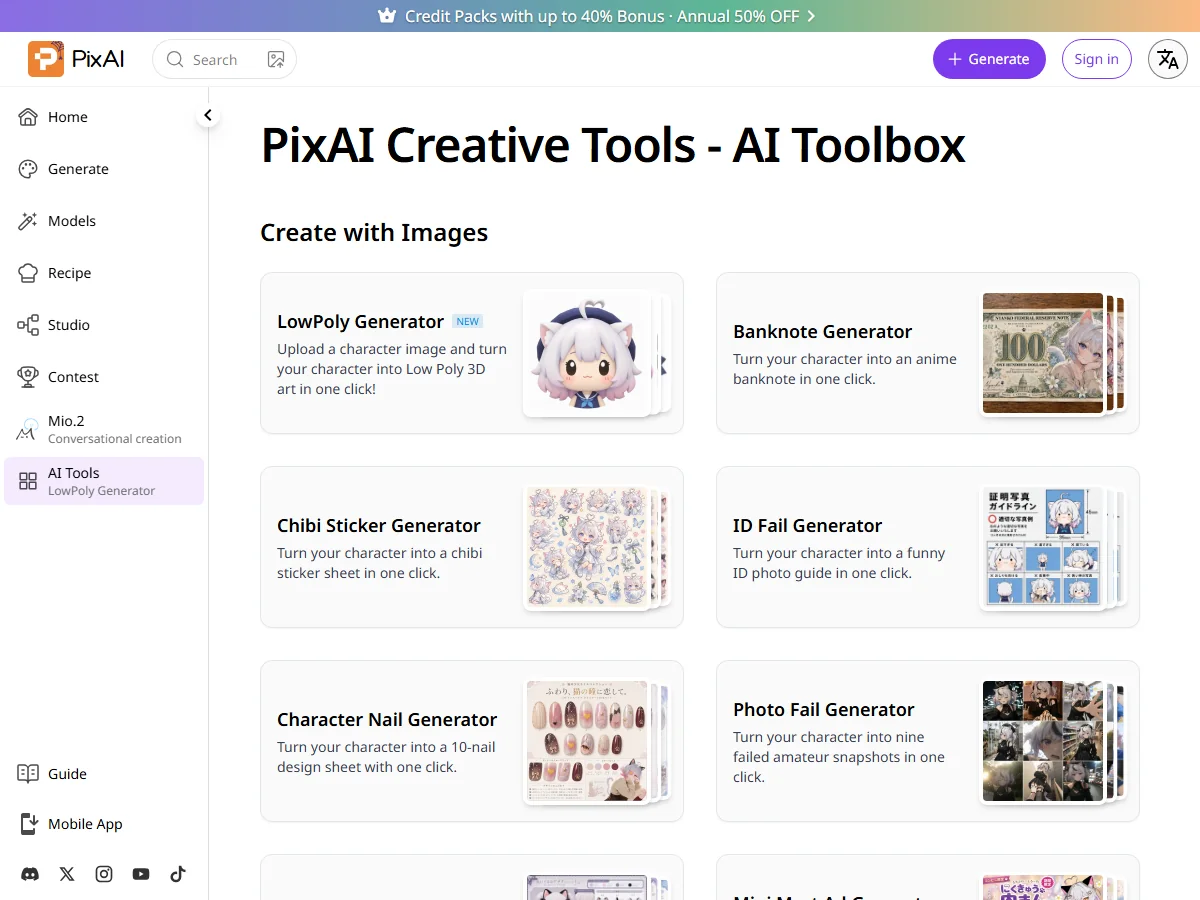 | A set of one-click tools that turn a character image into something else, including sticker sheets, figures, badges, nail designs and banknote-style art. | The tools are split by job, and video generation plus some editing features are limited to members. Prices are listed in US dollars, so check pixai.art for the current amount. |
Where people use PixAI
Three ways PixAI actually gets picked, so you can judge whether you need it at all.
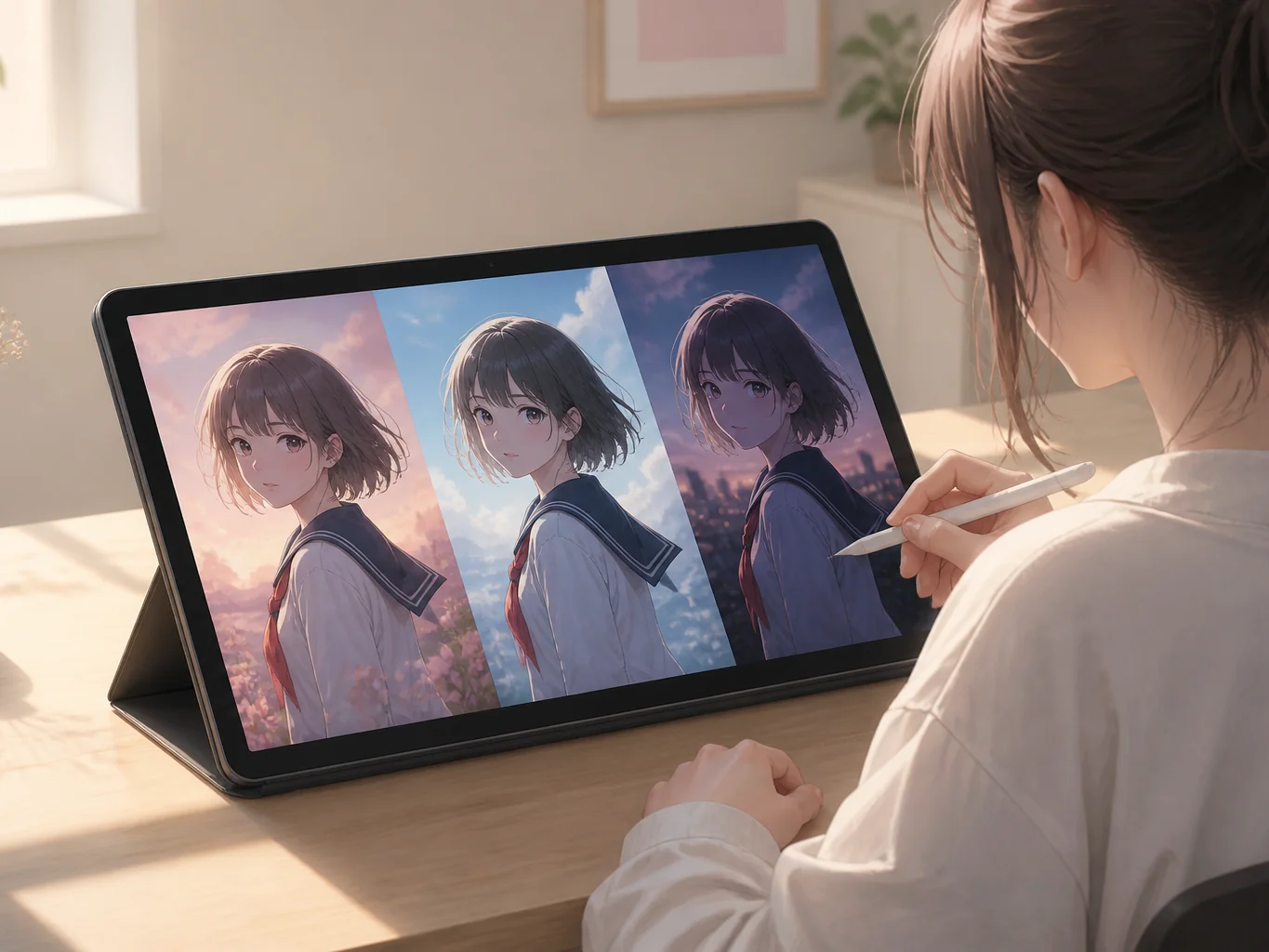
Keeping one character consistent across many images
Artists who draw the same original character for social posts or doujinshi use reference images or a trained LoRA so the person stays recognisable from frame to frame.
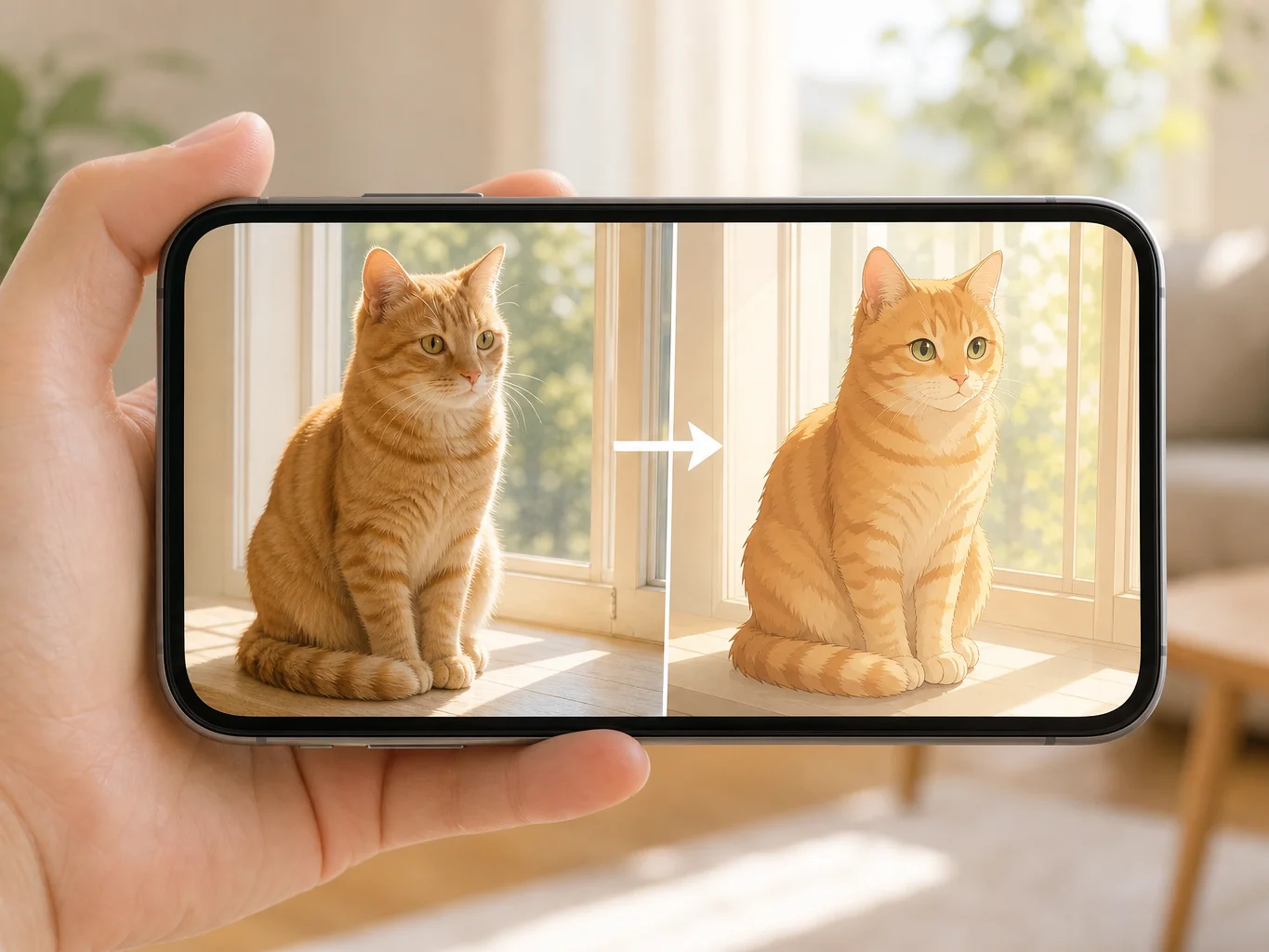
Redrawing a photo as anime art for a post
Upload a photo, keep the composition, and let an anime model redraw it. This is the usual route when someone wants a profile image or a keepsake in a different art style.
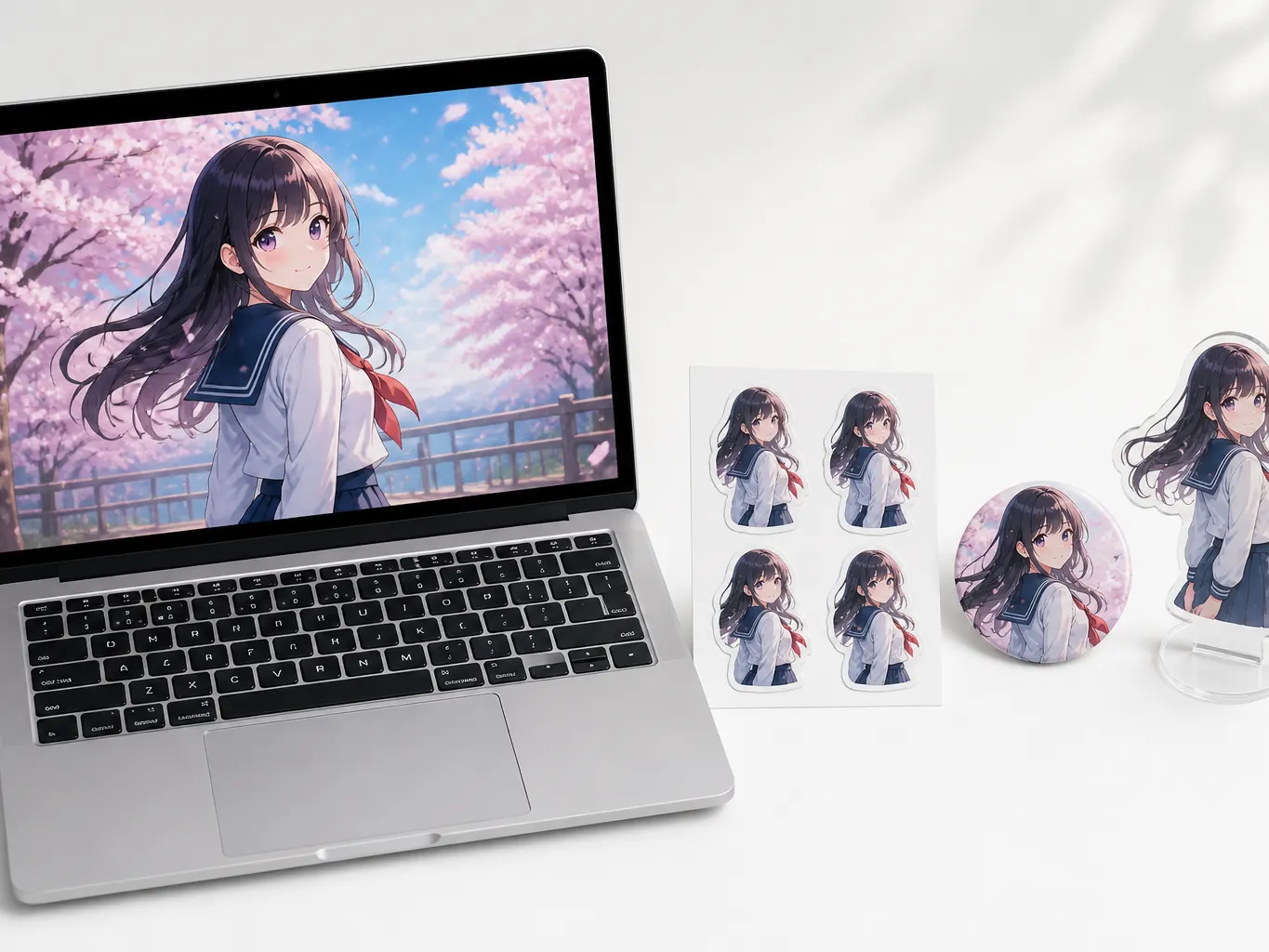
Taking one image further into video or goods
A finished image can become a short animation, or move into tools for figures and badges. The draw is that the whole pipeline stays inside one account.
PixAI pros and cons
| Category | Pros | Cons |
|---|---|---|
| Model and style range | More than 1.8 million community models and LoRAs to choose from, plus the option to train your own PixAI LoRA and publish it. | Picking a style means choosing a model or a LoRA first, and that choice repeats on every generation. |
| Feature range | Image generation, inpainting, enhancement, video and goods-oriented tools all live on one site. | A dedicated ID photo maker, hairstyle previews and old photo restoration are not in the tool list. Playful photo tools such as an ID Fail Generator do exist. |
| Cost | Daily free credits with no card required, and a credit pack option that does not need a subscription. | Video generation, Reference Pro, Turbo mode and extra LoRA slots are member features, and prices are quoted in dollars. A free account is also required before the first generation runs. |
Gazouya vs PixAI
| Comparison | Gazouya | PixAI |
|---|---|---|
| Main job | Everyday image work, including social assets, icons, stickers, ID photos and photo cleanup. | Anime and illustration production, plus the goods and video steps around it. |
| How a style is chosen | Pick from prepared styles and switch between watercolour, anime and photo looks. | Pick from more than 1.8 million models and LoRAs. Better suited to fine style control, which is where PixAI leads. |
| How you build an image | Write a sentence, generate. No model or parameter decisions. | Write a prompt, then choose a model and LoRA, then set ratio and batch size. |
| Editing tools | Background removal, upscaling, colour change, object removal and photo restoration exist as dedicated tools. | Inpainting, outpainting, enhancement and image to video are built in. |
| Getting started and cost | No sign-up. Credits refill daily during the trial period and nothing is charged. | A free account is needed to generate. Beyond free credits, PixAI spending runs through membership plans and credit packs. |
Why creators pick Gazouya as a PixAI alternative
Once the axes are clear, the next question is how the tool feels in use. Here are six reasons people stay with Gazouya.
One sentence in plain language is enough
Describe the image in a sentence, press generate, and you are done. There is no tag list to assemble before you start.
Skip the model picker
Choose a style, write the prompt, generate. Illustration examples sit on the AI illustration generator page if you want to see the range first.
Anime examples to start from
When anime is the target look, the AI anime generator page collects samples. Starting from a nearby image makes prompts easier to write.
Edit the result on the same site
Removing a background or raising resolution continues in the editing tools, starting with background remover, so nothing has to be exported to another service.
Tools for photo jobs, not only art
Work that keeps the photograph intact, such as an AI ID photo, has its own tool rather than being folded into a generator.
Start without an account or a payment
No email sign-up, no card details. Credits refill every day during the trial period, so testing several prompts does not mean buying more.
PixAI alternative FAQ
Six questions that come up most often when comparing the two.
Try a PixAI alternative and make your first image
No account, no payment. If you came here looking for a PixAI alternative, start with one image and judge from the result.